
Participant
March 27, 2017
Answered

On import CR2 look changes

  • March 27, 2017
  • 2 replies
  • 393 views

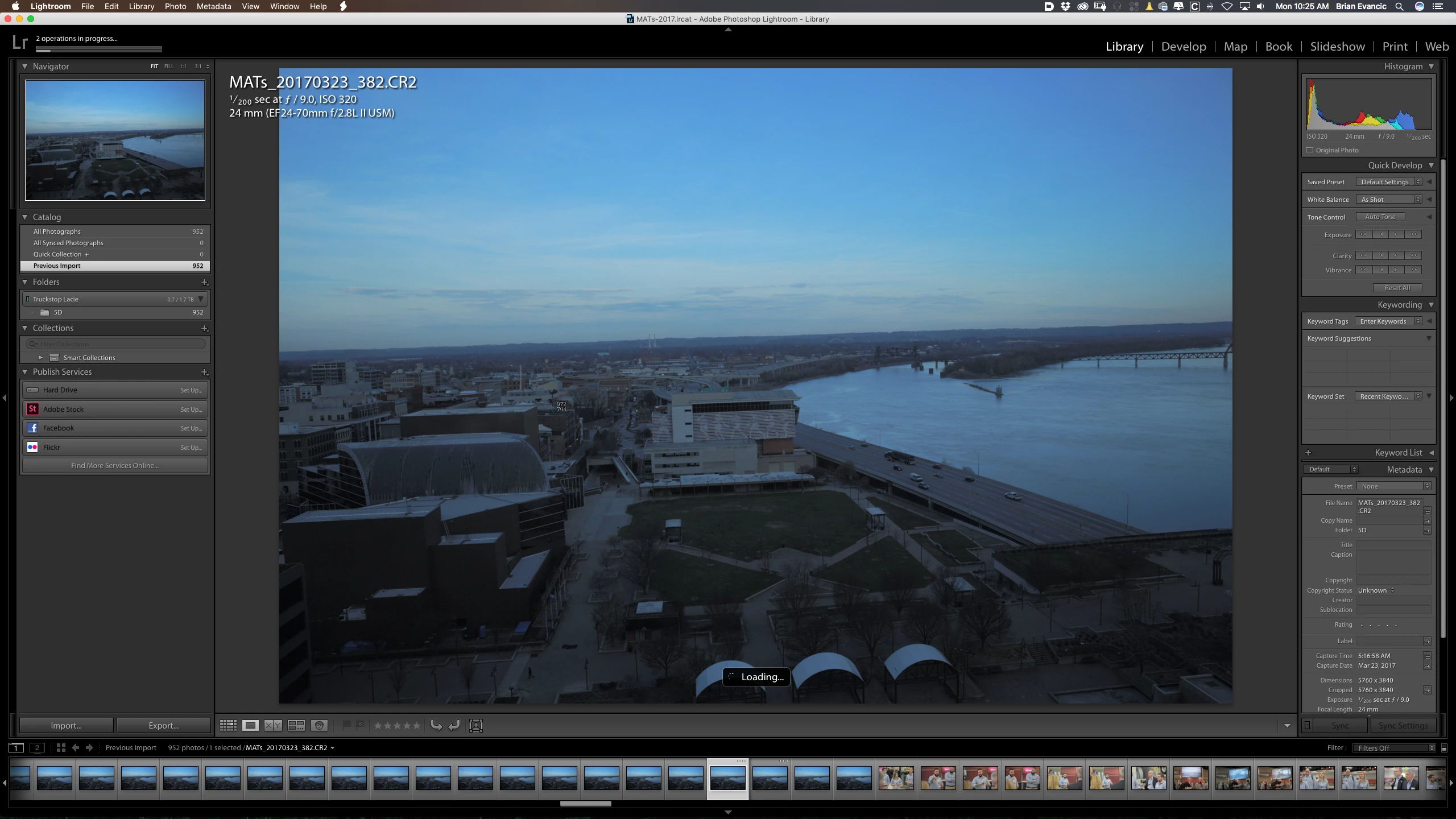
I shoot with a flat profile for my still and on import Adobe Lightroom changes the look of my photo. Adds much more contrast than what the original looks like when shot. Is there a way to change this?

See the before and after photos.

Thanks,
Brian
This topic has been closed for replies.
Correct answer JP Hess

It doesn't matter what profile you use to take the image. With Lightroom, there are default settings that are applied  every time you import new images. If you want a flat profile look then you need to modify a newly imported image so that it looks the way you want it to look on import. Then create new camera defaults using those settings.

Lightroom does not read camera-selected profiles. You can choose from different profiles in the Calibration  section.

2 replies

JP Hess
JP HessCorrect answer
Inspiring
March 27, 2017

It doesn't matter what profile you use to take the image. With Lightroom, there are default settings that are applied  every time you import new images. If you want a flat profile look then you need to modify a newly imported image so that it looks the way you want it to look on import. Then create new camera defaults using those settings.

Lightroom does not read camera-selected profiles. You can choose from different profiles in the Calibration  section.

Participant
March 27, 2017

I see, I didn't know this. Thanks for the heads up. I'll try and create a camera default that matches.

Legend
March 27, 2017

I'm not sure what actions have taken place between your before and after pictures here, but my first suspicion is to double-check the film profile being applied under Camera Calibration to see if that might be causing the discrepancy.