


M_Haven
Participant
April 22, 2026
Question

On version 15.3 the denoise function now crashes my session! It was working fine on previous version at Christmas

  • April 22, 2026
  • 1 reply
  • 10 views

In the develop mode

Auto correct color

Tweak a few settings

Click on Denoise

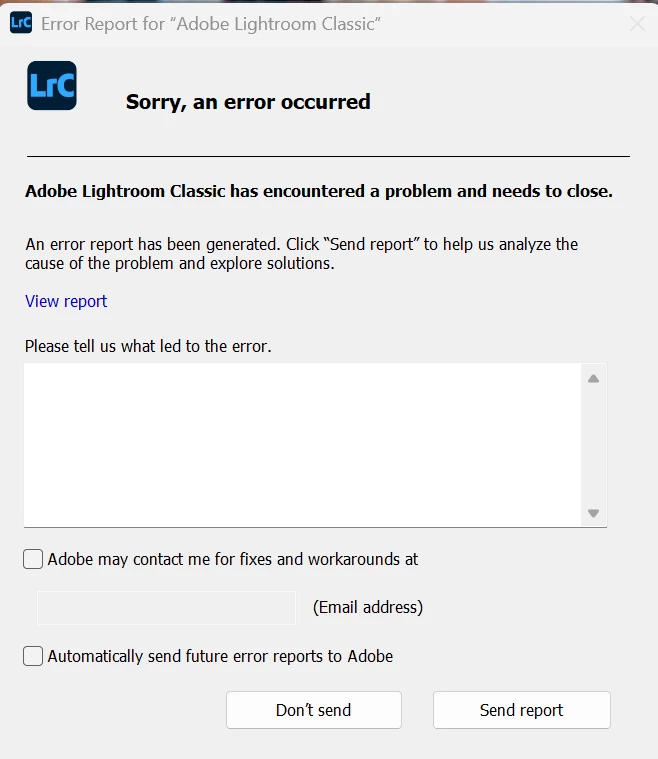
Error Message: Sorry, an error occurred
 

    1 reply

    dj_paige
    Legend
    April 22, 2026

    The first thing to try is to make sure (confirm, don’t just assume) that you have most recent GPU driver if you have a Windows computer or an older Mac. If you have an NVidia GPU, then you need the most recent Studio driver and not a Game Ready driver.


    Also, please tell us the exact make and model of your GPU.


    PS: The new forum is so poorly designed that many people are confused. The first dialog box to appear when you create your message should be the title (even though it doesn’t say that), just a few words, such as “Denoise causes Lightroom Classic crash”. The rest of the details go in the next dialog box. Also, it is always good to tell us your operating system and version NUMBER.

    M_Haven
    M_HavenAuthor
    Participant
    April 22, 2026

    dj_paige


    I am on a Dell Pro Max 16 Plus MB16250 running Win 11 Pro OS Build 26200.8246

    NVIDIA System Information report created on: 04/22/2026 09:43:27
    System name: PRO_MAX_LAPTOP

    [Display]
    DirectX version:    12.0 
    GPU processor:        NVIDIA RTX PRO 3000 Blackwell Generation Laptop GPU
    Driver version:        591.64
    Driver Type:        DCH
    Direct3D feature level:    12_1
    CUDA Cores:        5888 
    Max-Q Technologies    Yes
    Dynamic Boost        Yes
    WhisperMode        No
    Advanced Optimus    Yes
    Maximum Graphics Power    140 W
    Core clock:        2430 MHz 
    Memory data rate:    28.00 Gbps
    Memory interface:    192-bit 
    Memory bandwidth:    672.05 GB/s
    Total available graphics memory:    44717 MB
    Dedicated video memory:    12227 MB GDDR7
    System video memory:    0 MB
    Shared system memory:    32490 MB
    Video BIOS version:    98.05.3C.00.04
    IRQ:            Not used
    Bus:            PCI Express x8
    Error Correction Code (ECC):    On
    Device Id:        10DE 2F38 0D121028
    Part Number:        3932 0110

    [Components]

    nvui.dll        8.17.15.9164        NVIDIA User Experience Driver Component
    nvxdplcy.dll        8.17.15.9164        NVIDIA User Experience Driver Component
    nvxdbat.dll        8.17.15.9164        NVIDIA User Experience Driver Component
    nvxdapix.dll        8.17.15.9164        NVIDIA User Experience Driver Component
    NVCPL.DLL        8.17.15.9164        NVIDIA User Experience Driver Component
    nvCplUIR.dll        8.1.940.0        NVIDIA Control Panel
    nvCplUI.exe        8.1.940.0        NVIDIA Control Panel
    nvWSSR.dll        32.0.15.9164        NVIDIA Workstation Server
    nvWSS.dll        32.0.15.9164        NVIDIA Workstation Server
    nvViTvSR.dll        32.0.15.9164        NVIDIA Video Server
    nvViTvS.dll        32.0.15.9164        NVIDIA Video Server
    nvLicensingS.dll        6.14.15.9164        NVIDIA Licensing Server
    nvDevToolSR.dll        32.0.15.9164        NVIDIA Licensing Server
    nvDevToolS.dll        32.0.15.9164        NVIDIA 3D Settings Server
    nvDispSR.dll        32.0.15.9164        NVIDIA Display Server
    nvDispS.dll        32.0.15.9164        NVIDIA Display Server
    PhysX        09.23.1019        NVIDIA PhysX
    NVCUDA64.DLL        32.0.15.9164        NVIDIA CUDA 13.1.115 driver
    nvGameSR.dll        32.0.15.9164        NVIDIA 3D Settings Server
    nvGameS.dll        32.0.15.9164        NVIDIA 3D Settings Server

