Inspiring
February 6, 2025
Answered

Outil Supprimer - Rendu de mauvaise qualité

  • February 6, 2025
  • 2 replies
  • 976 views

Bonjour,


Lors de l'utilisation de l'outil SUPPRIMER dans LR Classic (version 14.1.1 sous Mac OS 15.3) pour nettoyer par exemple des taches sur un meuble (ex. dans la photo jointe)  j'ai un très mauvais rendu au niveau qualité lorsque je consulte l'image à 100% de zoom une fois l'outil SUPPRIMER utilisé.  C'est le cas quel que soit le support (bois, carrelage, autre).


Le cercle de l'outil est visible et l'image de remplacement est de qualité inferieure (cf. photos jointes). 


Avez-vous une idée de ce qui peut se passer, ou ce que je fais mal ?


Merci ! 

Correct answer johnrellis

[This post contains formatting and embedded images that don't appear in email. View the post in your Web browser.]


Generative AI Remove more often produces the best results faster than using the older Remove options.


When using the non-AI Remove options (Content Aware, Heal, Clone), they often work better if you select small portions at a time (spots and short brush strokes). Here's that section of your photo using just Content Aware with many short strokes:


I've attached the full photo exported with those edits.


2 replies

johnrellis
Genius
February 7, 2025

[This post contains formatting and embedded images that don't appear in email. View the post in your Web browser.]


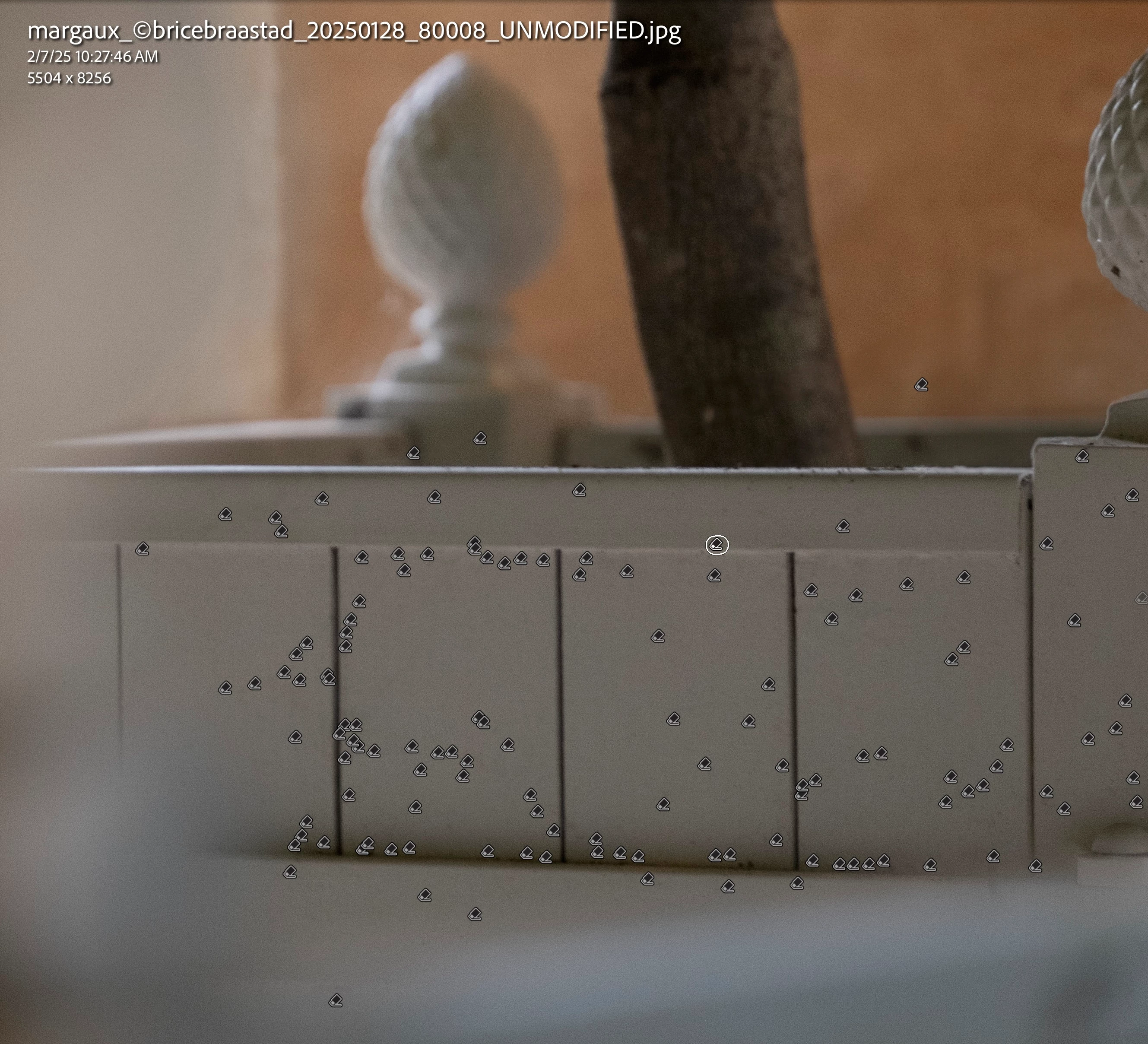
Your screenshot shows that Use Generative AI is unchecked:


That means you're using the older Content Aware remove.  When you check Use Generative AI, do you get better results? If not, please attach a full-resolution JPEG exported from the unmodified original photo (not a screenshot). 

BB40Author
Inspiring
February 7, 2025

Yes, if i use AI generated replacement, I get good results.
However I do not want to systematicaly use the AI mode. 

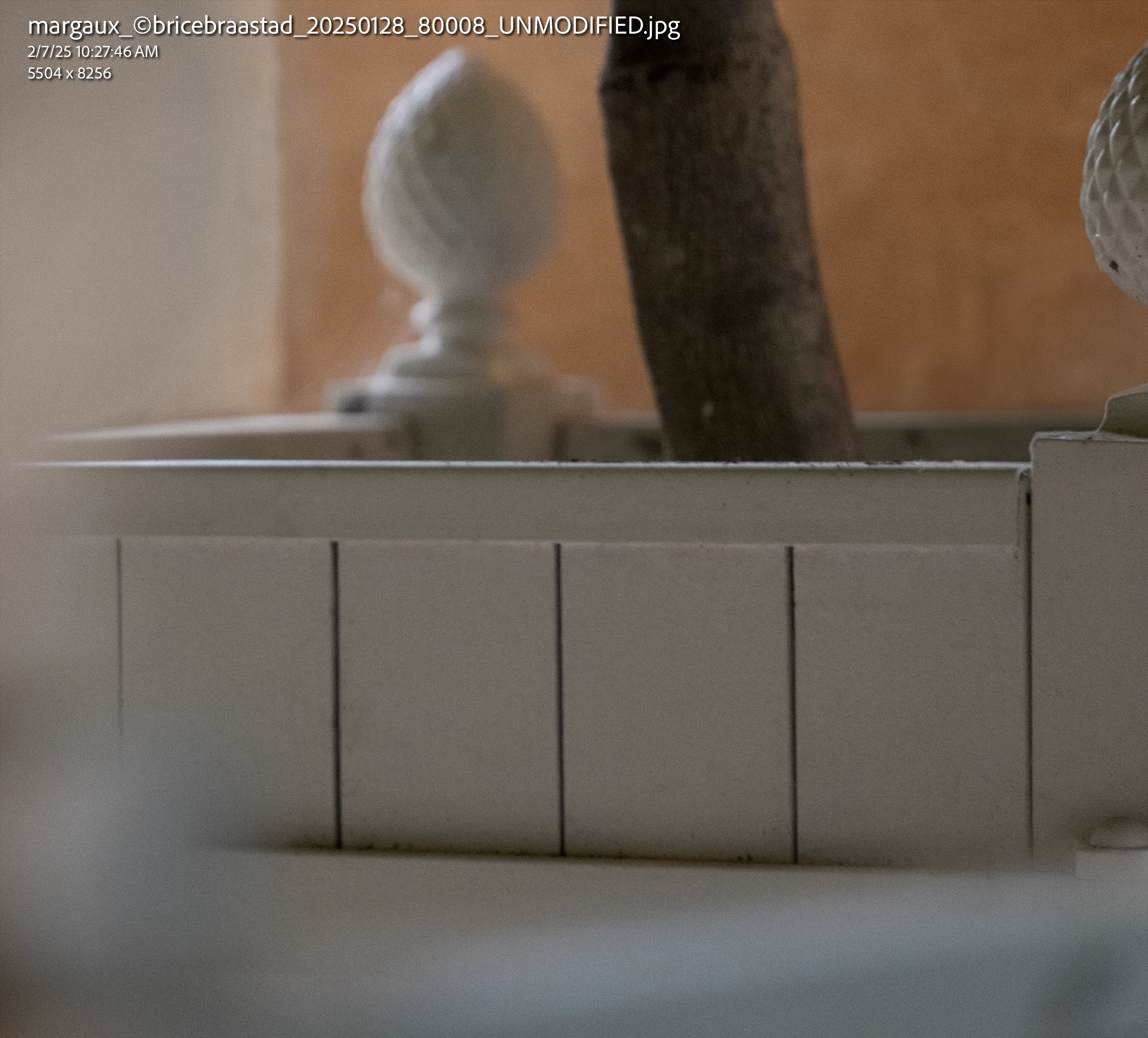
I have attached a non modified original image + a modified image (non AI) + screenshot showing tool placement for reference.

johnrellis
johnrellisCorrect answer
Genius
February 7, 2025

[This post contains formatting and embedded images that don't appear in email. View the post in your Web browser.]


Generative AI Remove more often produces the best results faster than using the older Remove options.


When using the non-AI Remove options (Content Aware, Heal, Clone), they often work better if you select small portions at a time (spots and short brush strokes). Here's that section of your photo using just Content Aware with many short strokes:


I've attached the full photo exported with those edits.


BB40Author
Inspiring
February 6, 2025

NB : le problème ne se presente pas lorsque que je modifie une photo dans PHOTOSHOP depuis LC Classic et que j'utilise l'outil SUPPRIMER en mode AUTO ou l'outil CORRECTEUR LOCALISE. Dans ce cas le rendu est parfait.  Le pb ne se pose que dans LR Classic.