Participant
September 25, 2025
Question

P: AI denoise not working on Mavic 4 pro files

  • September 25, 2025
  • 3 replies
  • 611 views

Hey everyone,


I just got a drone - a mavic 4 pro - and some of the files are a little noisy, so I tried to clean them up just like I do with all my Z7 pictures. 


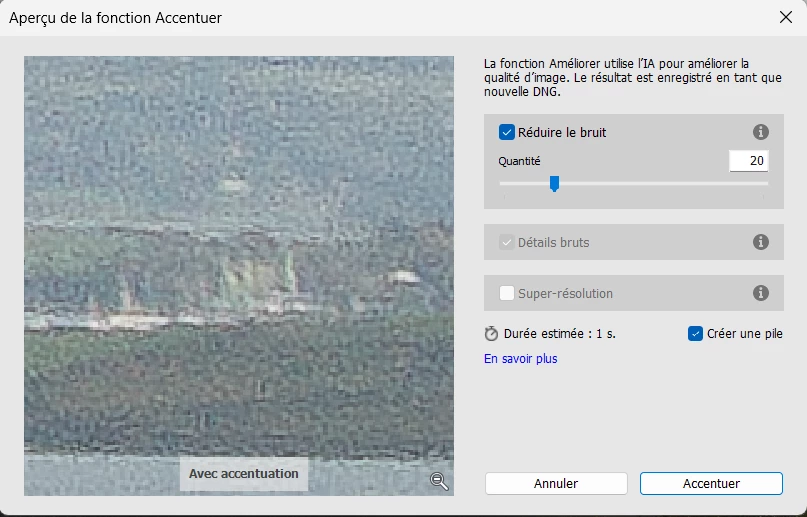
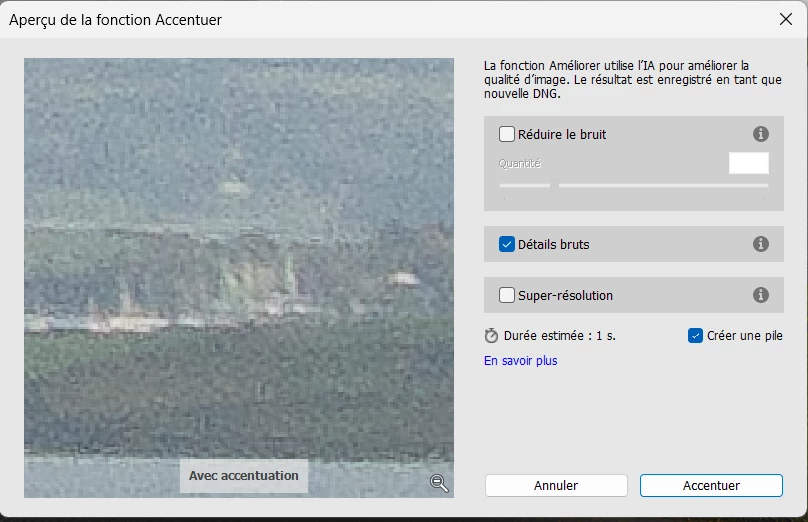
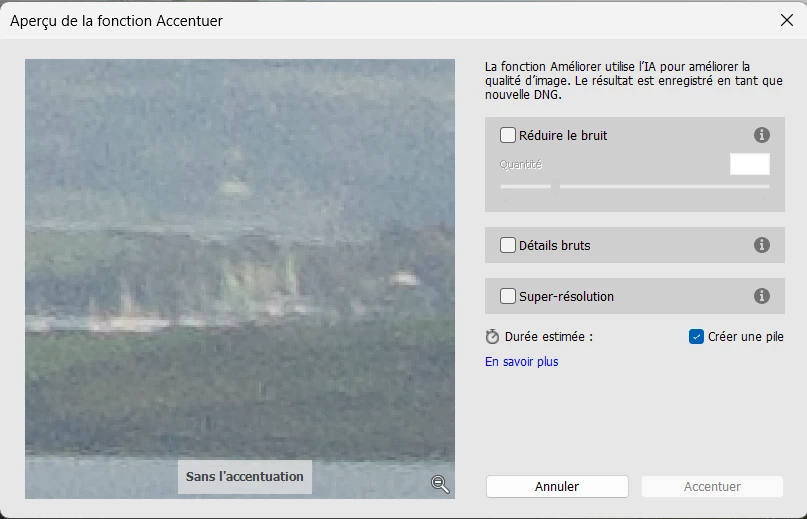
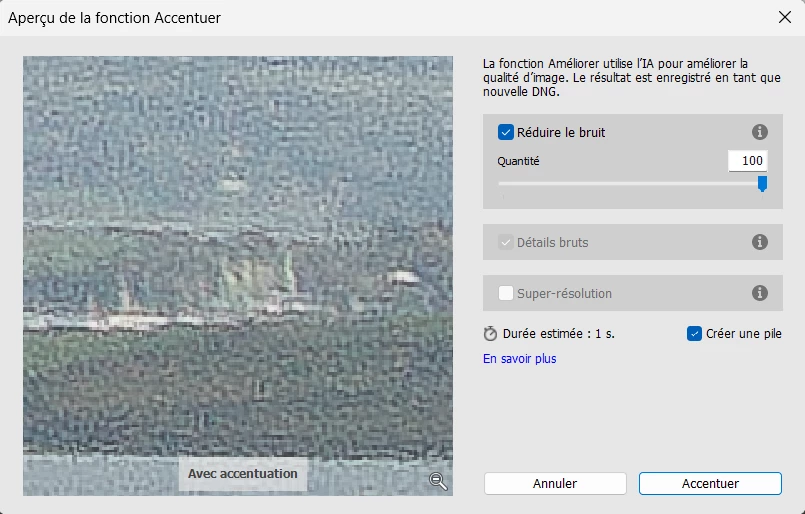
Unfortunately it looks like those files are not supported yet (maybe because the drone is rather new ?). When applying denoise, the ISO noise becomes considerably worse instead of disappearing. And the further right you move the slider (more denoise amount), the worse it gets as well.


Here are picture examples (this is on 100mpx main camera 28mm files, not 25mpx ones - so maybe the quad bayer has some impact here ?) : 
 

Is this a known bug ? Is it gonna be fixed anytime soon - and did anyone else encounter it ?


Best,

Greg


3 replies

ErkkiH
Participant
February 8, 2026

I had exactly the same problem with DJI Flip raw photos. Suddenly, few weeks ago the problem disappeared: the AI denoise worked like a magic, even removed the color distraction in sharp edges like tree branches.

Today, I annoyingly discovered the magic was gone and the same sh*tty results as before returned. Maybe Adobe silently made some improvements to the algorithm in January, but reverted back to the old one in February...who knows.

Participant
November 9, 2025

I am running into the exact same problem with the M4P photos. At first, I thought maybe I received a defective drone as it appeared to be taking photos much slower compared to Mavic 3 Pro. It also seems more blurry than usual. Frustrating! 

Participant
September 25, 2025

To add to my original post : the AI denoise works perfectly fine on 25mpx images (just tested it out). It only bugs out on the 100mpx ones. So looks like there is indeed something not working out with those ones in particular.

dj_paige
Legend
September 25, 2025

Try using Lightroom Classic 14.5.1, the denoise routines are different.


If that doesn't help, post one of these images to Dropbox or similar and let us here download it and try it.

johnrellis
Legend
September 26, 2025

I downloaded a few sample 100 MP DJI Mavic 4 Pro DNGs into LR 14.5.1, and Denoise worked well:


If updating to LR 14.5.1 doesn't help, then definitely share a sample problem DNG, as @dj_paige  recommended.