

Question
P: Can't type Unicode characters in Book module on Windows
You can't use the standard Windows method for entering Unicode characters in the Book module. To reproduce:
1. Select a photo.
2. In the Caption field of the Metadata panel, hold down Alt and type +160 on the numeric keypad and then release Alt. You'll see á: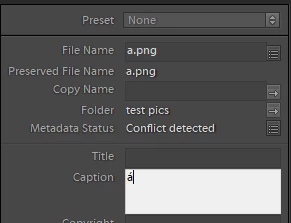
3. In the Book module, go to a photo page and click Add Page Text.
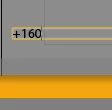
4. In the text field, hold down Alt and type +160 on the numeric keypad and then release Alt. You'll see "+160" rather than á:


 AdChoices