


Question
P: Crop of panorama with noise reduction applied has white space at top and bottom
I've created an image by taking a crop of a panorama (first image below).
I then applied noise reduction to the image (second image below).
Both images have been synced to the cloud. The images are links to those images.
Note how the image with noise reduction has white space at the top and bottom, which I'm guessing might be the result of the merge process and what shows before the warping process is implemented.
The image as shown in LrC does not contain any white spaces (see the screen capture below).
Image 1
Image 2
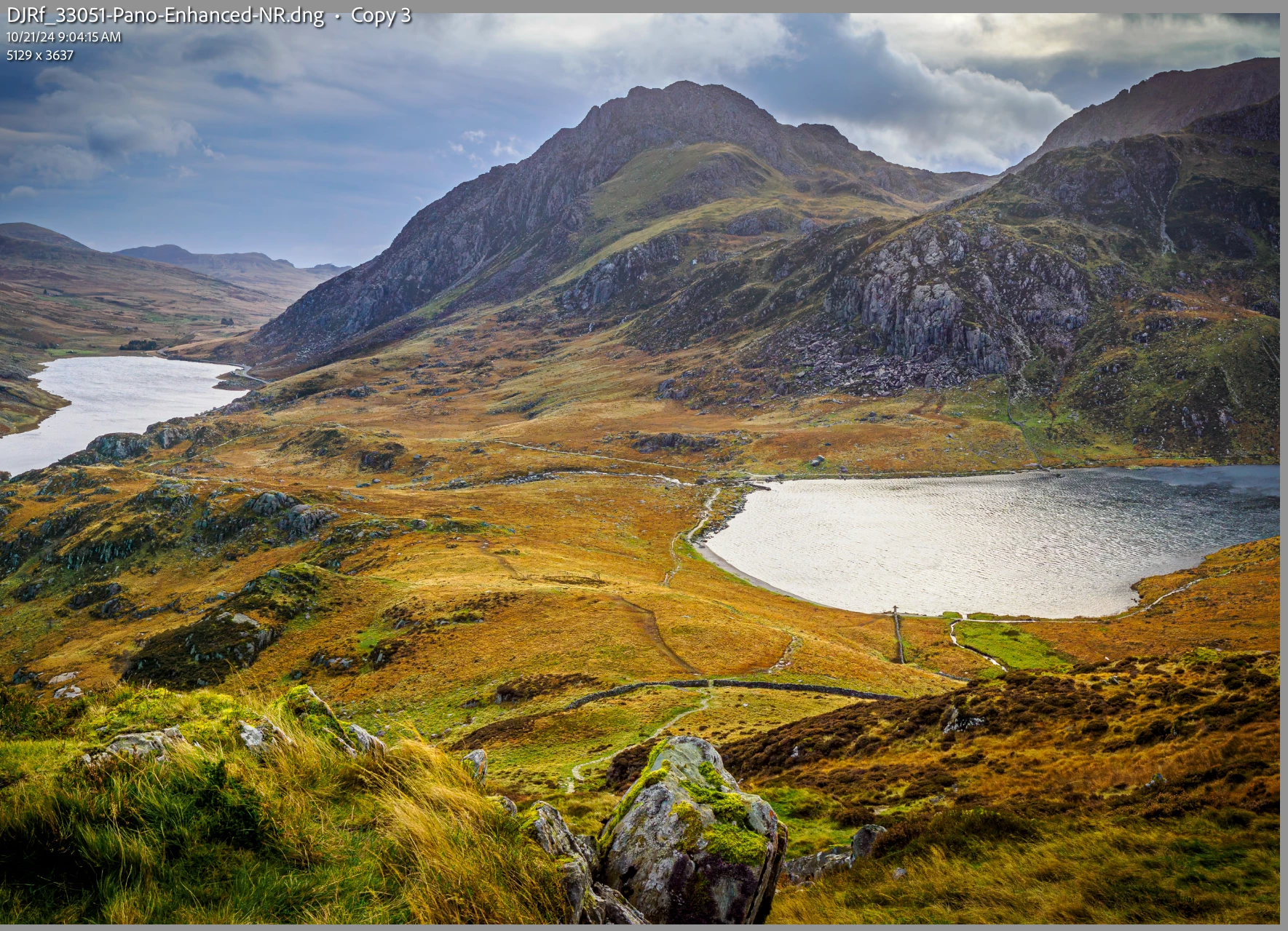
Oh yeah, now, for some reason, after about 30 seconds, LrC crashes every time I open it.
LrC version 14.0.1
Mac mini M2 Pro, Sequoia 15.1.1
[Moved from ‘Bugs’ to ‘Discussions’ by moderator, according to forum rules.]
 AdChoices