


P: (FYI) Masking does not save the overlay to the final image
Several people using the new Masking features in Lightroom-Classic have posted questions that suggest – “the mask does not change the photo”. “The mask does not ‘Save’ to the photo.” They are expecting the appearance of the MASK to appear on the photo in the library and on exported derivatives.
To be clear- The Mask, or Overlay, is only a visual indicator of the image AREA where slider adjustments will apply to an image.
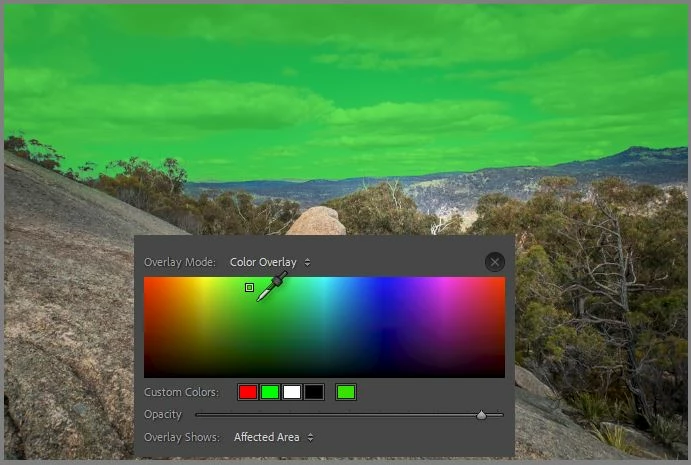
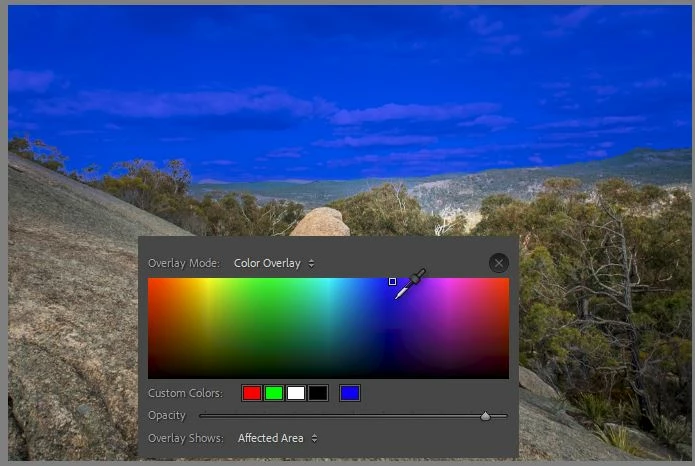
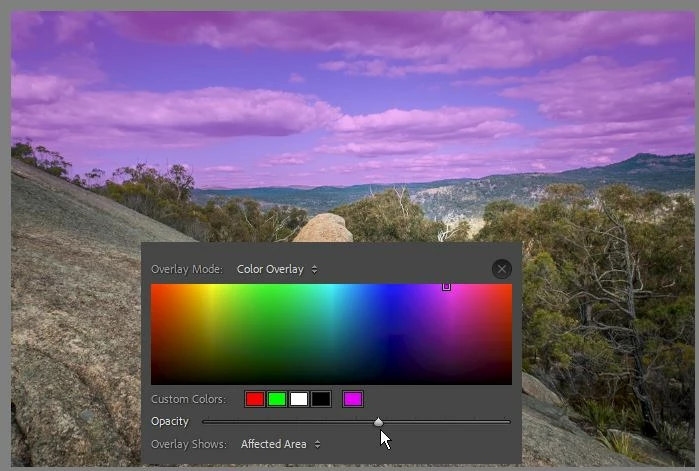
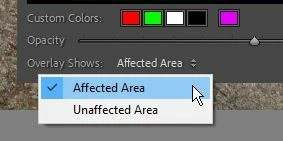
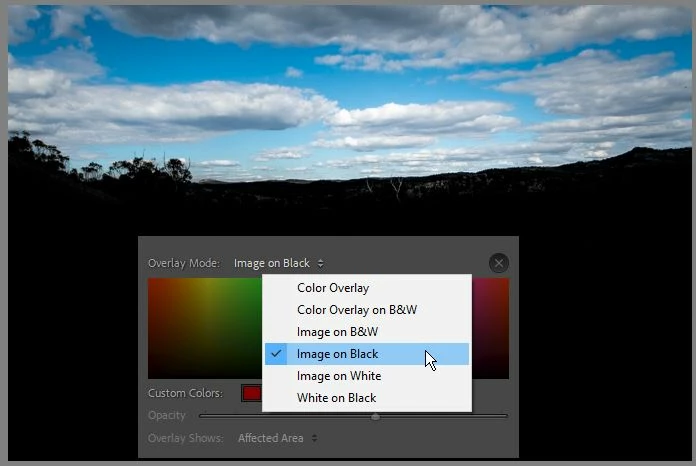
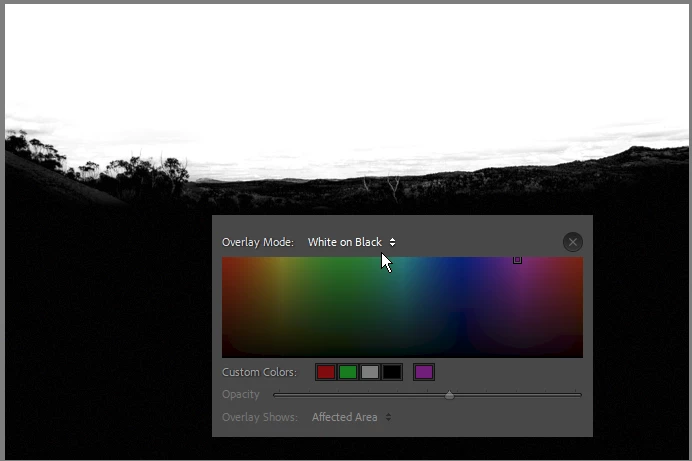
The Mask Overlay has more options in LrC v11 that may be confusing some.
I suggest-
1) Create the mask, (be it a Brush, Gradient, Sky, etc) then
2) Hide the mask (Toggle off/on with [O] or check/uncheck the [Show Overlay] box)
3) Adjust sliders (for Exposure, Temp, etc.) so that adjustments are visible and not ‘hidden’ under a mask overlay.
4) And click the [Done] button when adjustments made.
Improvements to the Masking Overlay features-
-More Color choices and 5 'Presets':
-Mask Opacity Slider, and Affected Area option:
-Type of Mask Overlay: ('White on Black' similar to Photoshop 'Masks')
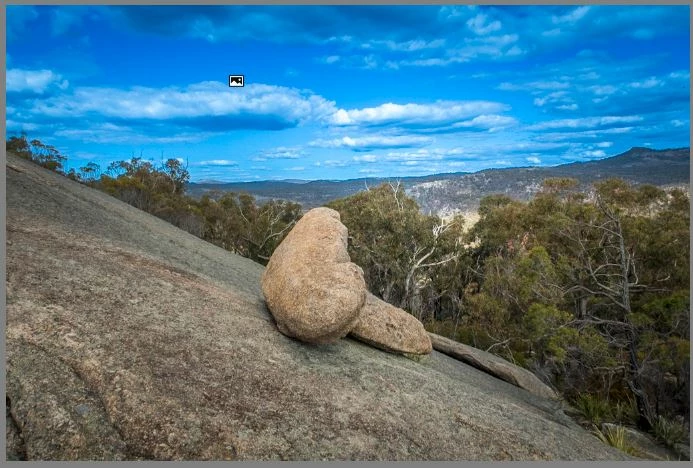
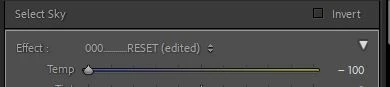
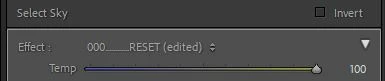
-Slider Adjustments (Color Temp) without the 'Sky' mask/overlay visible:
https://helpx.adobe.com/lightroom-classic/help/whats-new/2022.html#masking
https://www.youtube.com/watch?v=Y7Fld8eEHsE


 AdChoices