Participating Frequently
Aug 10, 2018 7:33 PM UTC
Answered

Panorama Merge not working in Light Room

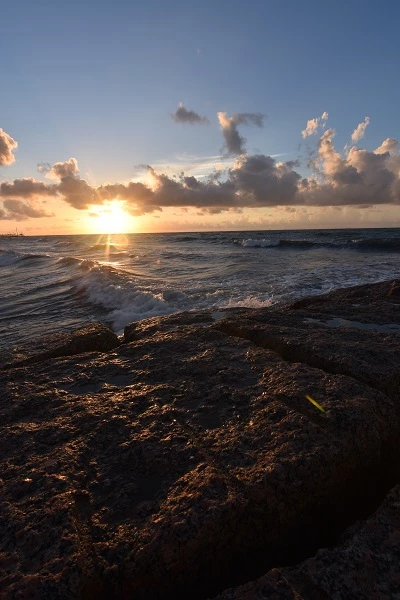
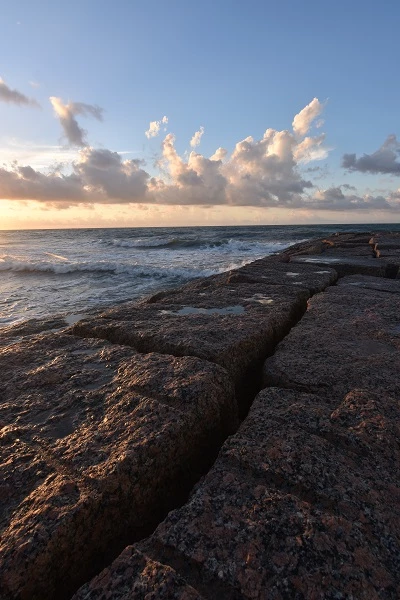
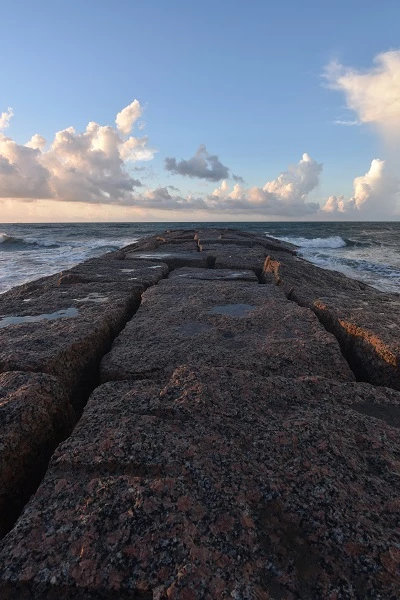
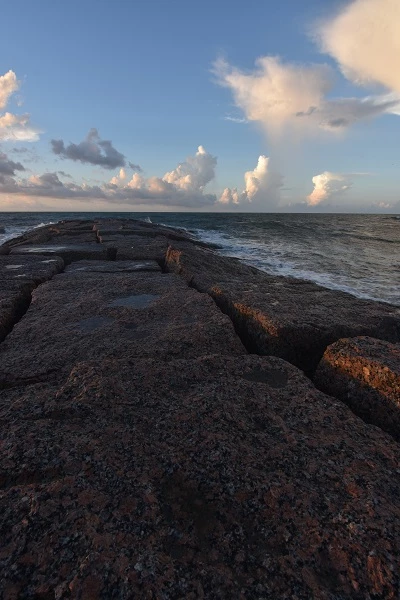
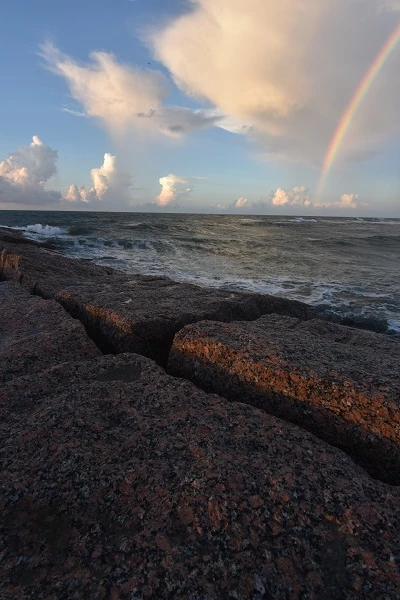
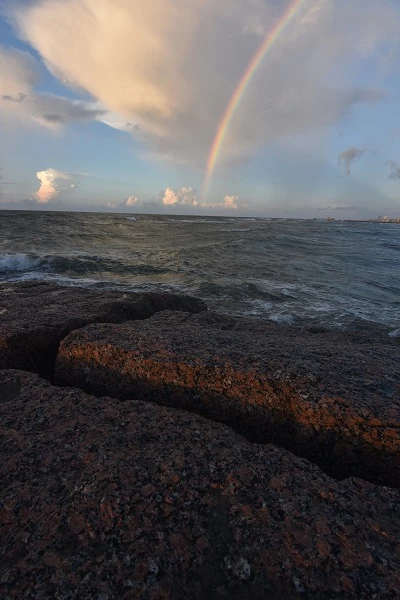
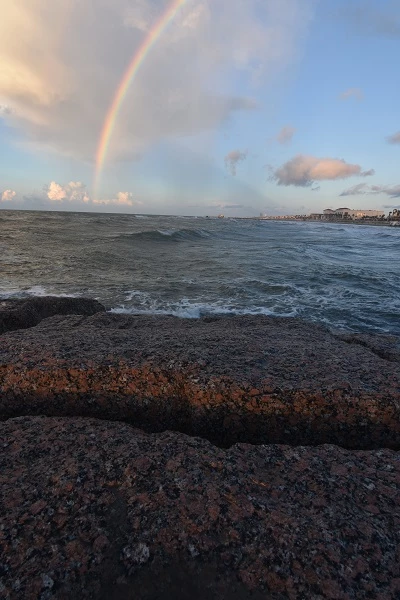
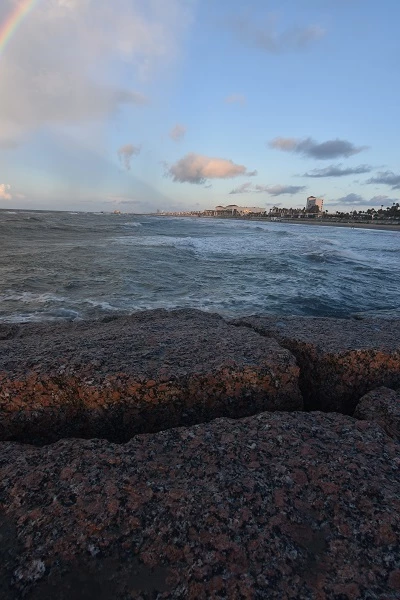
I have 10 photos I'm looking to stitch together to form a panorama. They are all overlapping a large amount (almost half), and there was no zoom between photos. Is there anything I can do to salvage the photos? I've tried stitching them in photoshop as well, and perspective does not work, the others look really bad (morph the horizon).

    This topic is closed to new replies. Start a new post to keep the conversation going.
    JP Hess
    JP HessCorrect answer
    Inspiring
    Aug 11, 2018 3:13 PM UTC


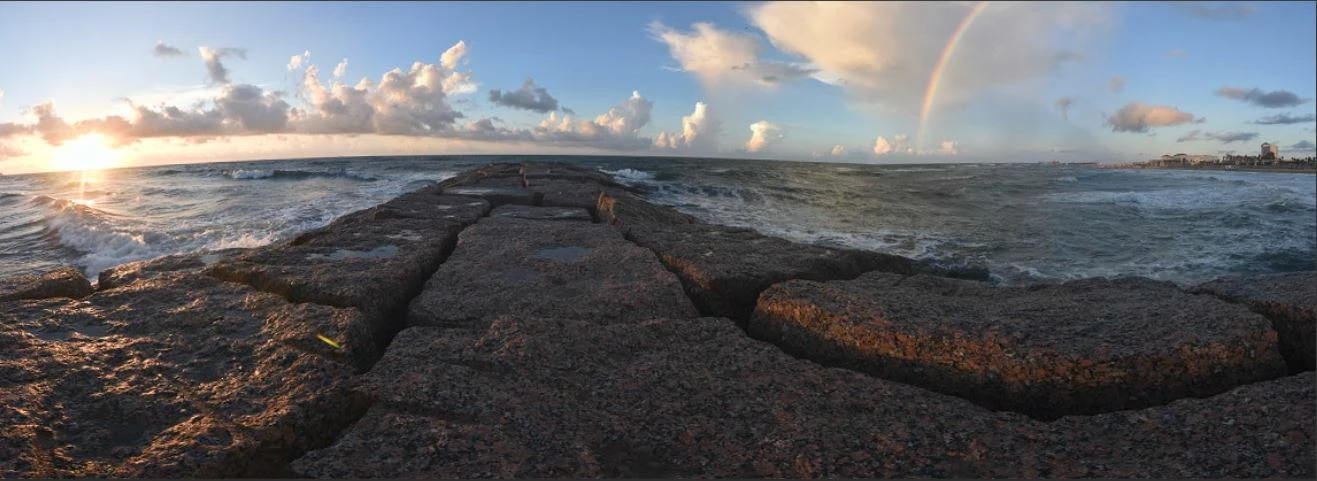
    This is what I was able to come up with using the spherical panorama stitching in Lightroom:

    In my opinion, the curvature and unevenness is probably due to the fact that you used such a wide angle. The 35mm equivalent according to the metadata is 17 mm, and from my experience that is quite wide for shooting panorama images. I have had good luck at 24 mm sometimes, better luck at 35mm (which is "normal" on my camera). I might be wrong, but when trying to shoot very wide it's difficult to get things to level out the way they should. At least that has been my experience.

    18 replies

    Sahil.Chawla
    Adobe Employee
    Adobe Employee
    Aug 10, 2018 8:06 PM UTC

    Hi Trevor,

    We're sorry to hear about this, could you please let us know what version of Lightroom you're working on and which operating system are you using?

    Did you try restarting the computer and see if it helps?

    Regards,
    Sahil

    Translate
    Participating Frequently
    Aug 10, 2018 8:49 PM UTC

    Hi Sahil,

    Thanks for the response. I'm using Windows 10 and lightroom CC version 2015.14. I've just restarted my PC and have gotten the same results.

    -Trevor

    Translate
    Participating Frequently
    Aug 10, 2018 8:50 PM UTC

    I'm able to stitch any two constituent photos together, but am unable to stitch three photos together in the perspective mode.

    Translate