Participant
January 3, 2020
Question

paying for application, but they don't want to open
  • January 3, 2020
  • 3 replies
  • 257 views

Hello,

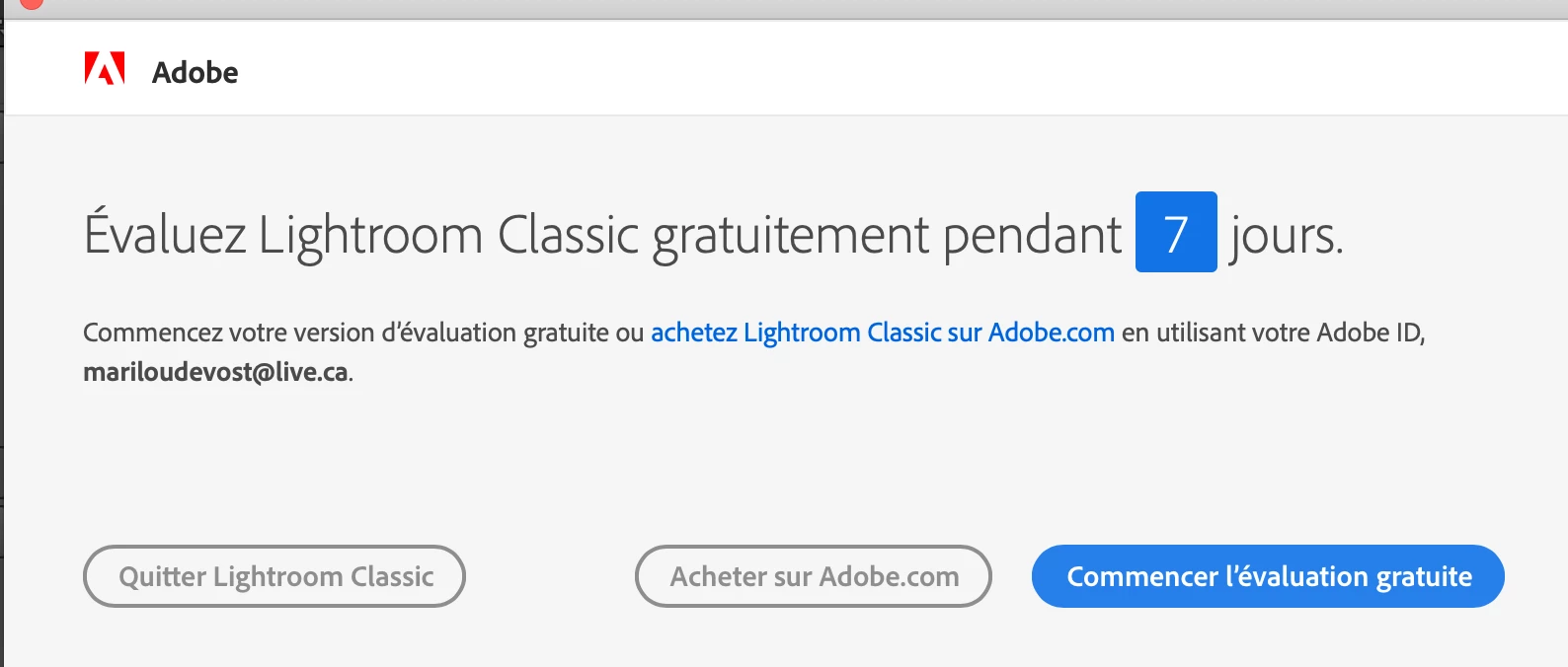
It's been 3 years that I am paying every month to have Lightroom and Photoshop on my computer. Recently, Want I try to open my Ligtroom catalogue on my hard drive, a window pop and ask me if a want to try the free version. I say no, because I suppose to already have it, but when I click, it makes me close my Lightroom catalogue. The payments have passed on my credit card in November 2019 and December 2019. On my adobe account I have also no billing history and my formula is setting on a free version with no history too.


Another question, if I don't find the answer here, at what number I can contact an Adobe employee for my problem? 

This topic has been closed for replies.

3 replies

GoldingD
Legend
January 3, 2020


evaluate lightroom classic for free for 7 days


So, getting notice to run trial copy. Issue with authentication of license.


see;


https://helpx.adobe.com/manage-account/kb/stop-creative-cloud-trial-mode-after-purchase.html


Theresa J
Community Expert
Community Expert
January 3, 2020

Make sure you have the adobe creative cloud desktop application installed on your computer. Sign into your account with the creative cloud app. This should fix the problem you are having with Lightroom Classic.

https://www.adobe.com/creativecloud/desktop-app.html

Akash Sharma
Legend
January 3, 2020

Hi there,


Sorry that your Creative Cloud apps are still showing up in Trial mode and do not launch. Would you mind checking out the steps mentioned in this article https://helpx.adobe.com/in/manage-account/kb/stop-creative-cloud-trial-mode-after-purchase.html and let us know if that helps?


Thanks,

Akash