
Answered
Phantom Keyword - I how can I remove this
I hope some one can help me with this....
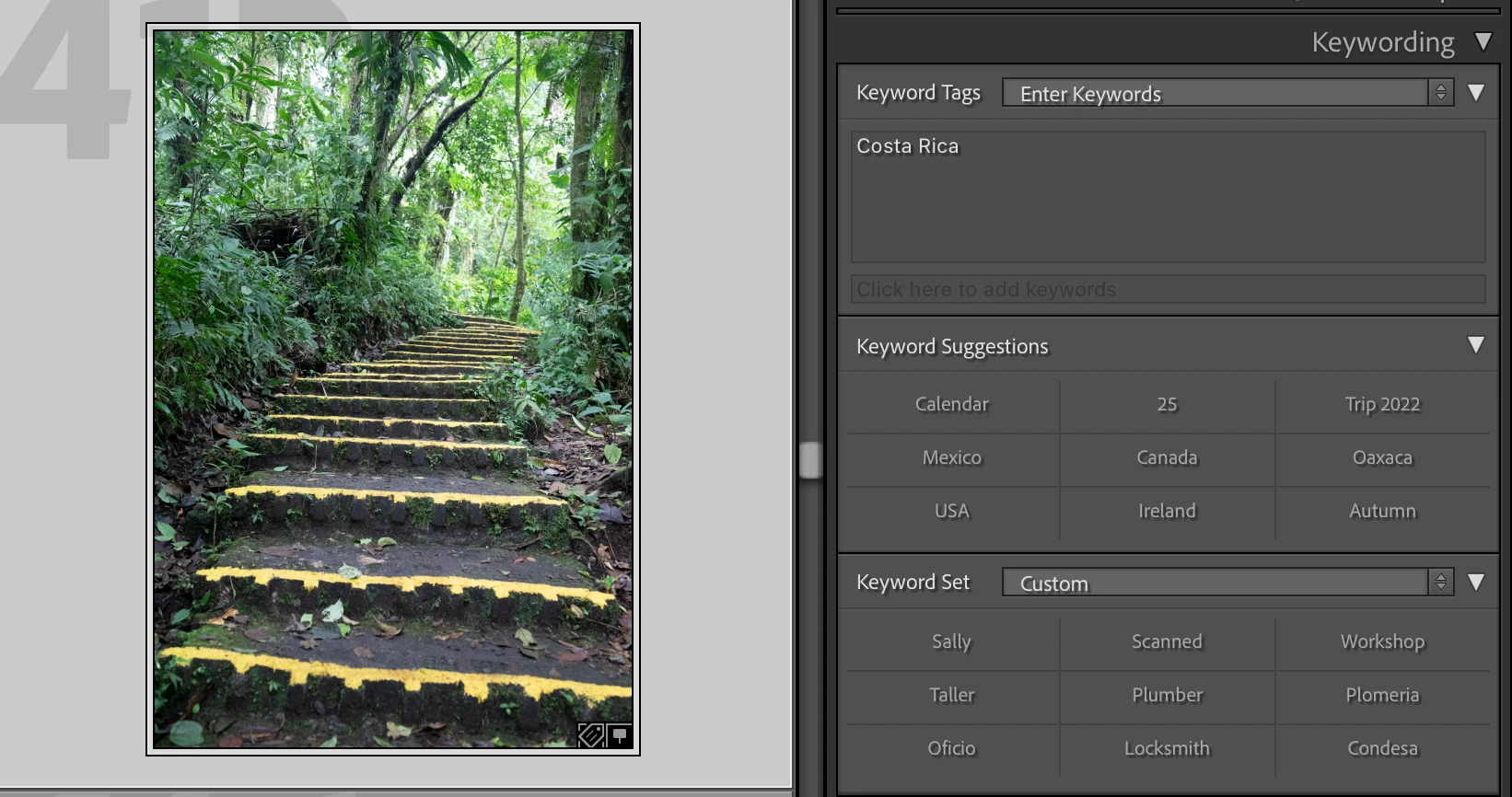
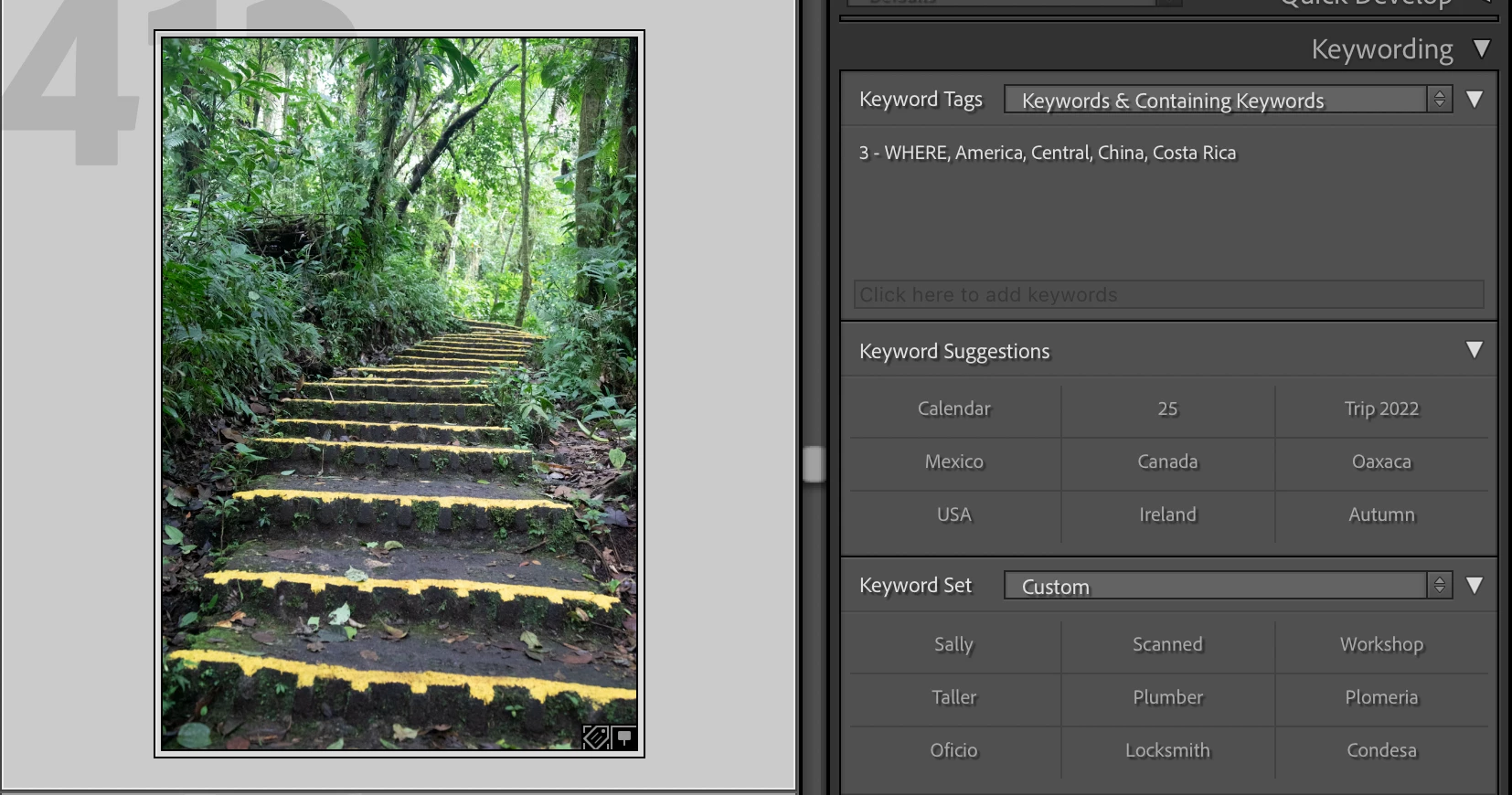
I have no photos in my current catalog from China and do not have China as Keyword and it does not appear when I select in "Keyword Tags", just "Keywords". However, when either I select "Keywords & Containing Keywords" or "Will Export" China apears and I cannot delete this from the displayed list.
I have no idea how this has happened. I'm hoping that someone can tell why this is happening and how to fix it. Please note I do not have a metadata preset using this keyword.
It's fustrating not knowing and perhaps it isn't fixable but at least I would like to know how to stop it going forward.
Thank you
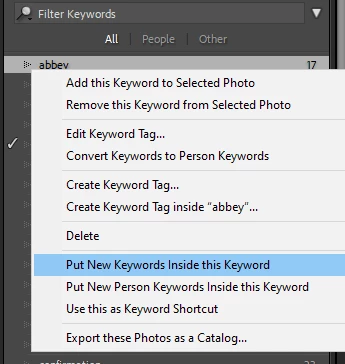
Attaching a couple of screen grabs to illustrate the issue.


 AdChoices