Participant
September 11, 2017
Answered

Photo Compression

  • September 11, 2017
  • 2 replies
  • 417 views

How do i compress photos in light room and then email in a jpeg format?  

    This topic has been closed for replies.
    Correct answer Abambo

    You will never modify your original pictures, do you? To compress, export. There is an e-mail pre-set in the export window.

    You will have 2 important parameters: Quality or File Size!

    Quality is a parameter determining the quality against a trade off of file size. File size fixes the size of the file and modifies therefore the quality. E-mails can go up to 10-20Mb of size.
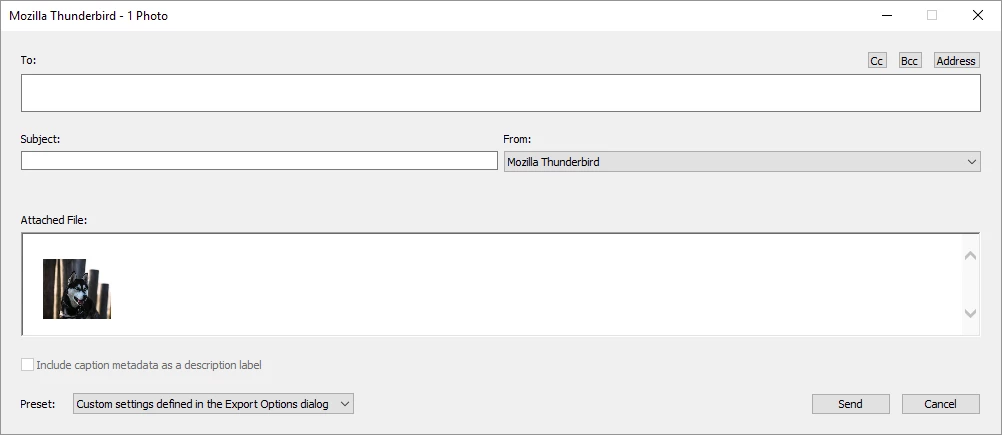
    I never use that facility. I export to a directory and then decide to e-mail using my preferred e-mail program. Or I transfer via dropbox or similar.

    2 replies

    Abambo
    Community Expert
    AbamboCommunity ExpertCorrect answer
    Community Expert
    September 11, 2017

    You will never modify your original pictures, do you? To compress, export. There is an e-mail pre-set in the export window.

    You will have 2 important parameters: Quality or File Size!

    Quality is a parameter determining the quality against a trade off of file size. File size fixes the size of the file and modifies therefore the quality. E-mails can go up to 10-20Mb of size.

    I never use that facility. I export to a directory and then decide to e-mail using my preferred e-mail program. Or I transfer via dropbox or similar.

    ABAMBO | Hard- and Software Engineer | Photographer
    JP Hess
    Inspiring
    September 11, 2017

    Master images that have been imported into Lightroom cannot be modified in that way. But you can export copies that can be reduced in size and compression can be applied to meet your requirements.