Participant
June 15, 2019
Answered

Photo files could not be found

  • June 15, 2019
  • 3 replies
  • 578 views

Hey,

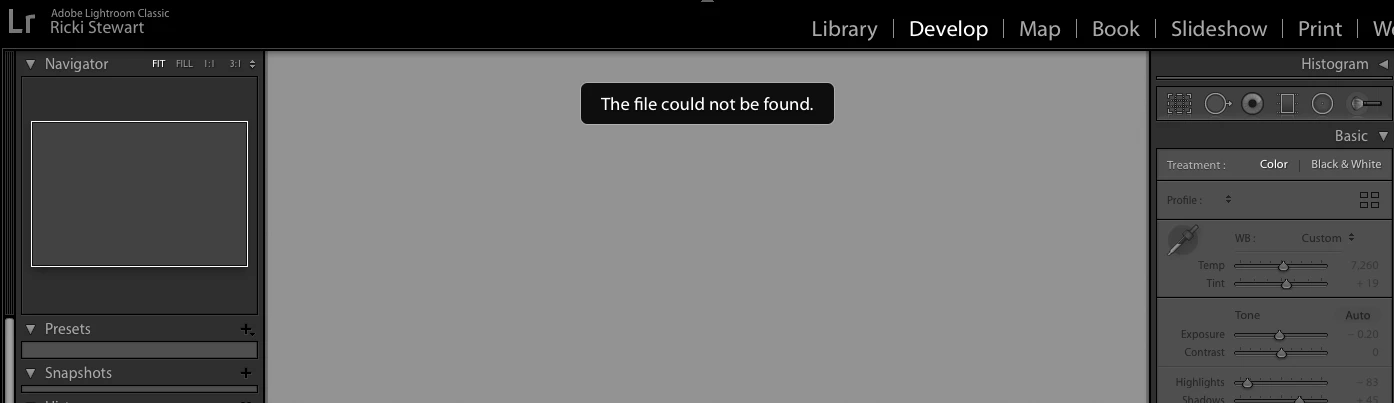
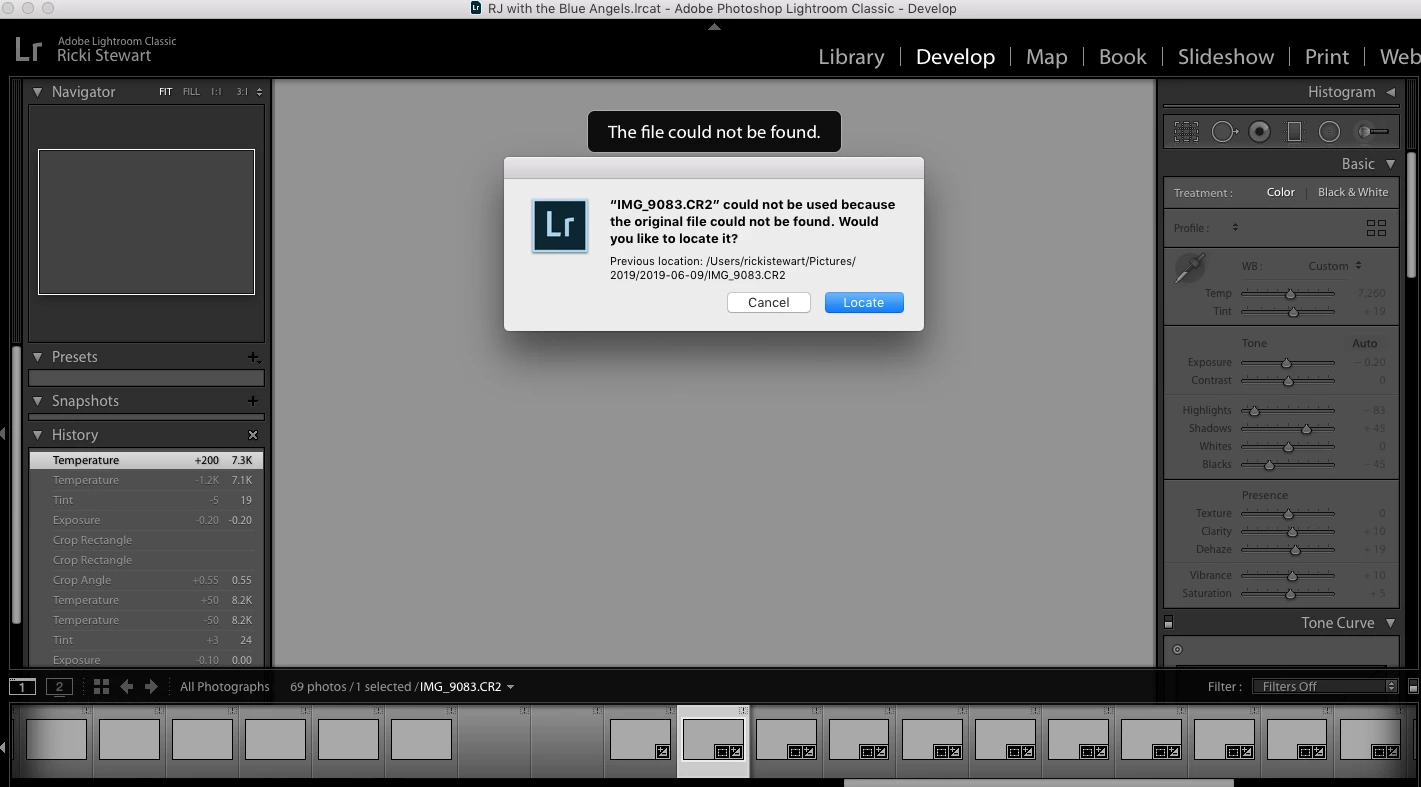
So I sent my photos off to get edited by Photographer's Edit. I am trying to load their edited catalog in Lightroom and this is what I am told in Lightroom... Pictured... It says "file not found" and "original file not found."

I have the original SD card with the raw images in my laptop and I uploaded the raw images from the SD card to my laptop, just in case Lightroom was having a problem finding the original source with all the images.

Do yall know what could be the problem? Why isn't Lightroom able to find the original images and the newly edited images from Photographer's Edit.

Customer service with Photographer's Edit told me this was an Adobe problem and to reach out to yall. They sent me a video showing how they opened the Lightroom catalog just fine, with no problems. I tried to attach the video showing how Photographer's Edit easily opened the catalog with the edited images but it would not load to this forum.

I would greatly appreciate any help!

Thanks so much!

-Ricki
    This topic has been closed for replies.
    Correct answer cmgap

    Hi  Ricki - So what happens when you tap the blue locate button and navigate to the path that's shown in your screen shot? Are you images  still in that folder or did you move them?

    3 replies

    Community Expert
    June 15, 2019

    Do you move your pictures outside from Lightroom to another location?

    What was shown in the Library module?

    Please take look here:

    https://www.lightroomqueen.com/lightroom-photos-missing-fix/

    How to find missing photos in Photoshop Lightroom Classic

    My System: Intel i7-8700K - 64GB RAM - NVidia Geforce RTX 3060 - Windows 11 Pro 25H2 -- LR-Classic 15 - Photoshop 27 - Nik Collection 9 - PureRAW 6 - Topaz Photo AI
    GoldingD
    Legend
    June 15, 2019

    Please share with us a screenshot of you library folder with the Folders Panel visible, looking for ? marks in one ir more folders. Make sure that the parent folder is shown.

    Also best if in grid view and with the failing image in the grid

    cmgap
    Community Expert
    cmgapCommunity ExpertCorrect answer
    Community Expert
    June 15, 2019

    Hi  Ricki - So what happens when you tap the blue locate button and navigate to the path that's shown in your screen shot? Are you images  still in that folder or did you move them?