My camera is a sony a7ii. Yes it has a aps mode. this is not the problem this image is getting cropped when add to lightroom.
this is the original image witch doesn't have the head cropped off. when i add it to lightroom it looks like this.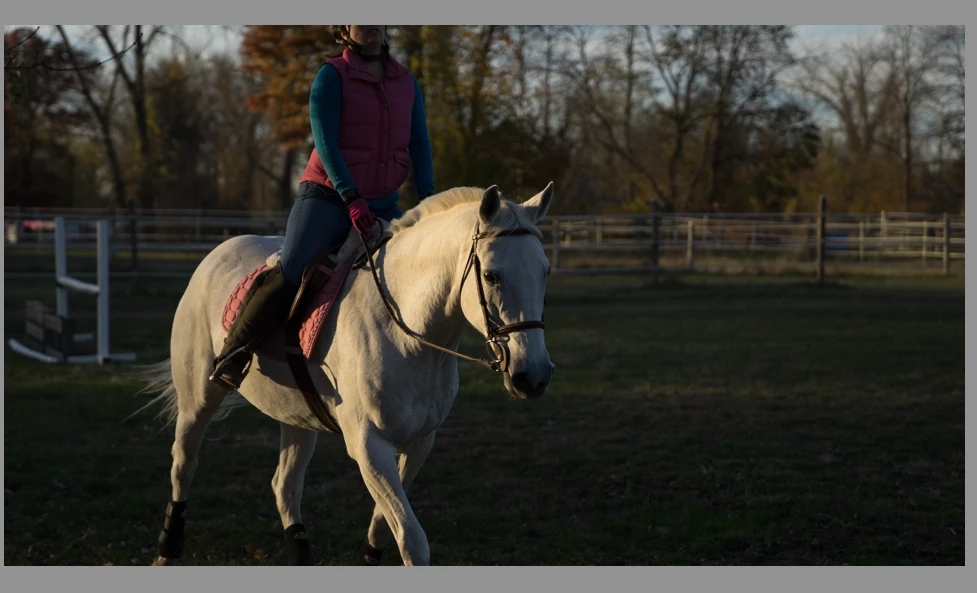
the file gets converted to a DNG file and then ends up like this.
I know that there is a plugin that is supposed to fix this, but it is not working. I spent 5 hour on a tech support chat today and he was not able to help.
Has anyone else had this problem? Is this something only effect sony cameras? Have i just drawn the Short straw and it's only effecting me.
This may be a Apple issue as i see the same thing happening on the preview thumbnail for the image.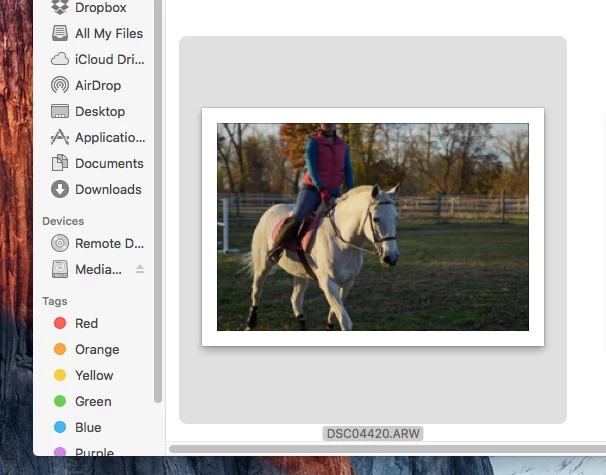
however when i open the image its is just fine.
If someone else is having the same problem let me know
My camera is a sony a7ii. Yes it has a aps mode. this is not the problem this image is getting cropped when add to lightroom. ... I know that there is a plugin that is supposed to fix this, but it is not working. |
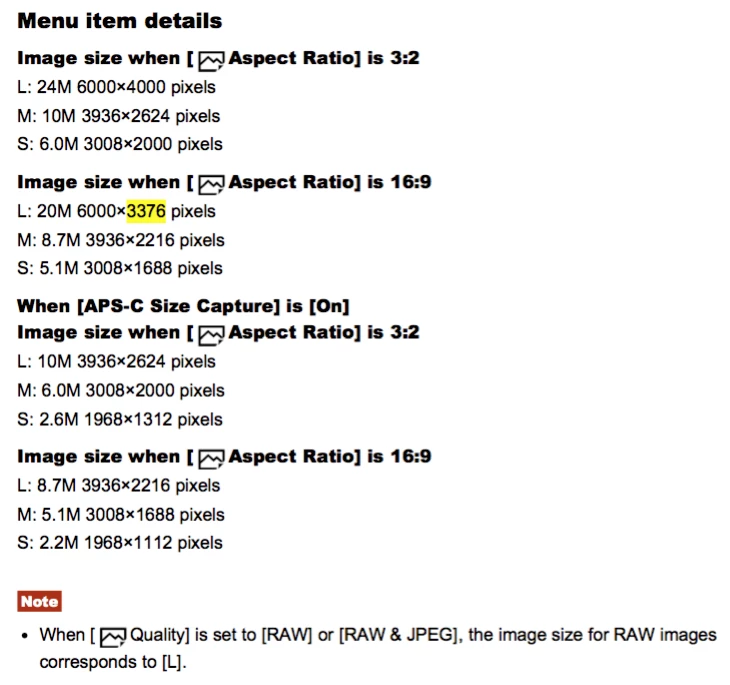
The symptoms definitely suggest you've set an in-camera crop, as suggested by ManiacJoe. This is different than APS-C mode -- see the manual page below. The full frame you posted has an aspect ratio of 3:2, whereas the cropped one has an aspect ratio of 16:9. These are two aspect ratios supported by the A7ii when shooting raw (independent of using APS-C capture).
When LR imports a raw with an in-camera crop, it will automatically crop the image to the camera setting. The Adobe DNG Recover Edges plug-in is "a tool used to recover image data typically lost when using the in-camera crop mode." (You don't give any details about how the plugin isn't working.)
The most efficient way to troubleshoot is to do as ManiacJoe suggested: Upload a sample raw straight from the camera (never imported into LR) to Dropbox or similar and post the sharing link here.

 AdChoices