
Participant
August 12, 2022
Question

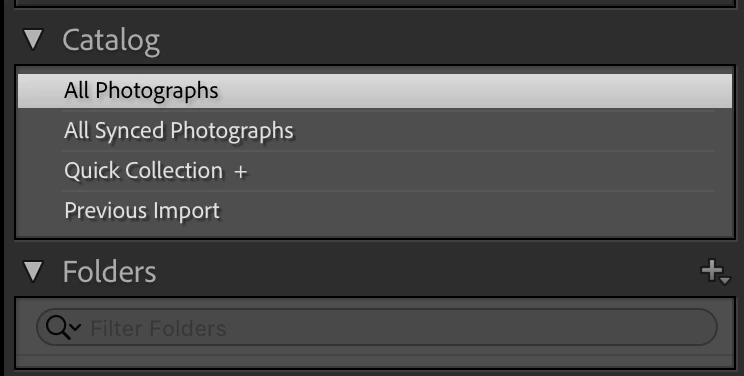
Photos are no longer referenced and Folders display is empty.
  • August 12, 2022
  • 1 reply
  • 170 views


Hello, I am using Lightroom Classic on MacOS. I added some photos to my catalog and at some point it stopped building previews. I tried forcing it, etc. but nothing.


Now I noticed that the Folders panel on the left is empty. When I try to add a folder where referenced photos are, nothing happens. When I right click on a photo, the option to Show in Finder is greyed out.


What can I do here? Really frustrated!


Thanks!


{Thread title updated by moderator}

This topic has been closed for replies.

1 reply

Sameer K
Community Manager
Community Manager
August 12, 2022

Hi Antonio,


Thanks for reaching out with the details. I'd love to help you figure this out.


Could you please share the version of Lightroom Classic & the macOS you are working on? Does this happen after a series of steps or tasks or from the launch?


If you are working on macOS 12.3 & above, please try the following steps.


If this does not help, the issue could be related to this specific catalog which could potentially be damaged. We can bring everything from an existing & probably damaged catalog to a new catalog.


Copy the primary catalog in question and place it on your computer's desktop.

  • Go to File > New Catalog or press the OPT (macOS) when launching Lightroom Classic.
  • Choose the option to create a new catalog and create a new one on the internal drive.


  • In the new catalog, head to File > Import from Another Catalog, as shown below.


Proceed with merging the (potentially) corrupted catalog into the newly made, internal storage-based catalog. 

For more help via video-based steps, check here. See Merging individual catalogs into a master catalog


Let us know how it goes from here,

Thanks!
Sameer K