Participant
May 14, 2021
Question

Photos Become Grainy in Lightroom

  • May 14, 2021
  • 1 reply
  • 383 views

Hi, 

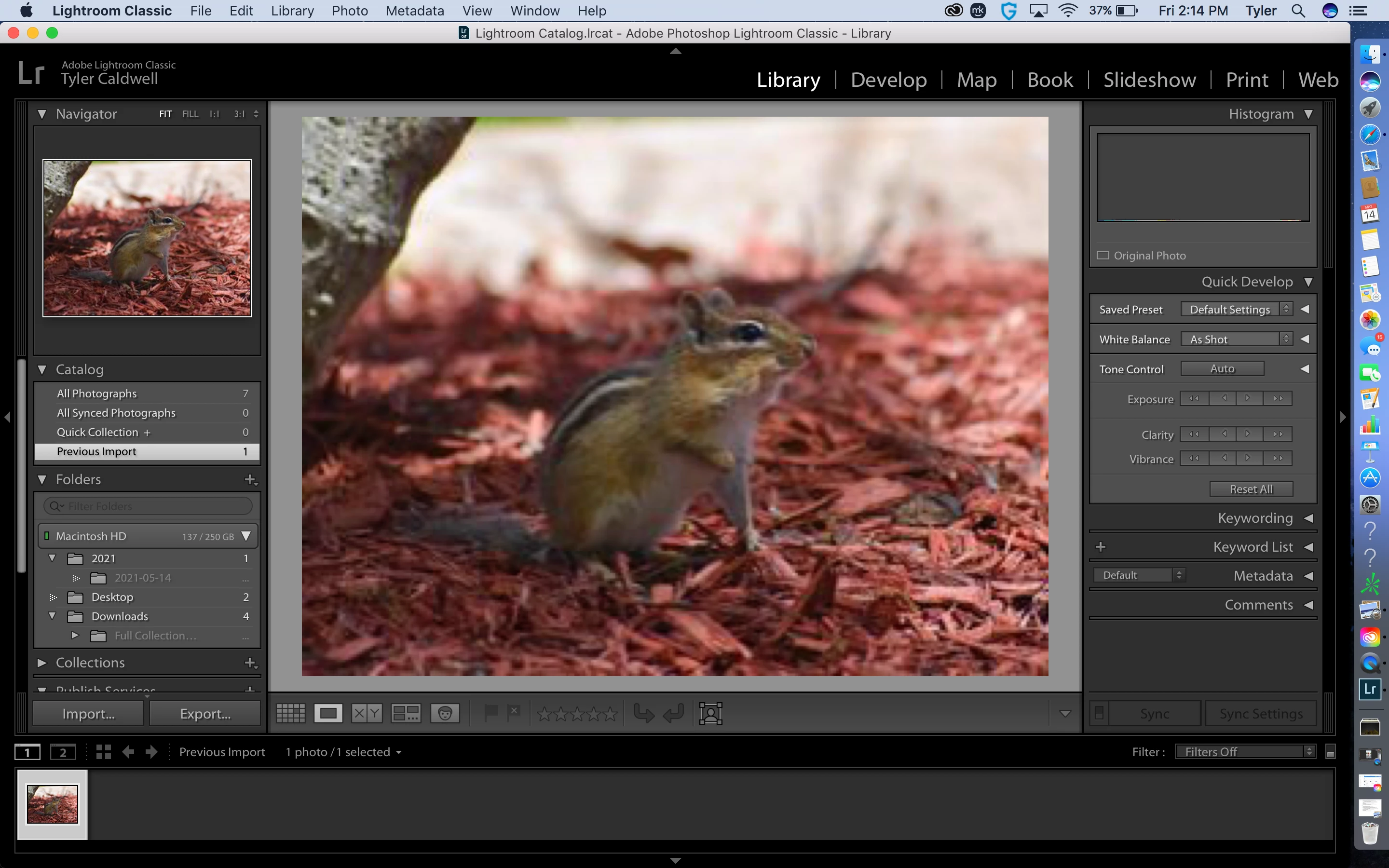
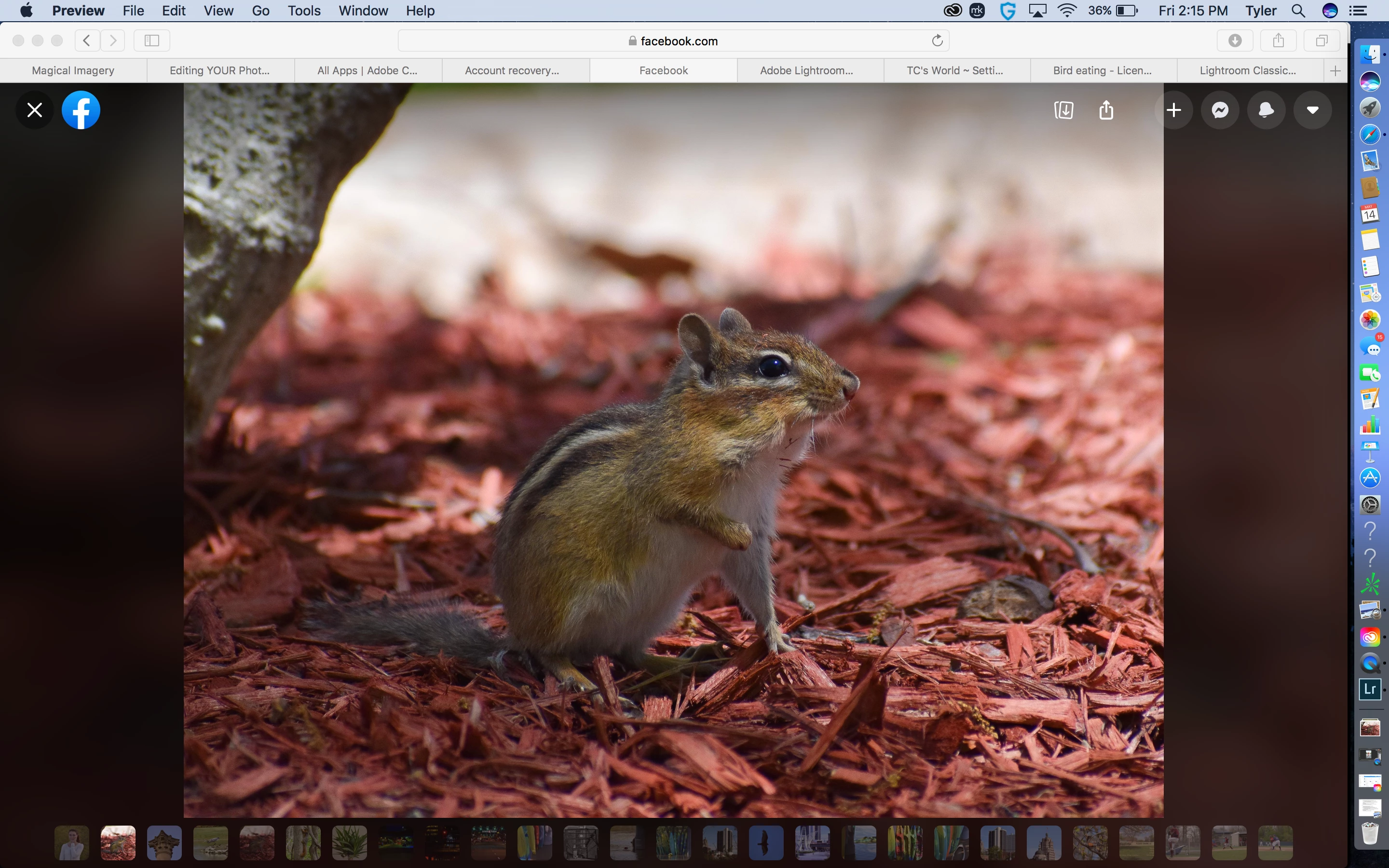
I am very new to photography and Adobe. When I view my photos on my phone or on facebook, they look great, but when I put them into Lightroom they become very grainy. I have included pictures of what I am referring too. Is there a way to fix this? Is something off with the sizing of the image?

Thanks!
 

This topic has been closed for replies.

1 reply

gary_sc
Community Expert
Community Expert
May 14, 2021

Welcome to Lightroom Classic,


When I look at your screenshot, the thing that sticks out is that the LRC one is of low resolution. This is because it is only a preview of the image, not the image. In your computer, you are looking at the image and it will show full resolution.


I could write up a whole bunch of stuff but let me hand you off to a good summation of LRC's Preview generation. Let us know after you've digested this and let us know if this solves your problem.


One hint: in the text he mentions Catalog Settings. If you do not know where to find this, it will be uner the LRC menu just under LRC Preferences.


Good luck, let us know.

https://digital-photography-school.com/6-types-lightroom-previews/