Photos & Folders on External Drive, No longer in Lightroom Classic Catalog?
I have pictures that were long ago, successfully imported to LR Classic and now the folder in the catalog is empty. The pictures, file structure and the subfolder naming are still correct on my external harddrive. Is it possible to import the pictures and the file structure/naming? I hate the idea of rename each subfolder!
I would love to know why this is happening? Could this be a function of storing my photos on an external drive? I cannot imagine that is the issue?
Please advise.
Thanks in advance!
Kelly
This is the structure on the G-Tech Drive:
Each year has it's own folder, it has 12 months within it, within each month there are subfolders by date and event. All of these years and subfolders were imported and reflected with my LR catalog.
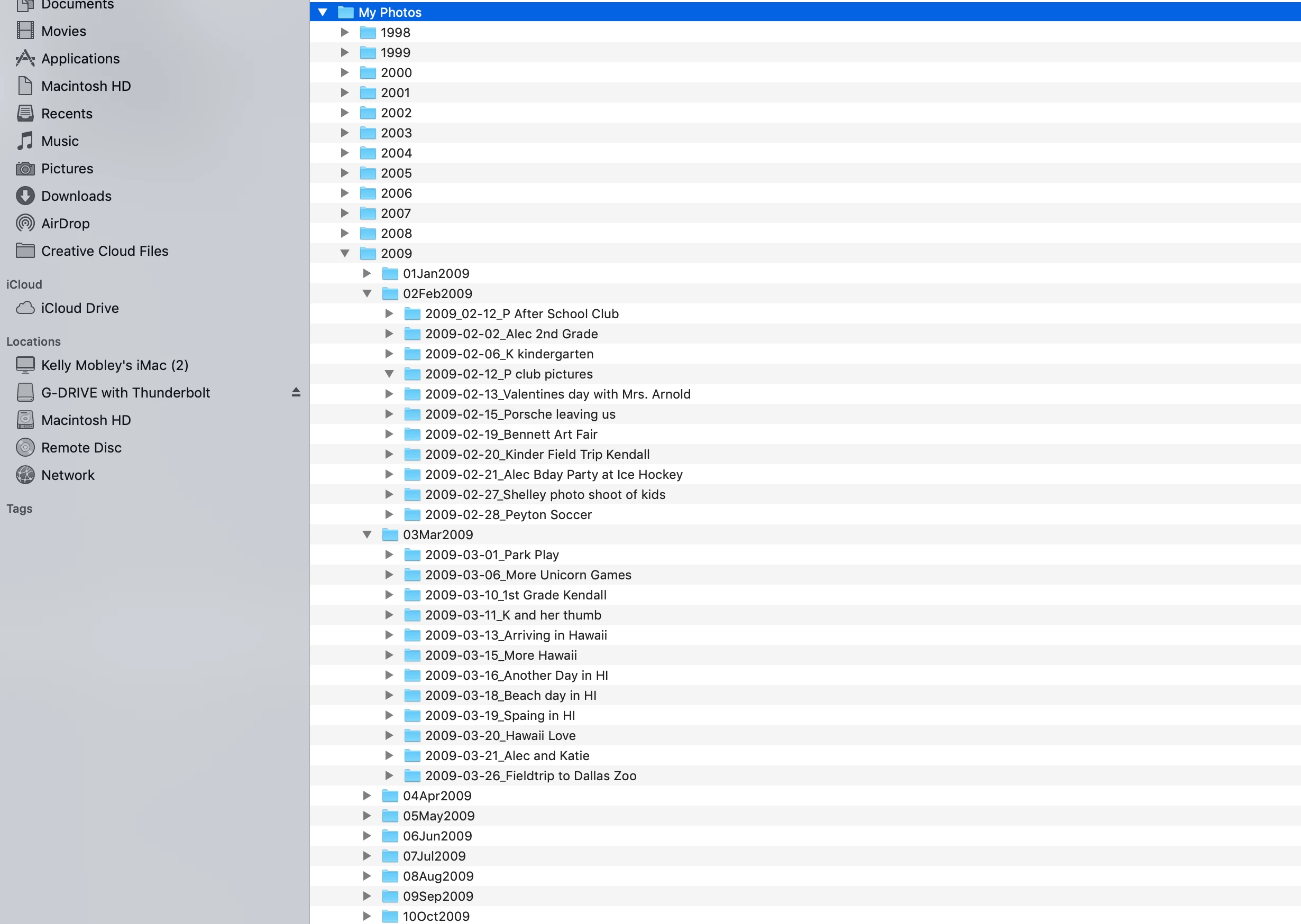
However, I have noticed LR Classic to be glichy lately. For example look at the 2009 folder.
It was completely empty. No ? or missing folder indications - just empty - 0 pictures.
Yesterday I attempted to figure out a work around. My work around WAS NOT efficient. I imported the individual event -
2009 - 01Jan - 2009-01-01_New Years.....
I did this because I wanted to keep the file sturcture and naming of all of the subfolders.
I am praying that this isn't the only way to preserve all the folders and names I have previously created?
Then the bigger isue is how and why is this happening?

Message was edited by: Sahil Chawla
 AdChoices