
Known Participant
June 23, 2023
Answered

Photos missing from folder - Lightroom Classic v 12-.4

  • June 23, 2023
  • 1 reply
  • 899 views

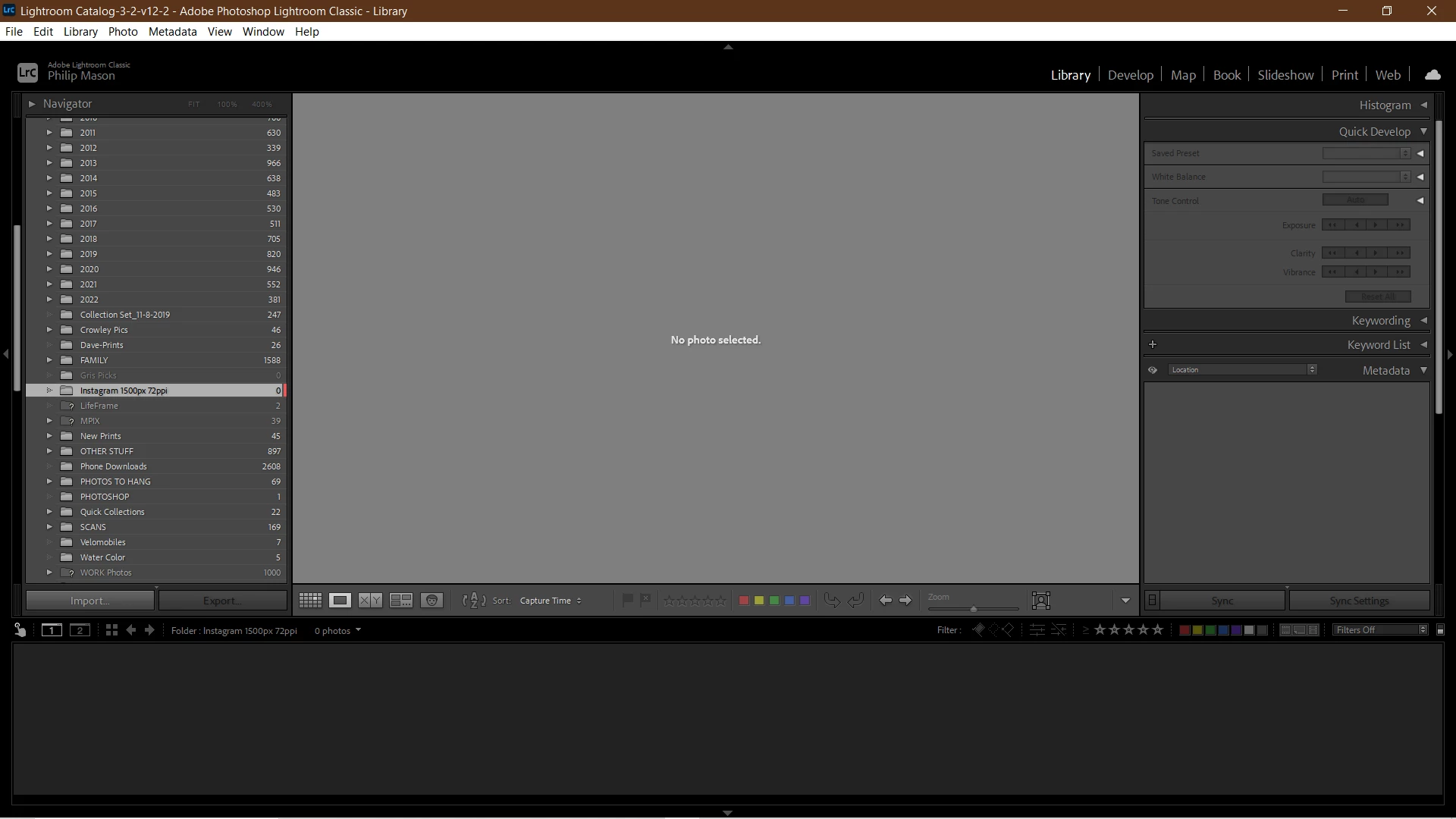
Photos are missing from one of my folders yet they're on my hard drive. I haven't moved anything, renamed, or open a different catalog. I'm hoping it is only some filter or something that I inadvertenly changed. I have restarted LR, updated it, restarted my computer. I'ver been using LR for years and this hasn't happened before. Please help. I need my photos back where they belong. I'm running Windows 10.
This topic has been closed for replies.
Correct answer dj_paige

Sorry, my previous response was incomplete. I have followed your advice but searching provides only one photo at a time (Raw files, not the missing jpgs). The folder containing the jpgs remains empty in LR but not on my hard drive. I don't know how to retrive all of the files collectively. I'll try copying all the files and import them again to LR. Any more guidance would be most appreciated.


DO NOT IMPORT AGAIN. This makes the problem worse.


If you found one photo, what folder is it in? Are the rest of the missing photos also in the same folder? If so, the fix is easy, but before I explain further, please let me know.

1 reply

dj_paige
Legend
June 23, 2023

First you need to find the photos in Lightroom Classic. You should do this by following all four of these steps in order.


1. In the Lightroom Classic Library Module, on the left, under Catalog, click on All Photographs
2. Turn off all filters (Ctrl-L once or twice)
3. Turn off all stacking (Photo->Stacking->Expand All Stacks)
4. Search for at least one of these photos by file name using the Lightroom Classic Filter Bar


Do you find the photos this way?


philmasAuthor
Known Participant
June 23, 2023
Yes, I was able to find one photo at a time by searching but the folder
dj_paige
Legend
June 23, 2023
quote
Yes, I was able to find one photo at a time by searching but the folder
By @philmas


I'm afraid this sentence isn't clear to me.