RascalSnaps
Participating Frequently
June 11, 2023
Question

Photos not being displayed - catalog showing as empty, "no photos in selected collection"

  • June 11, 2023
  • 2 replies
  • 187 views

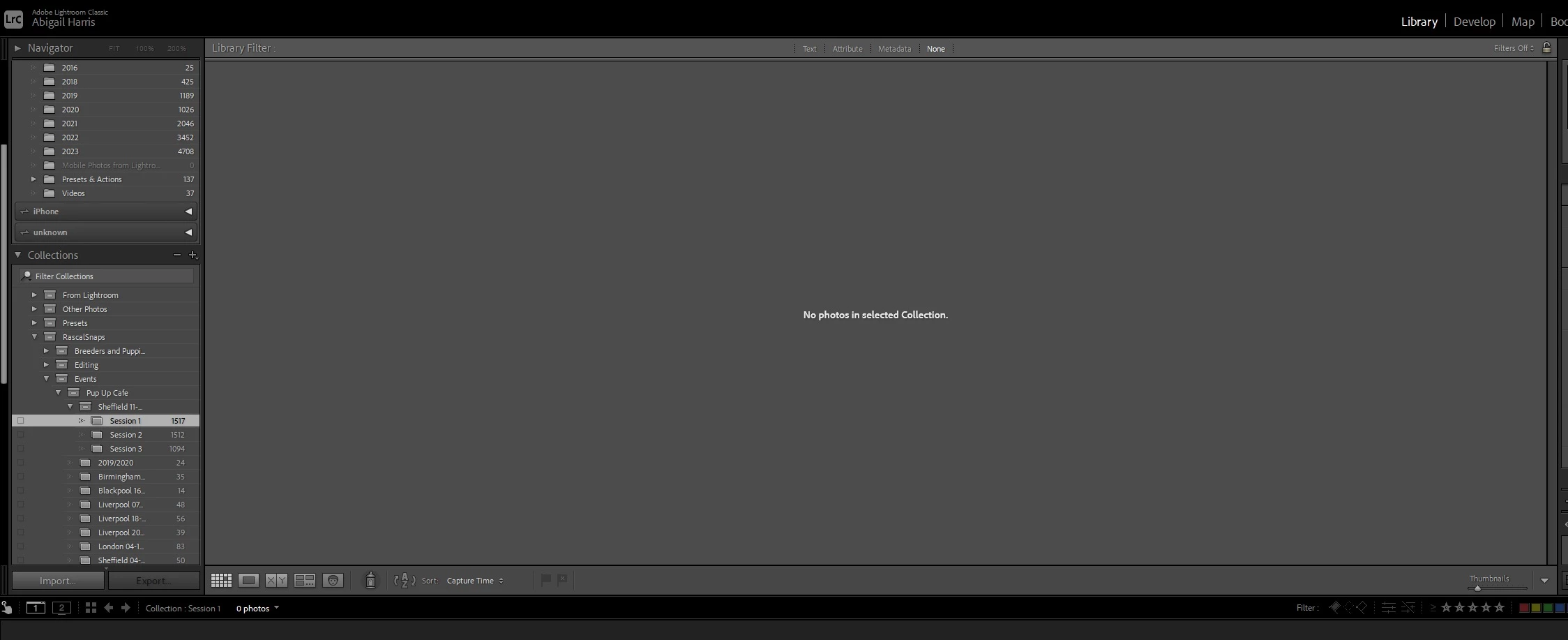
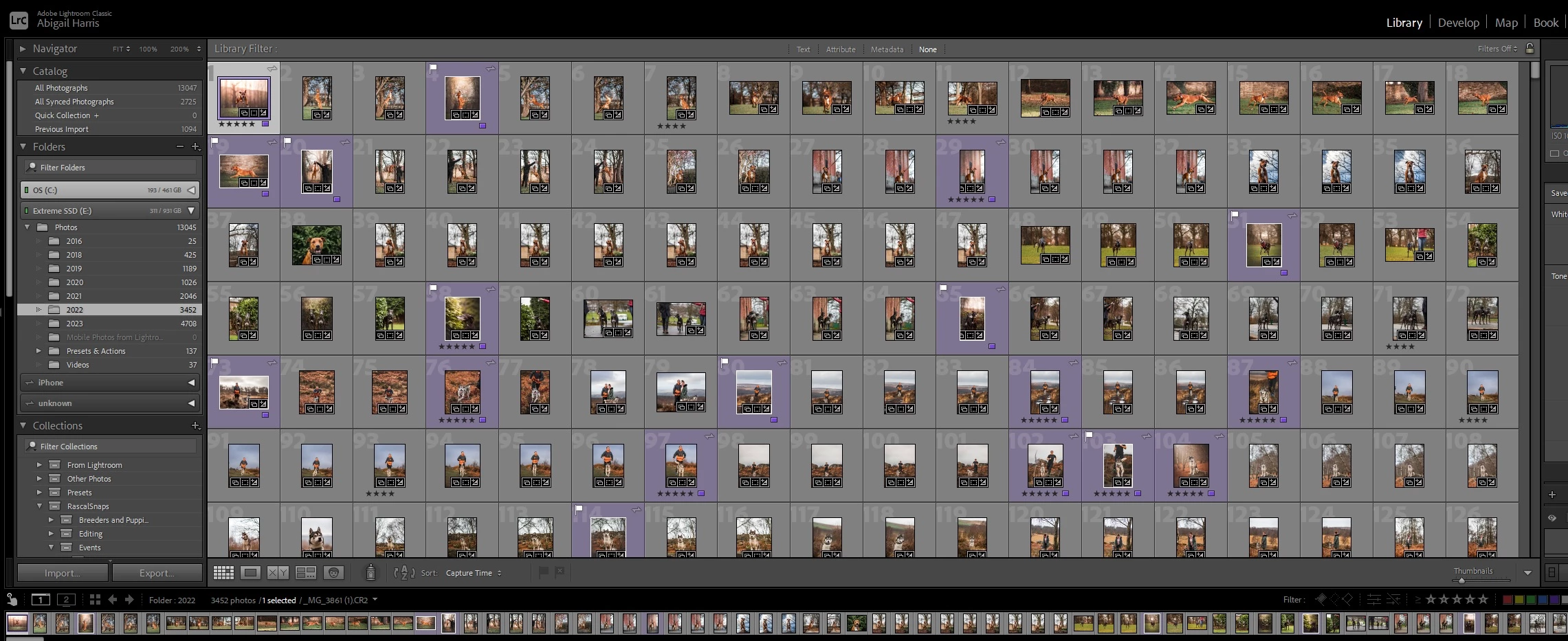
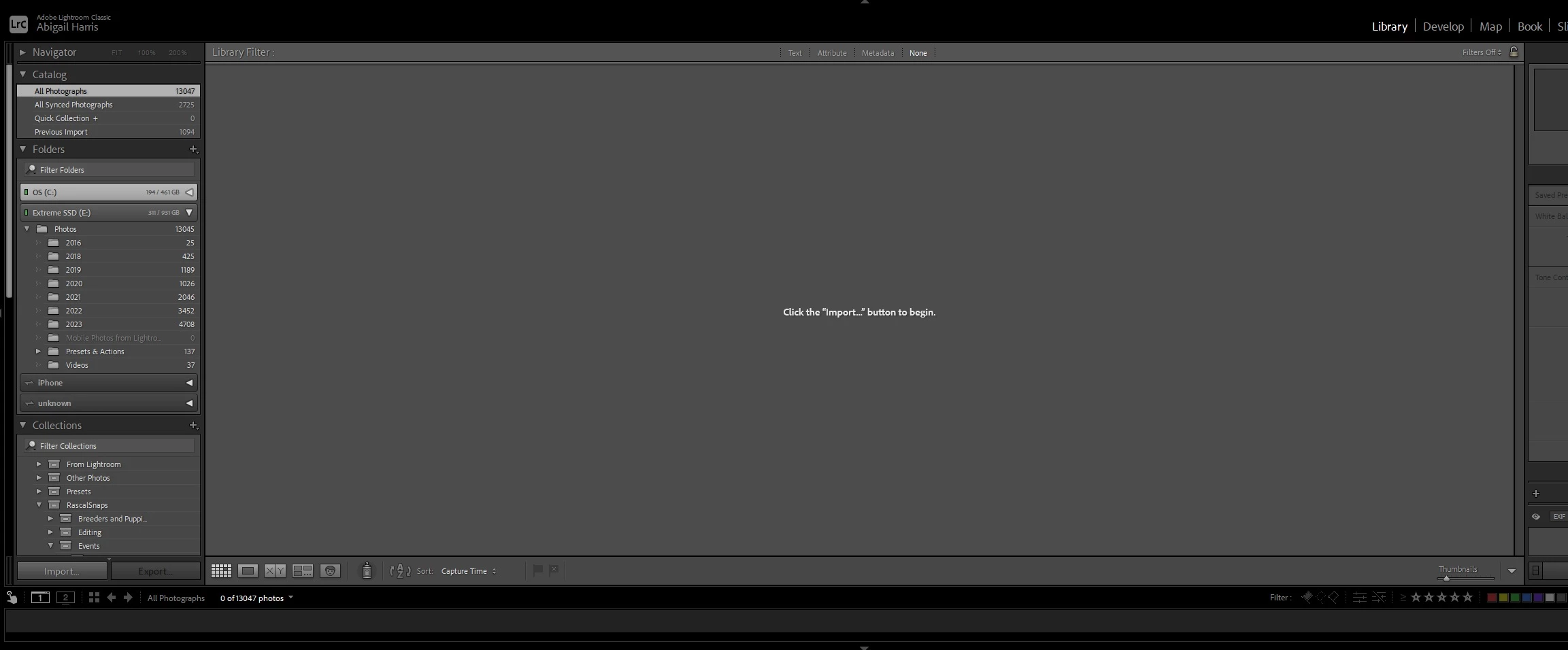
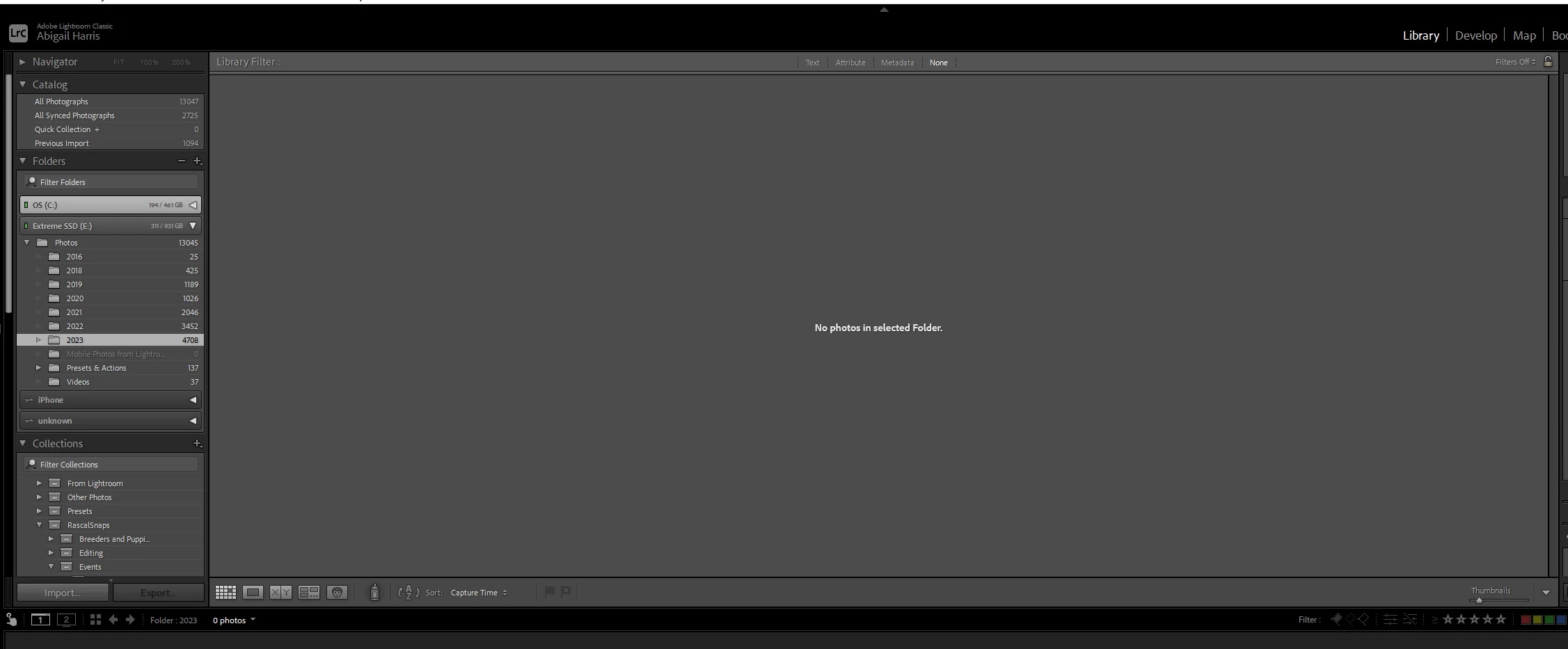
Hi all, Lightroom seems to have taken issue with a collection in my catalog. When viewing All Photographs, it displays the message "Click the "Import..." button to begin". When trying to show the folder the photos are stored in, it says there are no photos in the selected folder. When viewing the collection, it says there are no photos in the selected collection.


The photos are clearly in the catalog because the photos are counted in the catalog, folder and collection. I've tried importing the photos again and it is just stuck on importing, nothing is happening. I can't delete the photos themselves as I can't view all photographs and the images themselves won't be deleted if I delete the collection, and I can't delete the folder as it has other images in it. Photos in other collections/folders are displaying as normal.


Any ideas? Please see the screenshots below.


Thanks in advance 🙂
This topic has been closed for replies.

2 replies

johnrellis
Legend
June 11, 2023

There have been a few other reports in the last couple months about similar behavior, but no definitive solutions I know of.  Try these steps in order:


1. Reboot your computer.


2. Try resetting LR's preferences:
https://www.lightroomqueen.com/articles-page/how-do-i-reset-lightrooms-preferences/


LR sometimes soils its preferences file, and resetting it can fix all sorts of wonky behavior. That article explains how to restore the old preferences if resetting doesn't help.


3. In the Folder panel under the E: drive, right-click the Photos folder and do Show Parent Folder. Keep doing that for the top-level folder until E: is showing as the top-level folder. Restart LR.


4. a) Do Catalog Settings > General > Show to open Finder / File Explorer on the current catalog folder. b) Exit LR. c) In that folder, delete the folder "<catalog> Helper.lrdata". d) Restart LR, and it will rebuild the folder.


The Helper.lrdata folder caches information about keywords, folders, collections, and other things to speed the performance of LR and it can sometimes get corrupted. In recent versions, LR has used it more heavily to improve the speed of displaying metadata, and there have been a fair number of bugs with it.

RascalSnaps
Participating Frequently
June 11, 2023

Doesn't look like it's applied the captions to the screenshots - first three are the error, last screenshot is an unaffected folder as normal.