Participant
April 14, 2022
Question

Photos Not Importing on MacOS Monterey

  • April 14, 2022
  • 3 replies
  • 636 views

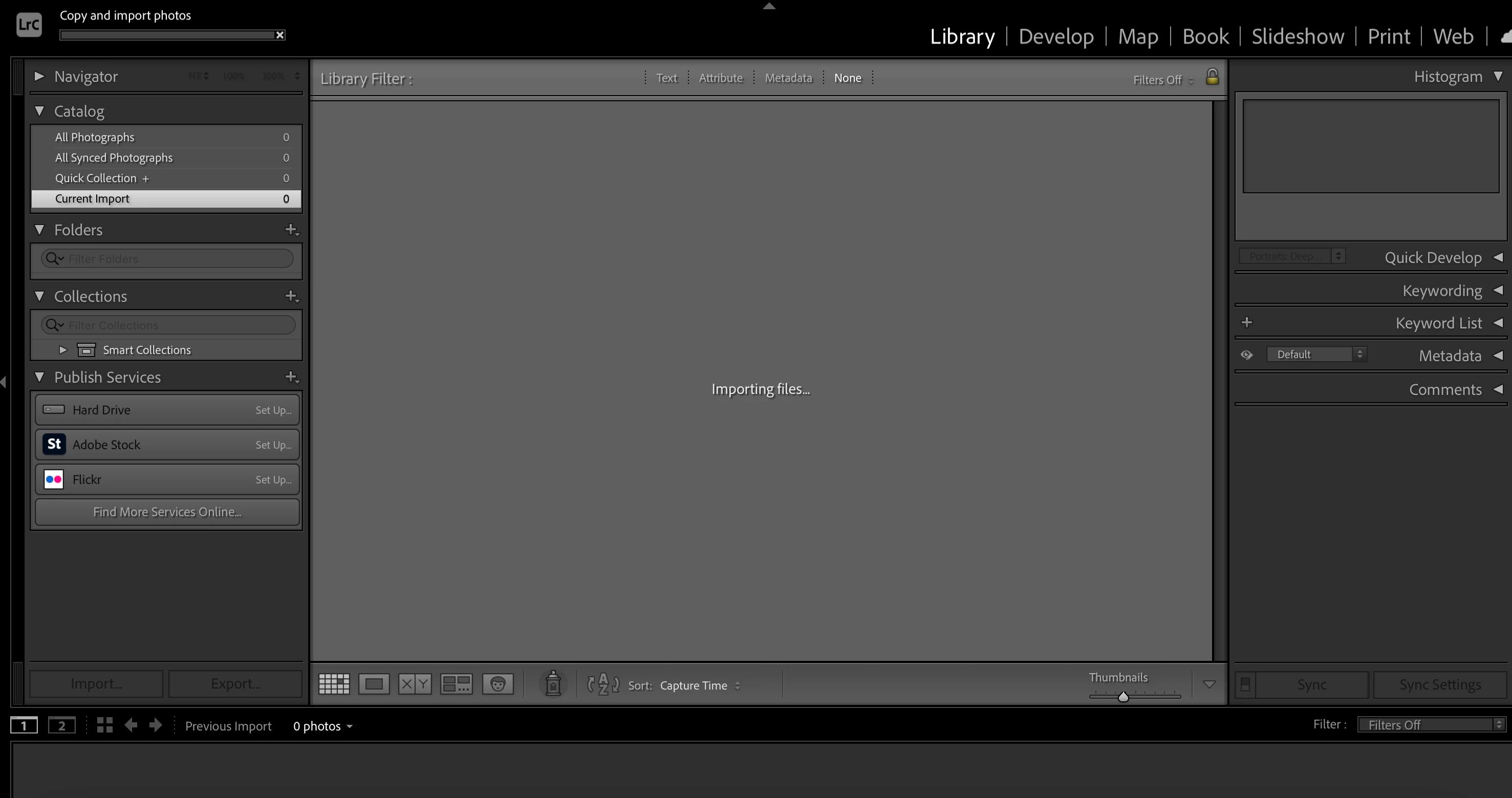
Purchased a new mac and installed Lightroom Classic 11.3.  MacOS Monterey.  I'm unable to import any photos from either an SD Card or Local Harddrive.  After clicking "Import", the progress bar shows up but it never moves and the app isn't fully frozen.  I can cancel the import, but then unable to click Import again unless I do a hard close on LRC.  Tried it multiple times and rebooted.  Please help.
 

This topic has been closed for replies.

3 replies

Rob_Cullen
Community Expert
Community Expert
April 15, 2022

I have questions-

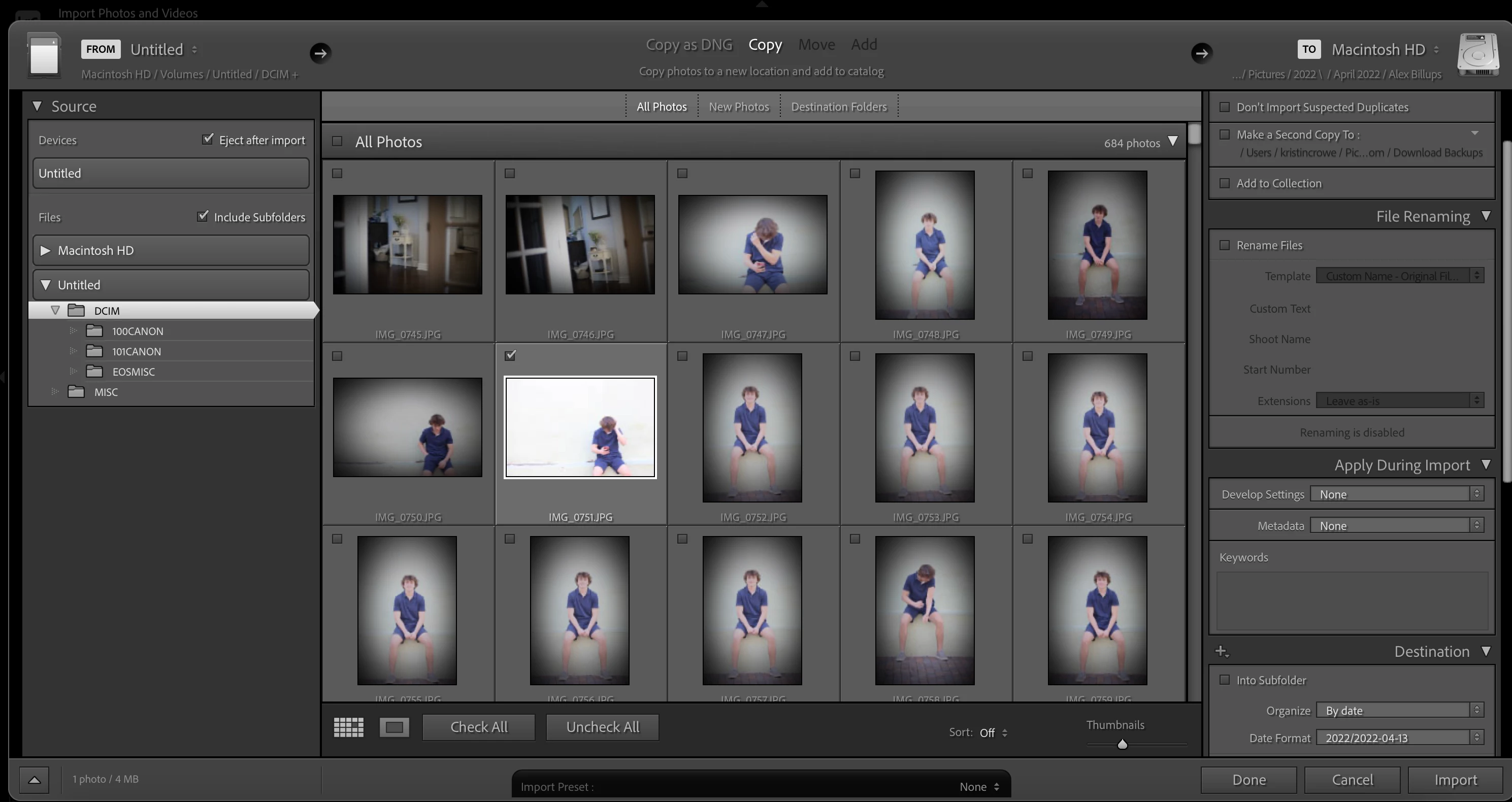
1) What is "Untitled"? A local hard-drive? An SD camera card?  It looks like a camera SD card, but are these just folders you copied to a hard-drive?

2) What do you see in the Destination Panel when you scroll it down further? Is there a folder shown with a small + to indicate it is a new folder being created for the files?Your screen-clip only shows the 'Date' format-


(like my new 20211020 folder in this screen-clip)


3) Why are you NOT importing ALL photos, and instead just selecting one?


Regards. My System: Windows-11, Lightroom-Classic 15.1.1, Photoshop 27.3.1, ACR 18.1.1, Lightroom 9.0, Lr-iOS 10.4.0, Bridge 16.0.2 .
Earth Oliver
Legend
April 14, 2022

This is probably the permissions bug that Adobe is refusing to fix for whatever reason.

In your System Prefs, go to Security, the Full Disk Access, and add Classic to the list.

Participant
April 15, 2022

Thanks @Earth Oliver  but unfortunately after making the suggested change, the issue is still occuring.  

Inspiring
April 14, 2022

Hi Jonathan,

the one thing that I see is the fact that you don't have any folder structure in Lightroom Classic.

Lightroom Classic will strore all your photos on the local computer (internal / external hard drive), therefore you need to tell him where to store the photos.


As a first step you must create a folder structure for your photos.

I would recommend that you place all your photos on your internal hard drive under photos (there are also all your iPhoto pictures).

Later when you have more photos you could move them to an external hard drive, but I would not do that now.


Please have a look at this link, this shows how to create a new folder.

https://helpx.adobe.com/lightroom-classic/help/create-folders.html


Please also check YouTube and search for "lightroom classic folders", there you find multiple tutorials on this topic.

You should spend some time on this topic, because without a good folder it will get difficult to organise all your future photos.


Please let me know if this helped, Thanks


Ralf

I use Lightroom Classic (LrC 11.3) / Photoshop (Ps 23.2.2) / Lightroom (Lr 5.2) with Creative Cloud on a MacBook Pro (15-inch, 2017, Intel Core i7 / 16GB / 500GB SSD) with macOS Monterey Version 12.3.1

Participant
April 15, 2022

Thanks for your reply @Ralf F but the resolution you suggested didn't make a difference.