
Photos will not import
Suddenly (like yesterday) I am unable to import photos into LR 5.7.1 on my MAC Pro with OS 10.11.6. I use my card reader to import my Canon raw files into a Pictures folder on an external drive with a folder named by date and subfolder by event. I copy to this drive while converting to DNG and importing into LR. Yesterday the photos copied to the drive but did not convert and did not import. No thumbnails were generated for me to choose the photos to import. Also the import and check all buttons were grayed out. I tried to add the photos to my catalogue while keeping them in place and the same thing happened.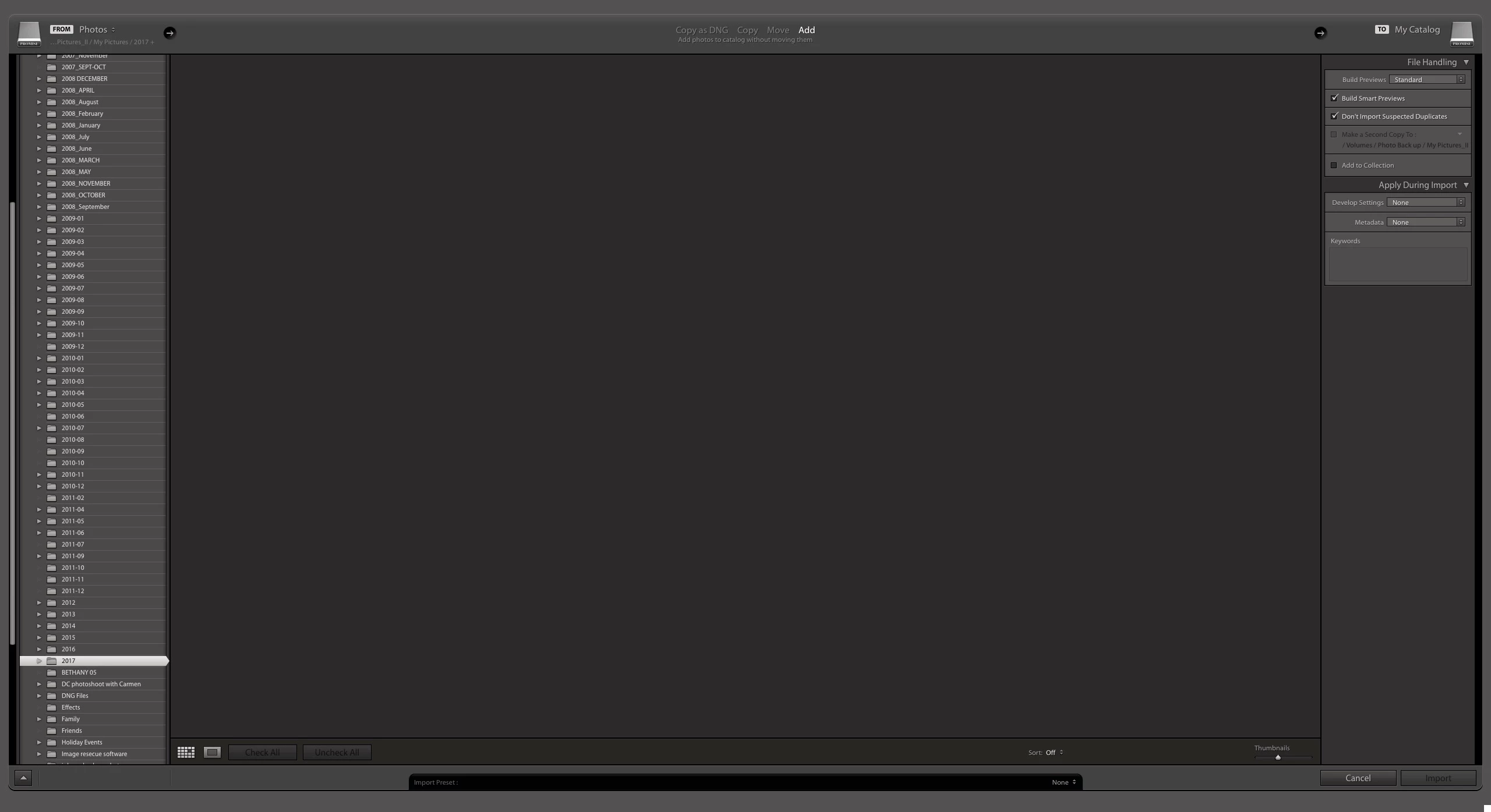
I am stuck. In looking through the web there is mention of read & write privileges for the destination and source folders has been mentioned often. My folders have the proper privileges. Older photos from previous imports are still in the library, I just can't add any new ones. I took the easy (expensive) way out and purchased a version 6 of LR thinking that somehow my older version was buggy and I didn't have the time to trouble shoot it. I have some photos to edit and export for a project and didn't want to waste the time. Version 6.0 is no different. I even tried completely rebuilding a new catalogue for my library from my already downloaded photos... same issue. Anybody know of a next step?
 AdChoices