"Stitching" requires some sort of common features to be present, so far as the software can detect, within parts of the scene which form an overlap of (at least) two pictures.
Lightroom's method requires some obviously visible features which REPEAT from one shot to the next - say, some stuff which is located towards the right side of a first shot, which is a very close match for some stuff near the left side of a second shot - such a close and distinctive match, and coordinating so well with other matching features, that the software can find a best solution for overlaying the two photos such that all such common features are satisfactorily aligned together.
There are specialist stitching programs which allow setting a forced alignment even in the absence of any auto-detectable common features at all - or, in the presence of features such as repeating patterns which would otherwise confuse or throw off accurate auto detection. That is done by placing control points to define which bits in picture A should map onto which bits in picture B.
But Lightroom does not provide any means of influencing the stitch, except for what shots you choose. Even Photoshop does not offer exact control points controlling stitching, in the same explicit way that e.g. PTGui does.
I am not clear what exact end result you even want here, and Lightroom has got no way whatever to guess at that.
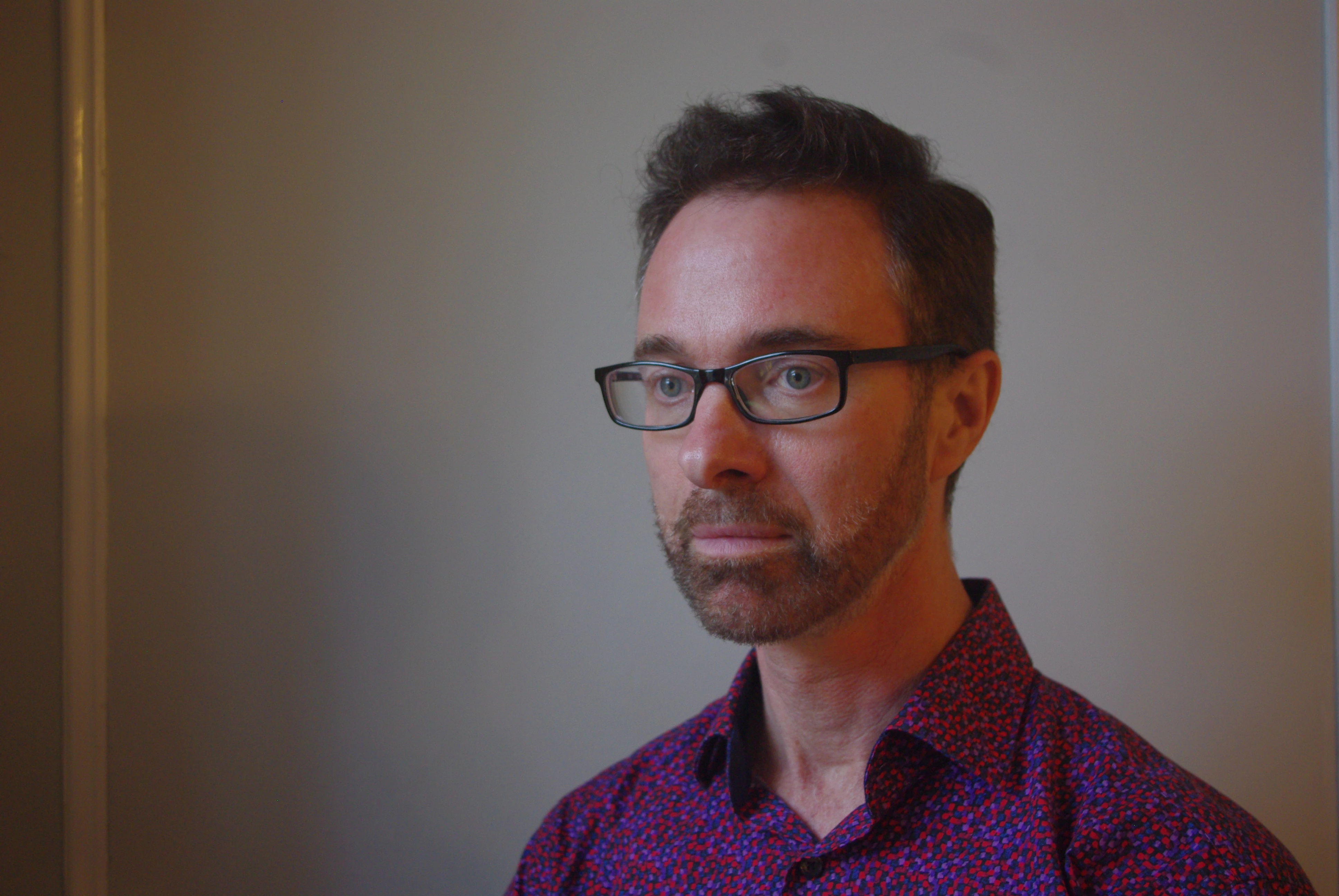
If you want to show the portrait on the left side with a lot more wall next to it, this would need to be done in an image editor such as Photoshop, which can 'composite' picture layers together. This software will also need to provide a blending option. Even so there are some very difficult mismatches here of lighting and colour on the wall. In particular, shadows. You also have a different coloured strip down the extreme right edge of the first photo (a moulding on the wall?) which would need to be dealt with.
Personally, I would be using Photoshop to expand the wall on the side of the single shot, using content aware scaling (masking out the person's head to remain unmodified). That should do OK, for a fairly featureless background area.





 AdChoices