
Question
Photoshop edits won't save back to Lightroom
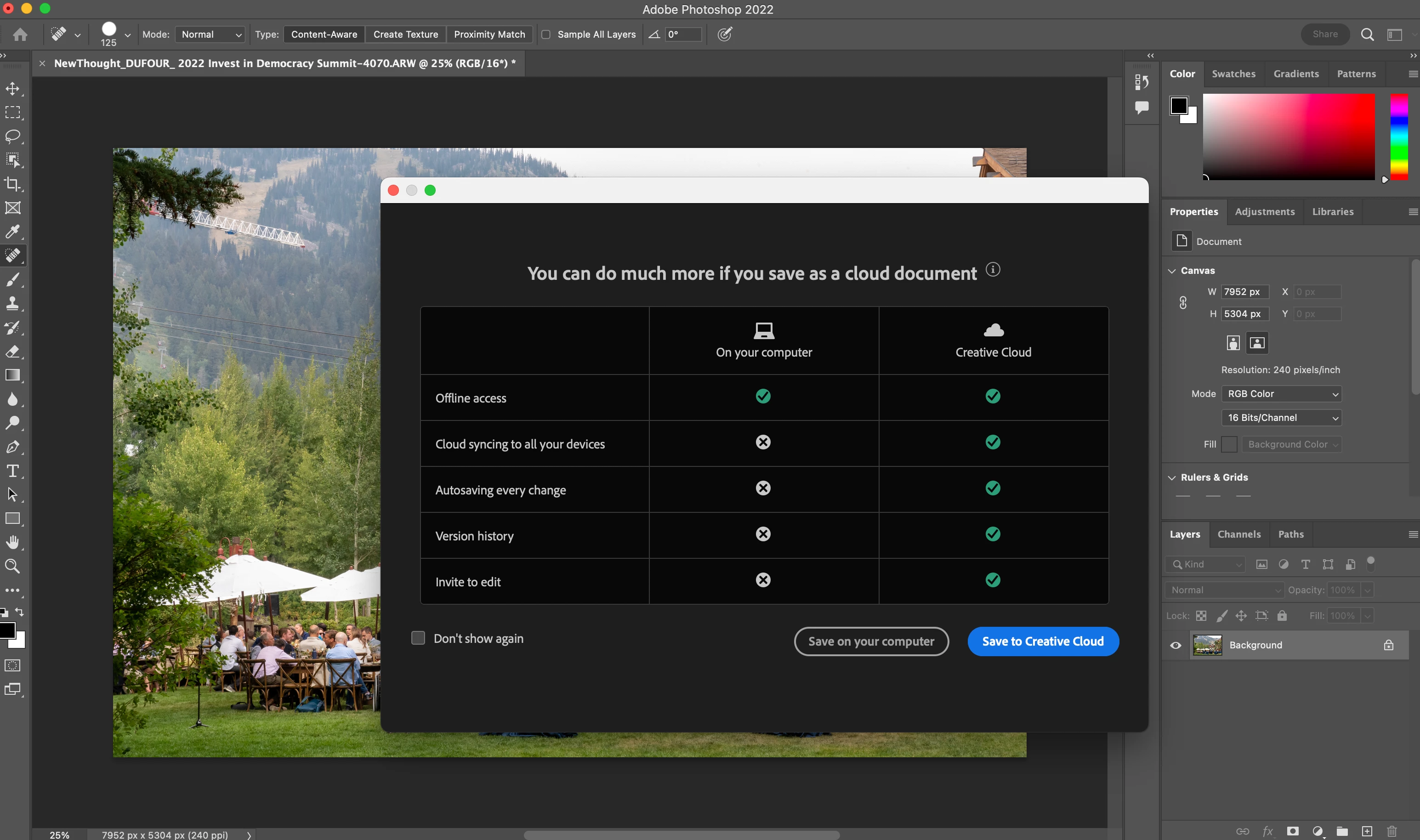
I am editing images in Lightroom using the newest version. I hit "command E" to open the file in PS (newest version) to do my retouching. Once I am finsihed and go to hit "command S" like I've been doing for years, and photoshop prompts me to "save as" either on my computer or the cloud instead of saving the file as a tiff derivative back to lightroom. This was not the case a week ago and I have not altered my workflow to cause such a change. I have tried resetting prefrences, uninstalling both apps etc. There's always some kind of issue with Adobe so any help on this would be greatly appriceated.
PS: All my images live on a Jarvis Server if that helps


 AdChoices