Picture_too_dark_after_import - Bild_zu_dunkel_nach_Import
Hey guys,
I have a question. How can I fix this annoying problem:
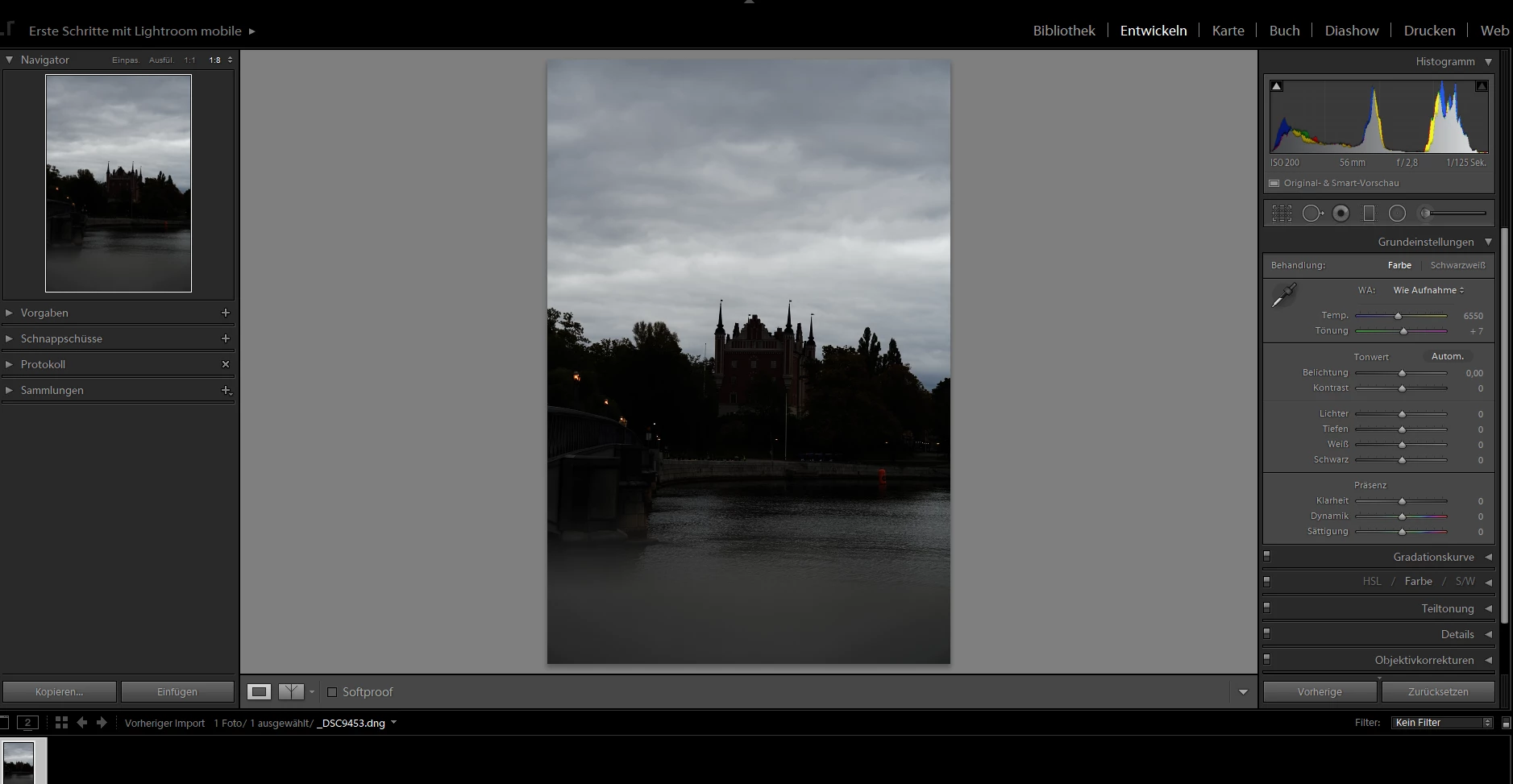
When I import a picture that I want to edit (dng, raw, etc.) into my LR library.. it always appears so dark, that I can barely see anything (look picture 2)..
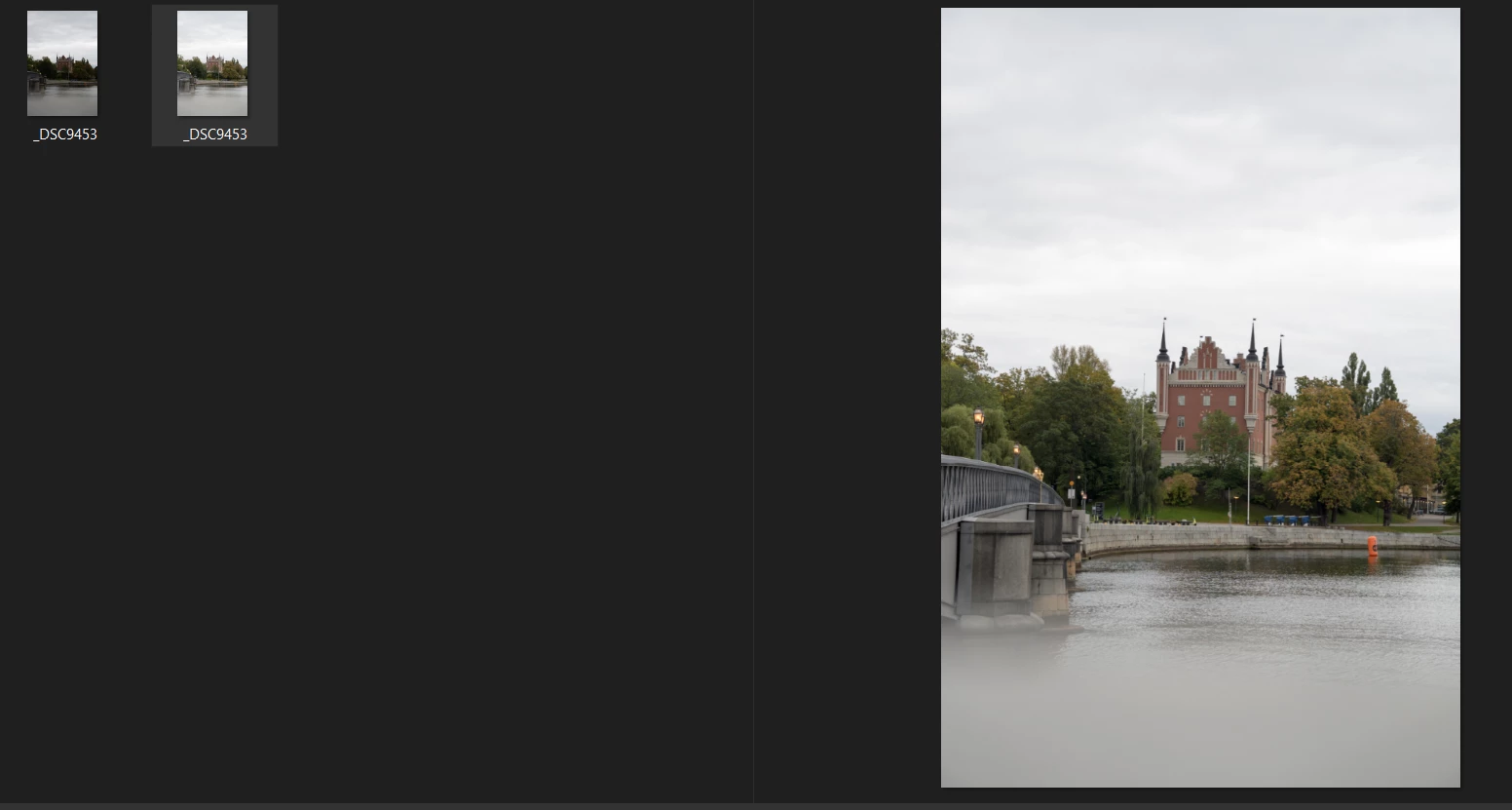
When I try to match the original one on my computer with lighting up the picture it looks way too bright. Much brighter than the original one (look picture 3). What do I do?
Help 😞
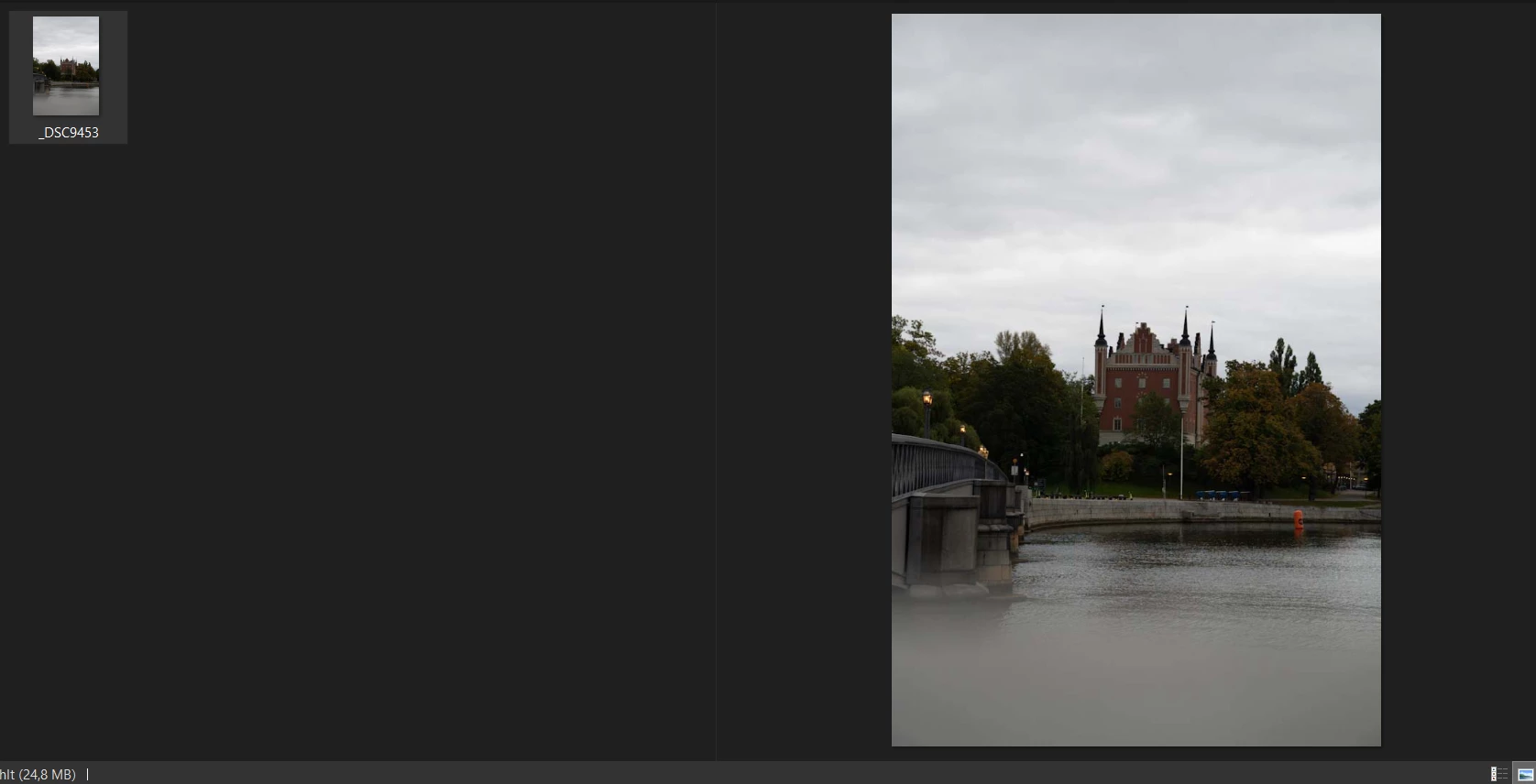
Picture 1 is the original.
Wenn ich ein Bild in lightroom bearbeiten möchte, egal welches, sieht es viel zu dunkel aus, so, dass ich kaum etwas sehen kann (siehe Bild 2). Wenn ich dann versuche das Bild in LR dem Originalbild anzupassen und es als jpeg zu speichern, sieht es viel heller aus, als das Original (siehe Bild 3).. Was soll ich tun?
Hilfe 😞
Bild 1 ist das Original.
 AdChoices