


December 8, 2025
Question

pictures not found in selected folder in Lightroom Classic

  • December 8, 2025
  • 1 reply
  • 376 views

Hi,


I have had this problem already a few times:

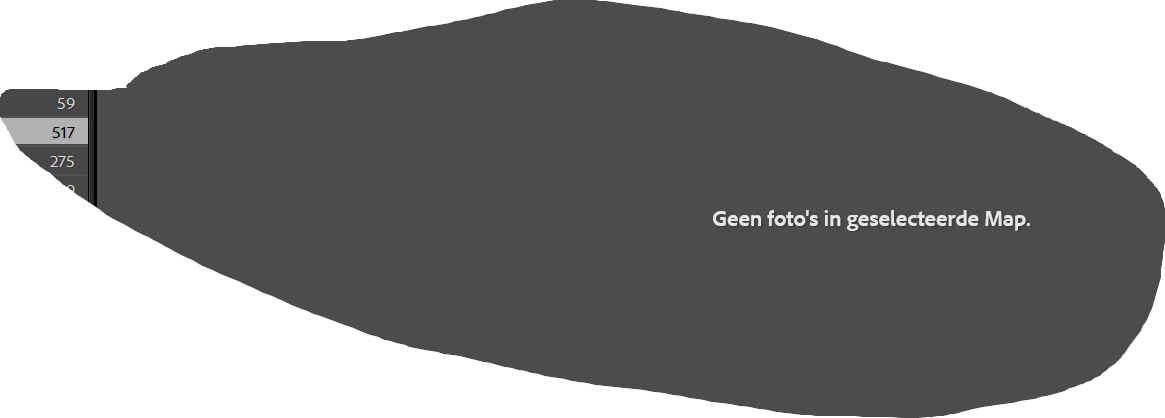
I imported some files from a folder and the day after when I am going to the catalog to see again the pictures, I receive this problem:
868380i54DF53D112A9A485.png


This means that Lightroom says that there are no pictures in the selected folder! While there are 517 pictures in it already imported.

I had to make an new folder to import them again and there they are stil in it.

I work in Windows 11 with Lightroom 15.01


Can anyone give me an idea to solve this problem?


Thanks anyway

Marc Dooms (Belgium)

1 reply

dj_paige
Legend
December 8, 2025

Possibility 1:

You accidentally imported the photos to a different folder, using COPY instead of ADD, and now Lightroom Classic knows only about the copies in the different folder, rather than the originals that you see in Windows Explorer in the original folder.


To find these photos in Lightroom Classic, please perform all four of these steps in order in the Lightroom Classic Library Module


  1. Click on All Photographs on the left of the Library Module
  2. Turn filters off (Ctrl-L once or twice)
  3. Expand all stacks (Photo->Stacking->Expand All Stacks)
  4. Use the LrC filter bar and seach for one of the missing photos by file name


Let us know if you find them.


Possibility 2:

You have turned on Filters, and/or stacked all photos. Make sure all filters are off, and that you Expand All Stacks.


PS: re-importing almost never solves these types of problems and may make things worse.

marc_8929Author
December 9, 2025

hi,

thanks for your reply, but:

I did not use filters

I did not move the folders in the editor.


I am using in de folder "pictures" a folder of the year (now it is 2025).


There I make folders for the place where the pictures are made.

In that folder I make a folder "NF" for the RAW-files of my old Nikon D7100 or "NFZ" for the Raw-files from my new Nikon Z6iii. I import in Lightroom the pictures from these folders. I export the photographs I made better in the folder above. 

Here You can see that the NF or NFZ folders offen are separated from the main folder in the Navigator from Lightroom.

And there is sometimes the problem (other folders are still good, but are still somewhere else to found).


868514iE99E4C31EFF8DA3B.png


can  you explane this issue?


Best regards

Marc Dooms


dj_paige
Legend
December 9, 2025

You said "I did not use filters", but nevertheless you need to confirm that they have not been turned on accidentally. We all sometimes click accidentally in the wrong spot or turn on options without realizing it. Please confirm that filters are OFF. Please also confirm that all stacks are expanded.


You said "I import in Lightroom the pictures from these folders." It is possible that you accidentally imported the photos using COPY instead of ADD. We all sometimes click accidentally in the wrong spot or turn on options without realizing it. Please perform the steps that I stated above to try to find your photos within LrC.