
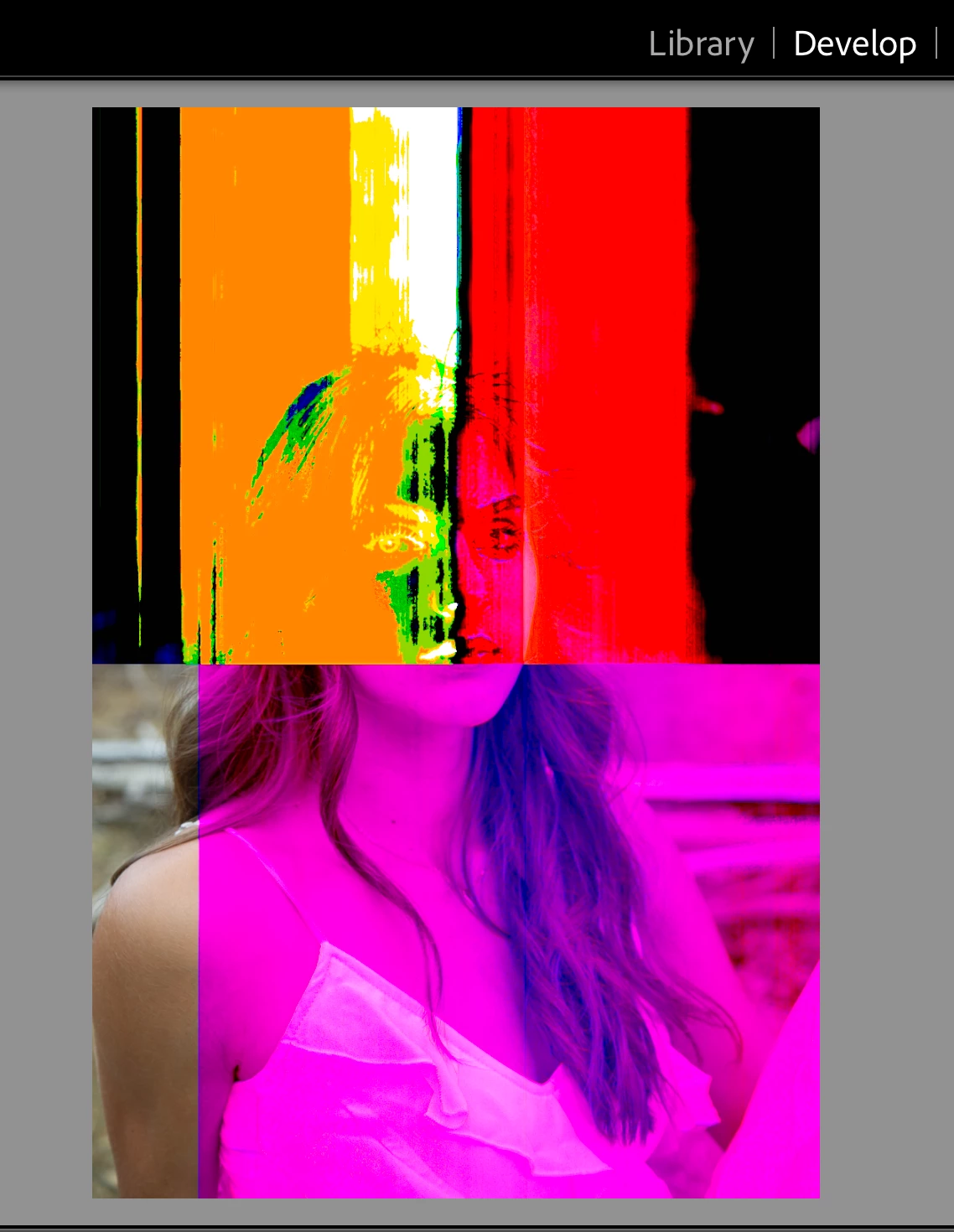
Pixelated color/overlay appearing over images
Hi y'all! Please excuse my lack of technical terminology in advance, but I'm having issues with Lightroom Classic and cannot for the life of me pinpoint the problem. Upon importing pictures from SD AND CF cards, I noticed that when clicking from the Library tab to Develop that once I clicked on an image to start editing it, a pixelated color/overlay started appearing over 70% of the image. In some cases it goes away when I click back to Library but in other cases it's stayed. I tested this on another import with other cards and the same thing happened. I also thought it could be a bug surrounding the Import button, but I clicked back on folders with pics from years ago and the same thing happens. This is still happening even after I've ensured my Mac is up to date as well as LRC with the latest version.
The images also appear fine in LRC on my *14-year-old* MacBook (... I don't even know how that thing functions, but the program and same photos are fine).
Can anyone help, please? Sincere thanks in advance!


 AdChoices