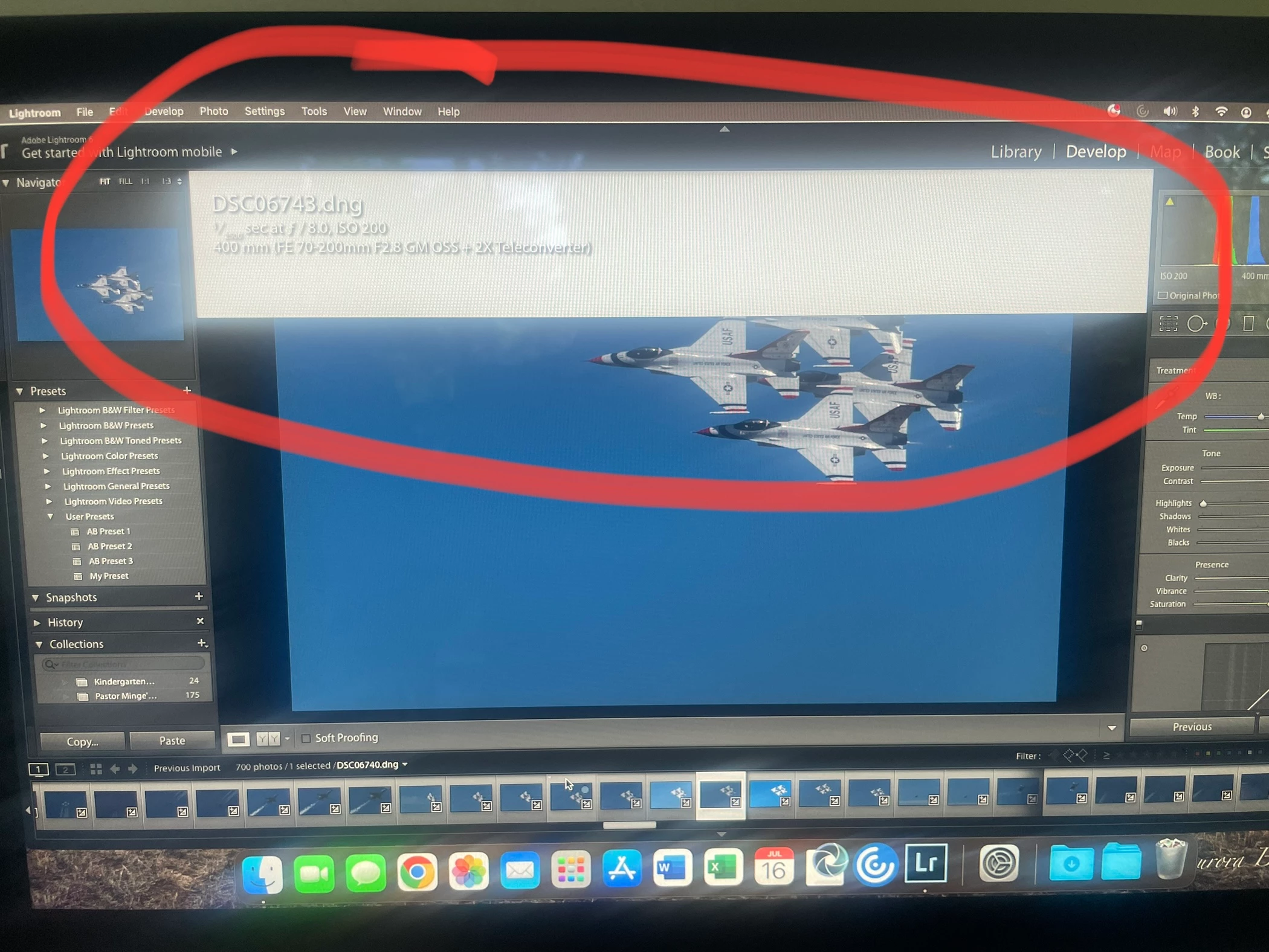
That highlghted text is the "Info Overlay" which can be used to overlay various bits of information on screen when in the Loupe mode in Library or Develop. Using the "I" key toggles between two different overlays and "Off".
The block of white is a display bug which appears in older versions of Lightroom (5 or 6, I can't recall which), when running on operating systems that those older versions were not developed for. Being obsolete versions, the issue will never be fixed by Adobe, so best to leave the overlay disabled.

 AdChoices