
Question
Post-Crop Vignetting Issue
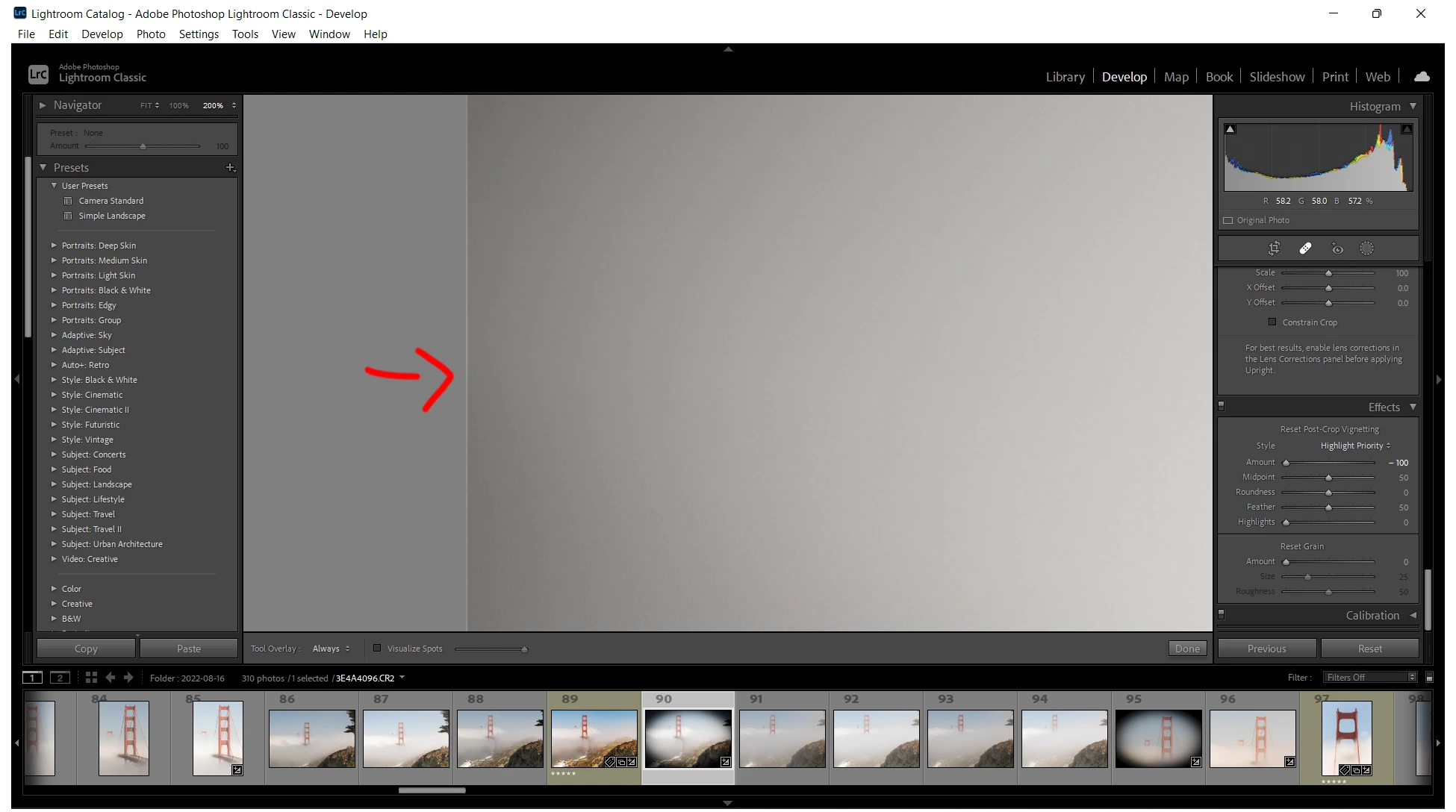
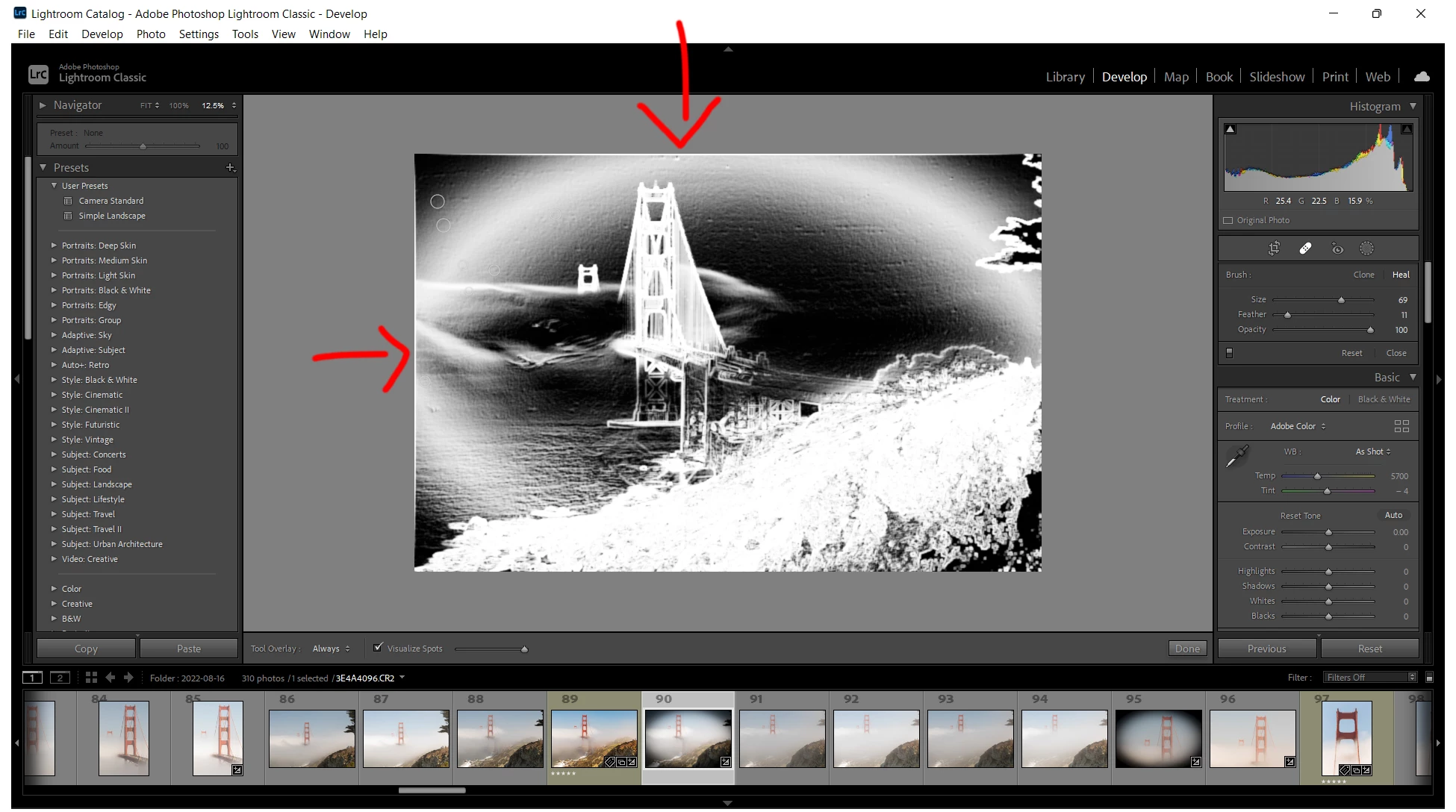
There appears to be an issue when applying a post-crop vignette on any image. A white warp begins to appear on 2 of the 4 borders on virtually every image and image type beginning at -5 and +12. I've tried it on a Raw, TIFF, and DNG image file. Although it is easily visible to the naked eye when zoomed in, the best way to reproduce the issue is to select the spot removal tool, click the visualize spots checkbox, and then adjust the post-crop vignette in either direction. I have included two screenshots to demonstrate the issue.
Currently running: Adobe Photoshop Lightroom Classic 14.4.1
Operating System: Windows 11
Chipset: Intel® Core™ i7-11800H processor
Video Card: NVIDIA® GeForce RTX™ 3060
 AdChoices