[This post contains formatting and embedded images that don't appear in email. View the post in your Web browser.]
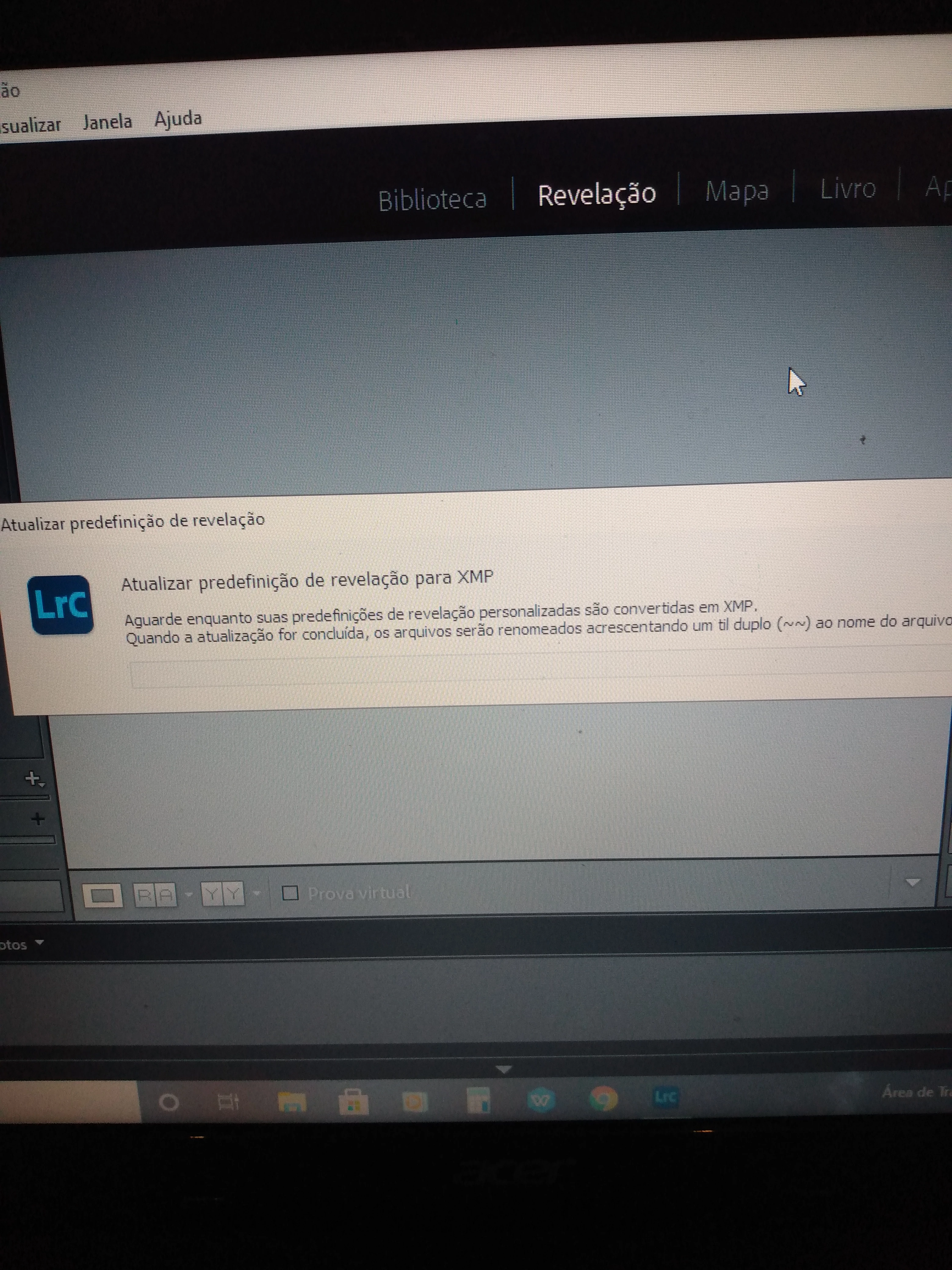
Translation: "this is open and never complete, I have already uninstalled it and did not solve it. What can it be ?"
LR is trying to convert your old develop presets (in the .lrtemplate format) to the new format (.xmp) but it's getting hung up for some reason. To work around this:
1. Exit LR.
2. In File Explorer, click View and and check the options File Name Extensions and Hidden Items:
3. In File Explorer, navigate to the folder C:\Users\your-user-name\AppData\Roaming\Adobe\Lightroom\Develop Presets.
4. Move (don't copy) the Develop Presets folder to your Desktop.
5. Start LR.
6. Import each preset (.lrtemplate file) in the Develop Presets folder on your Desktop one at a time, by clicking the + in the Presets panel in Develop and doing Import Presets:
[Use the blue reply button under the first post to ensure replies sort properly.]
Translation of the dialog in the screenshot: "Update developer template for xmp. Wait while your custom development presets are converted to xmp. When the update is complete, files will be renamed by adding a double tilde (~~) to the file name."
Does that window stay open and never complete?
[Use the blue reply button under the first post to ensure replies sort properly.]
 AdChoices