
hetulk
Participant
March 18, 2023
Question

Preferences > treat jpeg next to raw option not working

  • March 18, 2023
  • 3 replies
  • 699 views

Hi,


Under preference I have the option unchecked for "treat jpeg next to raw as separate photo"
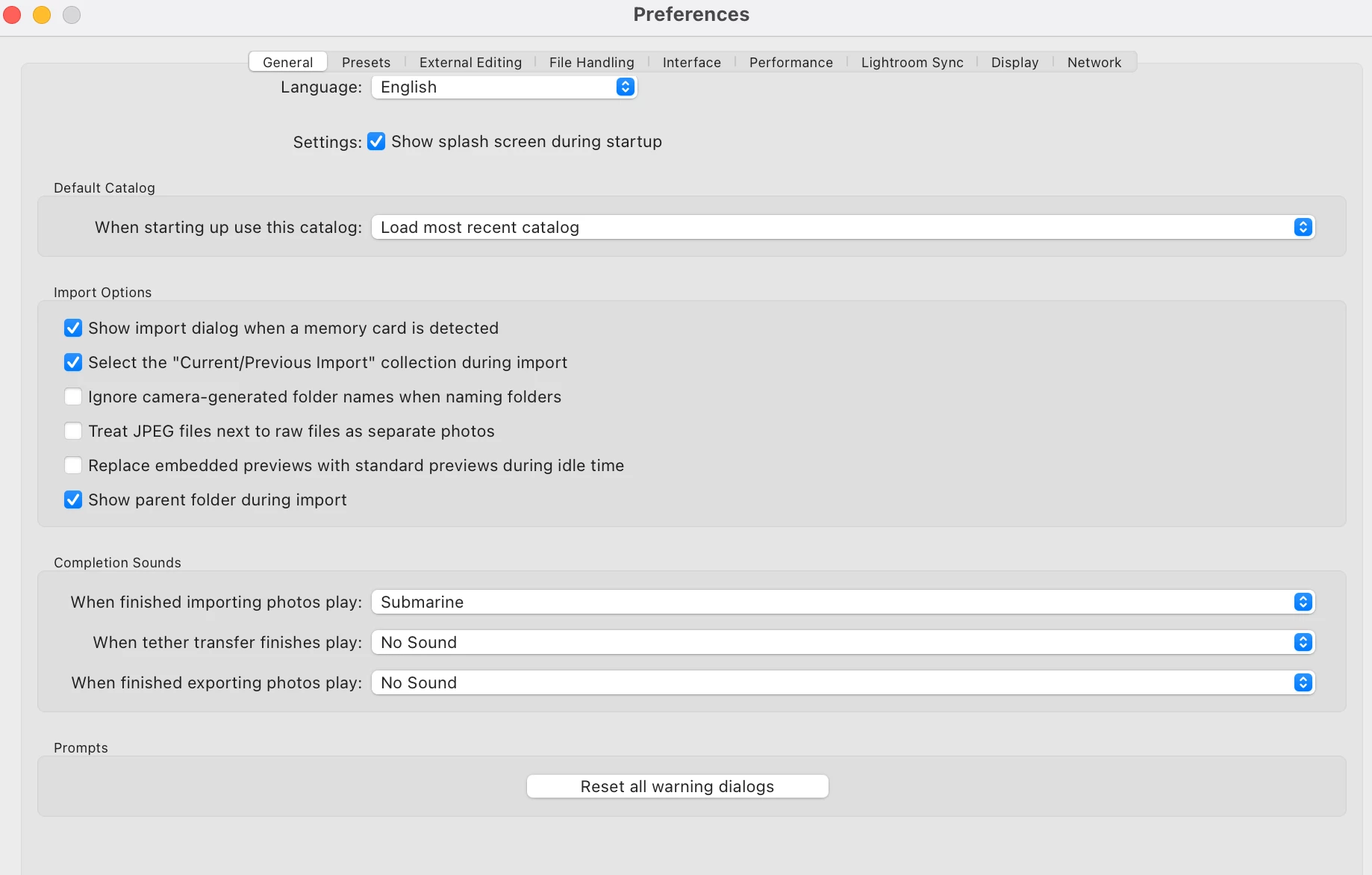
 

However, my raw files and jpg files are both visible in lightroom... I dont want to see the duplicate .jpg files and only want to see the .CR2 files...
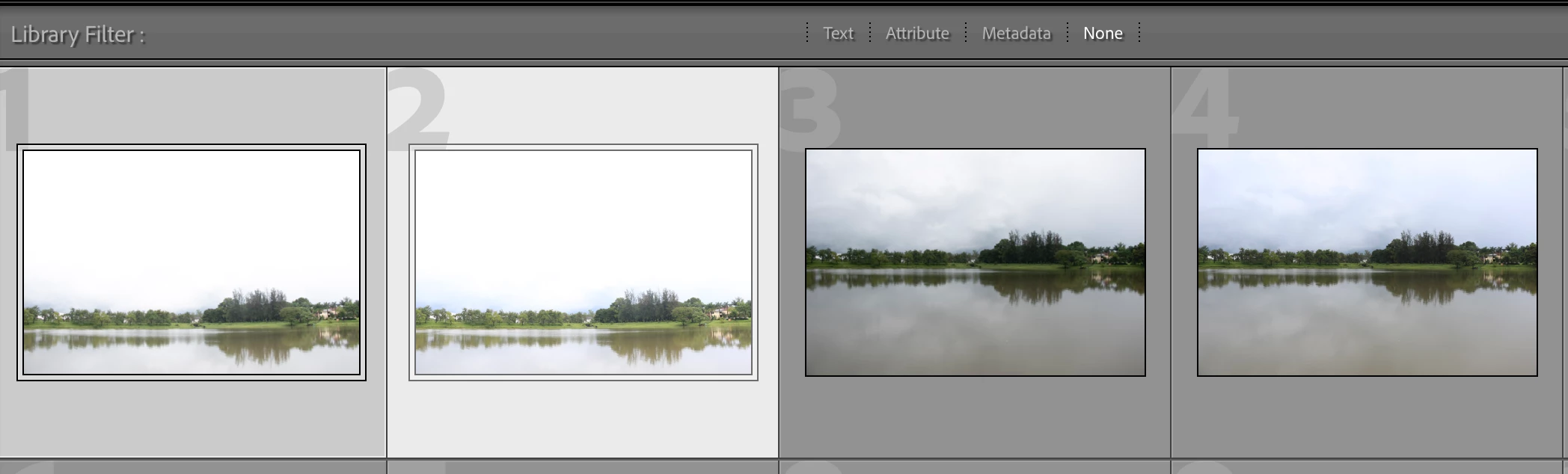


I have tried so far:

  1. to syncronise the folder - didnt work
  2. check/uncheck and treat jpeg next to raw as separate photo - didnt work


Can anyone suggest a way to fix this?

This topic has been closed for replies.

3 replies

Community Expert
March 18, 2023

As already explained, this setting controls subsequent imports only.


For images already in your Catalog, it is an easy matter to temporarily filter (whether a folder view, or a collection view) - e.g., hiding all JPGs.


If you really do not want the JPG separate versions there at all, you can get rid of them. Being careful of course, about any camera JPGs present which lack a Raw alternative! 


For cameras which offer the option, I do prefer to decisively shoot to  either Raw or camera JPG in the first place. There is IMO a lot to be said for the clarity of that. Incidentally, for the rare times I do want a camera-processed JPG version of an image that was shot to Raw - by doing this via the camera menu afterwards, a fresh image number gets applied, in my experience - and thus, no automatic Raw+JPG pairing then happens.

JohanElzenga
Community Expert
Community Expert
March 18, 2023

Sounds like you are looking at images already in the catalog. This preference setting is for newly imported images only. Synchronising the folder after you've changed this setting works if you change it from not treating them separately to treating them separately (the jpegs will be imported), but what I understand is that it does not work the other way round (anymore, it used to work too).


-- Johan W. Elzenga
DdeGannes
Community Expert
Community Expert
March 18, 2023

I agree with Johan, the jpeg are actual image files on the disk and imported to the Catalog as such. If you do not wish them to display then remove them from the Catalog.

Regards, Denis: iMac 27” mid-2015, macOS 11.7.10 Big Sur; 2TB SSD, 24 GB Ram, GPU 2 GB; LrC 12.5,; Lr 6.5, PS 24.7,; ACR 15.5,; (also Laptop Win 11, ver 24H2, LrC 15.0.1, PS 27.0; ) Camera Oly OM-D E-M1.
AxelMatt
Community Expert
Community Expert
March 18, 2023
My System: Intel i7-8700K - 64GB RAM - NVidia Geforce RTX 3060 - Windows 11 Pro 25H2 -- LR-Classic 15 - Photoshop 27 - Nik Collection 8 - PureRAW 6 - Topaz Photo AI