Participant
April 27, 2017
Answered

Presets lost after Lightroom update

  • April 27, 2017
  • 2 replies
  • 12649 views

PLEASE HELP. I am traveling out of state this weekend to shoot a wedding and I NEED my presets back. I cannot find my presets in Lightroom OR Finder.

(i have a Mac)

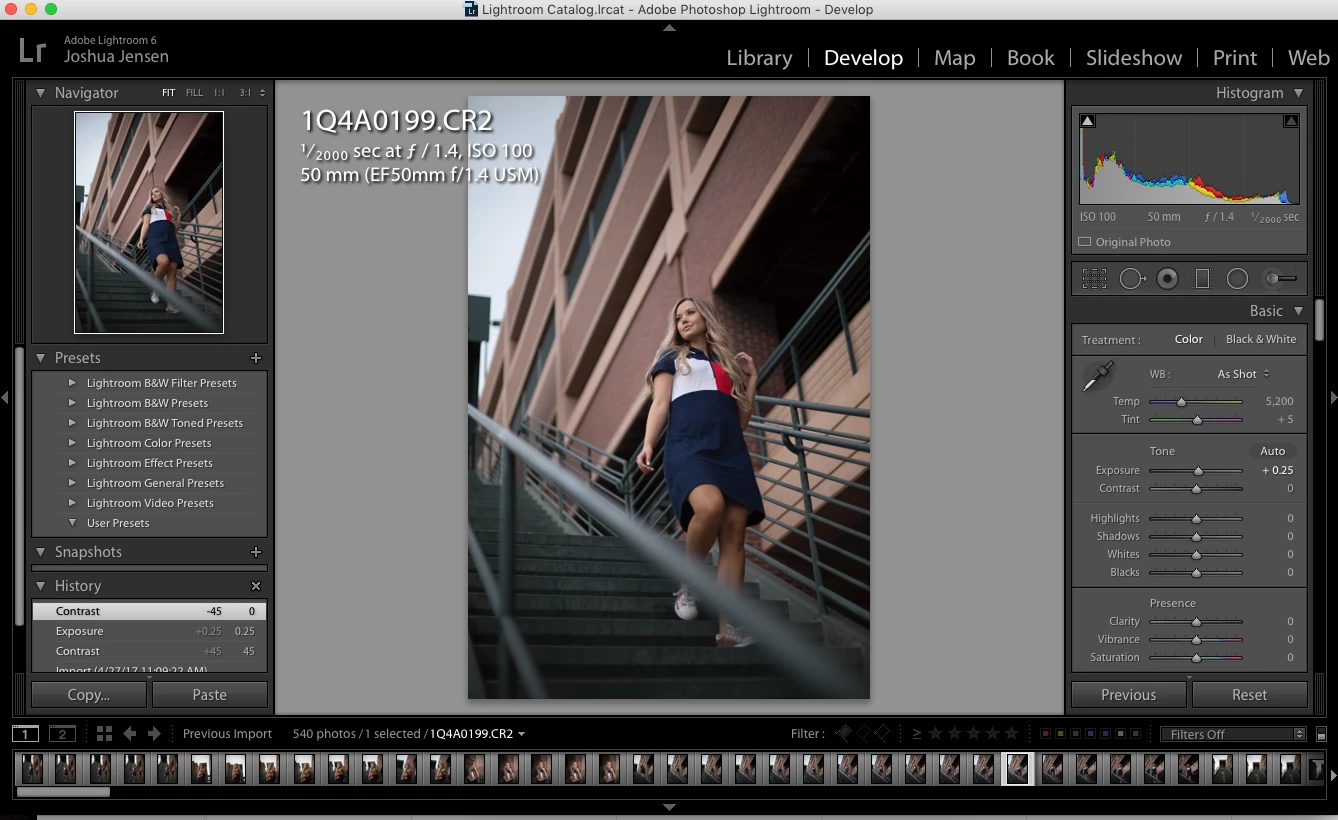
I updated Lightroom to version 6.10 today, and when I opened up my catalog to edit, I found ALL my User Presets have gone missing. I had the checkmark "store presets with this catalog" checked when I lost them. I have tried un-checking this, restarting my computer, or trying to locate and import my presets.
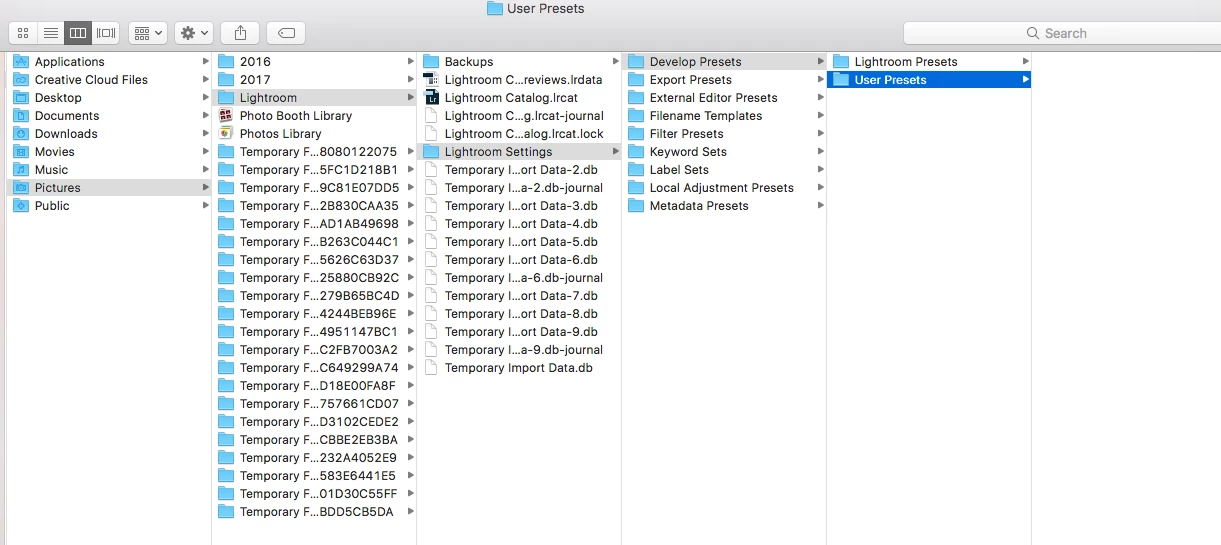
This is what is in my Finder window when I click "show lightroom presets folder".

I haven't backed up my computer or Lightroom recently enough to recover these presets.

WHAT SHOULD I DO?

This topic has been closed for replies.
Correct answer TheDigitalDog

IF the presets were stored with catalog and you turn the option off, they disappear. IF you didn’t store the presets with catalog (which I always do with a traveling catalog), they are back on the other system, deep in the Application Support folder. https://www.lightroomqueen.com/articles-page/lightroom-5-default-locations/

2 replies

Community Expert
April 27, 2017

IF when you opened up newer software, your Catalog needed to first be version converted, it has now got a new name; LR insists on this.

IF you had "store presets with catalog" selected before, then your presets will have been made into a location relating to that prior Catalog name. They are most likely still in there.

The new catalog name, would have a correspondingly changed new location where presets would be looked for under this option. That'll be an empty location unless/until you put some copies of your presets into there.

Alternatively, you could move / copy these into LR's default presets folder (centrally). And then un-check "store with Catalog" - that gives these universal visibility no matter what your Catalog(s) may ever be called.

TheDigitalDog
TheDigitalDogCorrect answer
Inspiring
April 27, 2017

IF the presets were stored with catalog and you turn the option off, they disappear. IF you didn’t store the presets with catalog (which I always do with a traveling catalog), they are back on the other system, deep in the Application Support folder. https://www.lightroomqueen.com/articles-page/lightroom-5-default-locations/

Author “Color Management for Photographers" & "Photoshop CC Color Management/pluralsight"
Participating Frequently
October 30, 2020

Hi I recently lost my Presets on my Lightroom app that I had installed on my phone without knowing of a sort of back up or anything like that so I don't know if my presets were backed up   but. How do I access them back

Participating Frequently
October 30, 2020
My email is luhdessi1@gmail.con