Answered
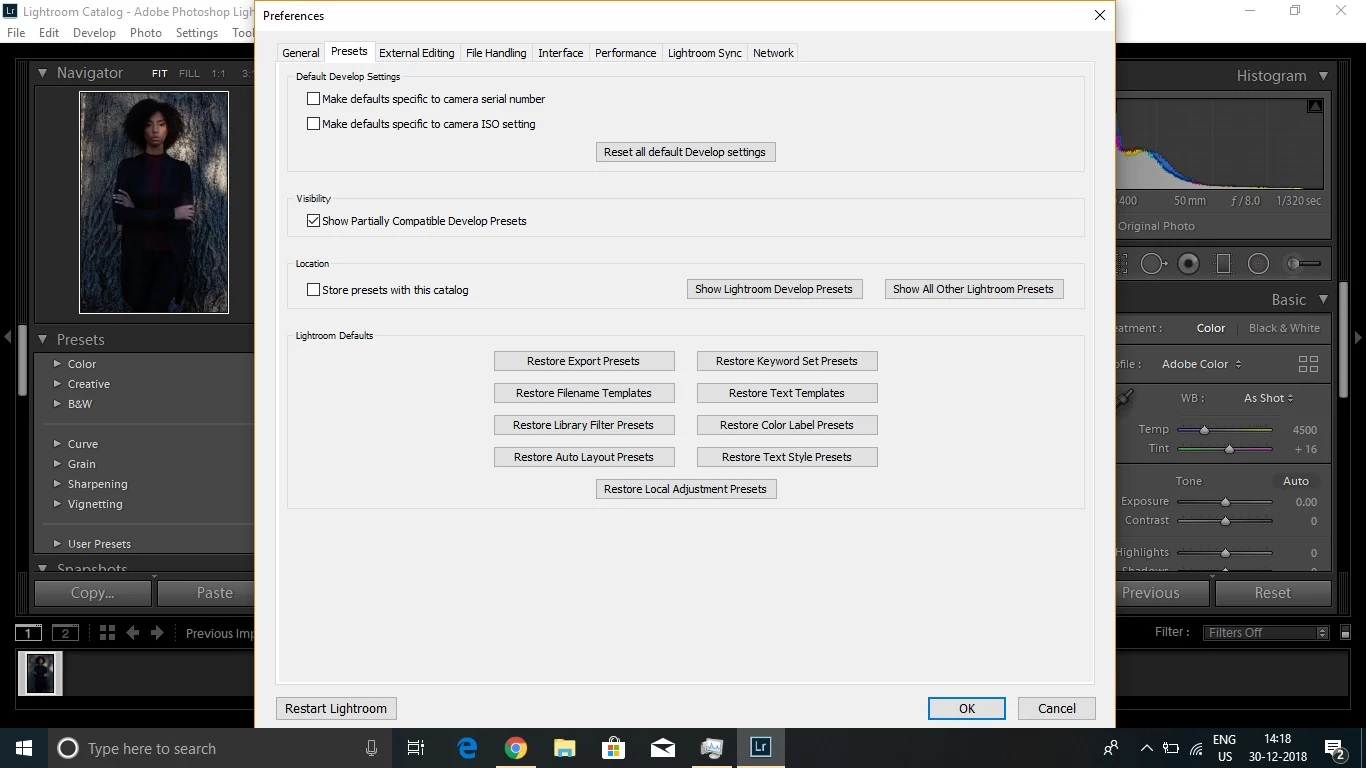
"Presets" Not showing up in Lightroom 8.1....
These preset worked on 7.2 version but now its not showing up. If i import them it converts them and shows in "user Preset" but automatically it is not showing up. What should i Do.
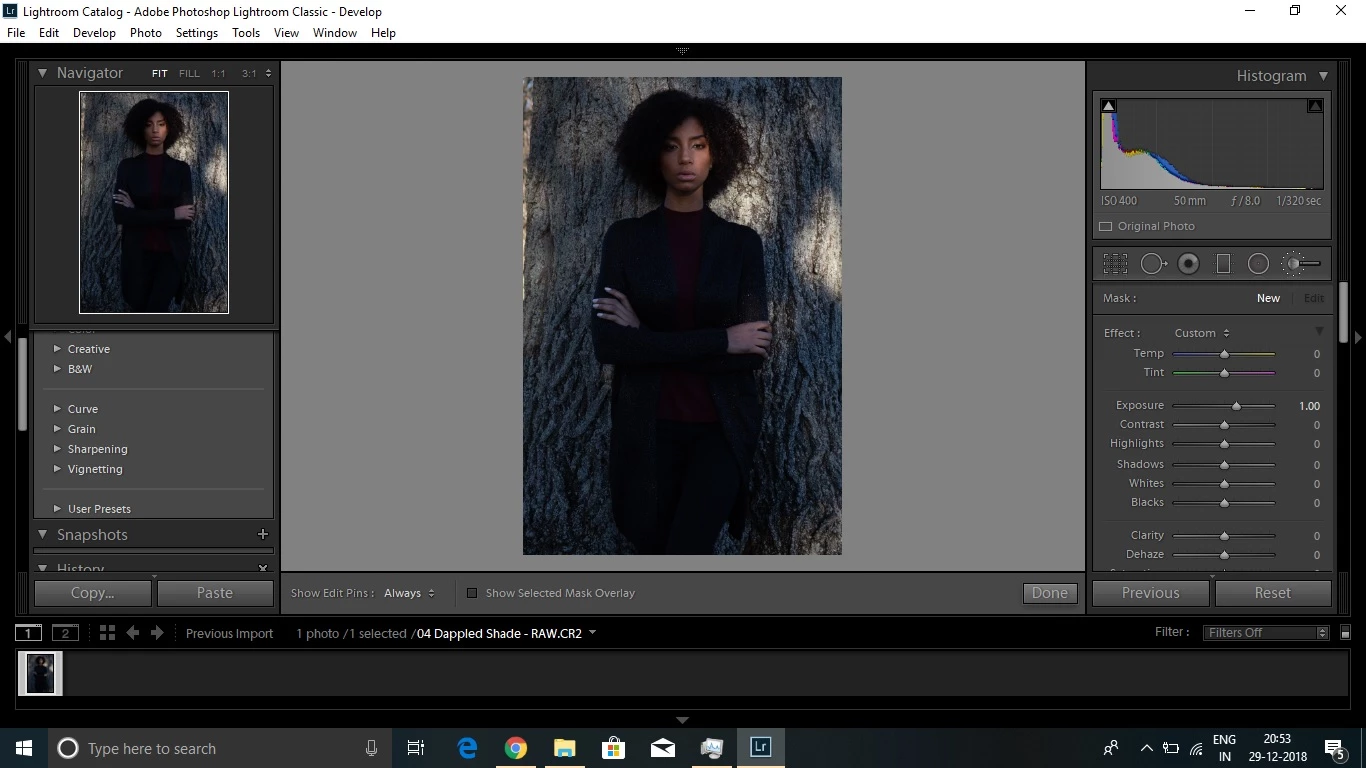
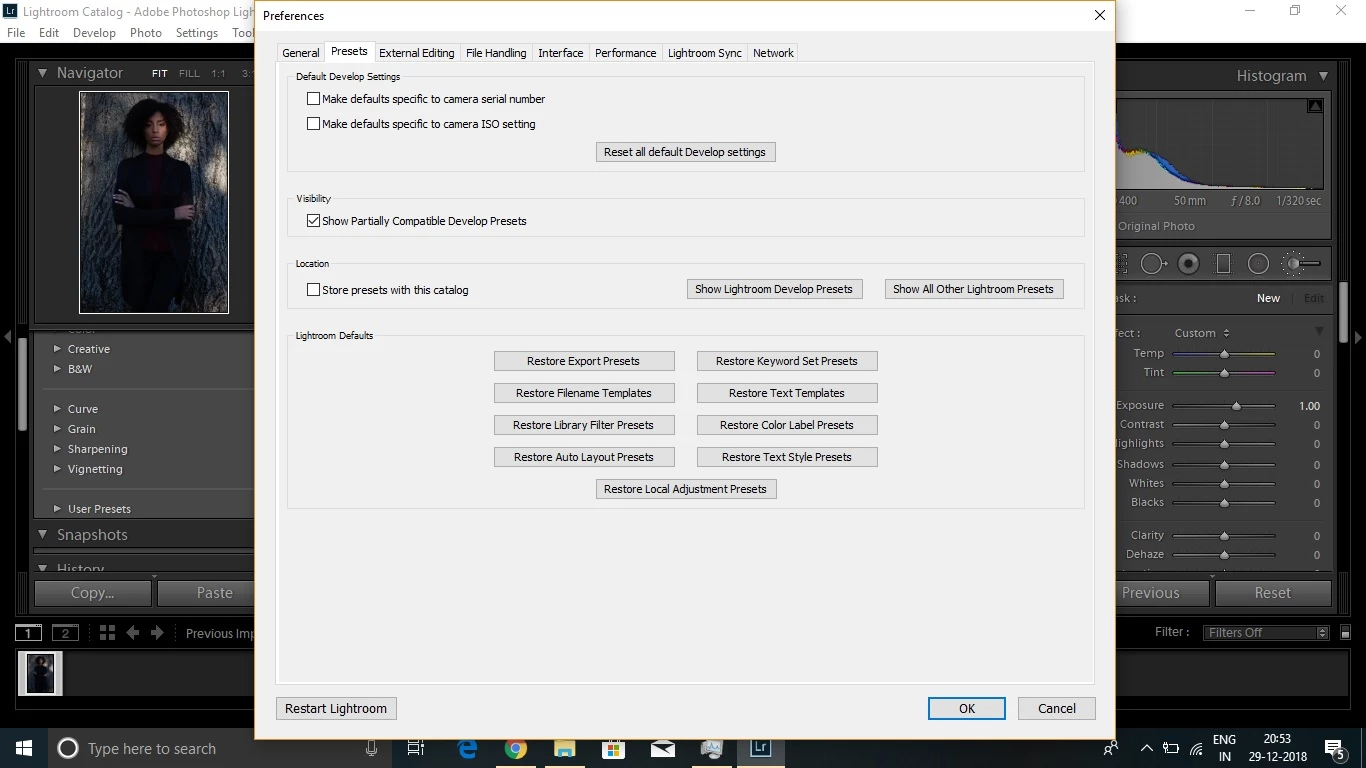
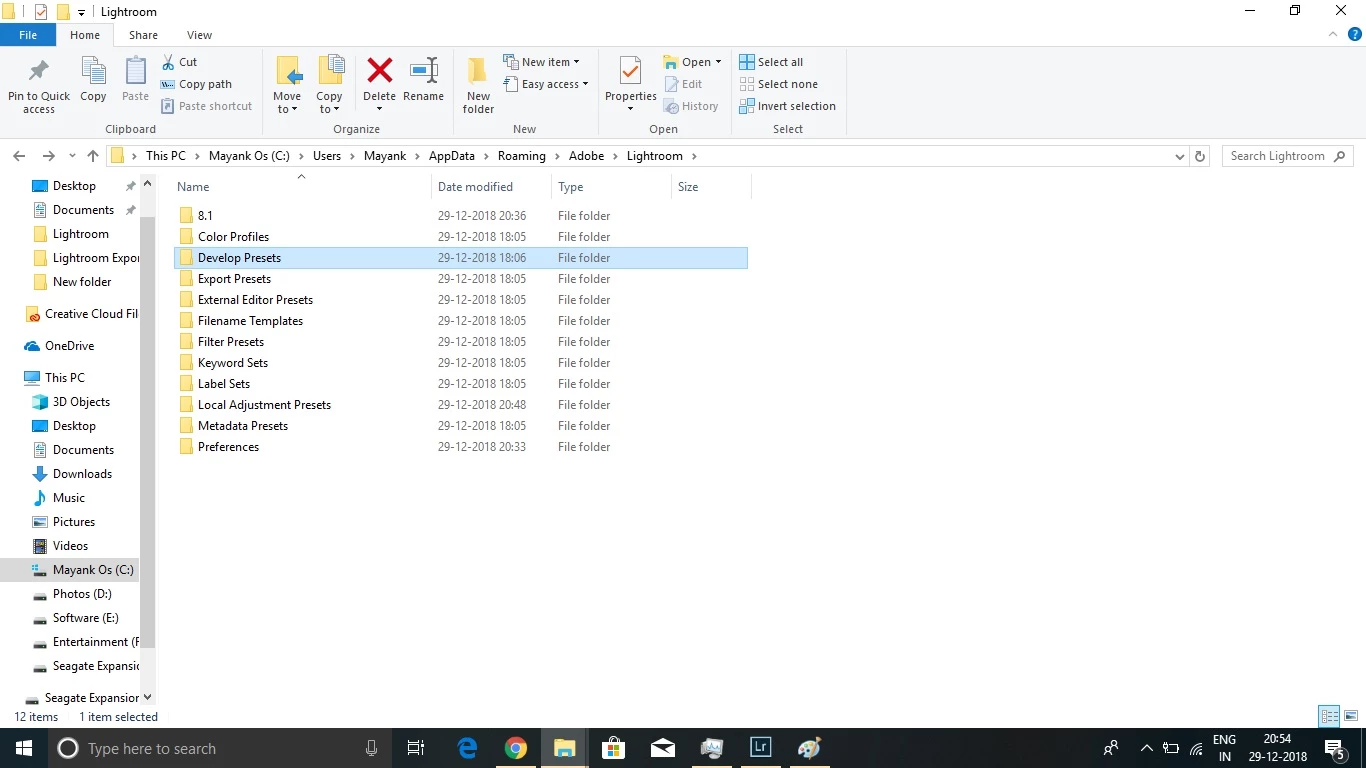
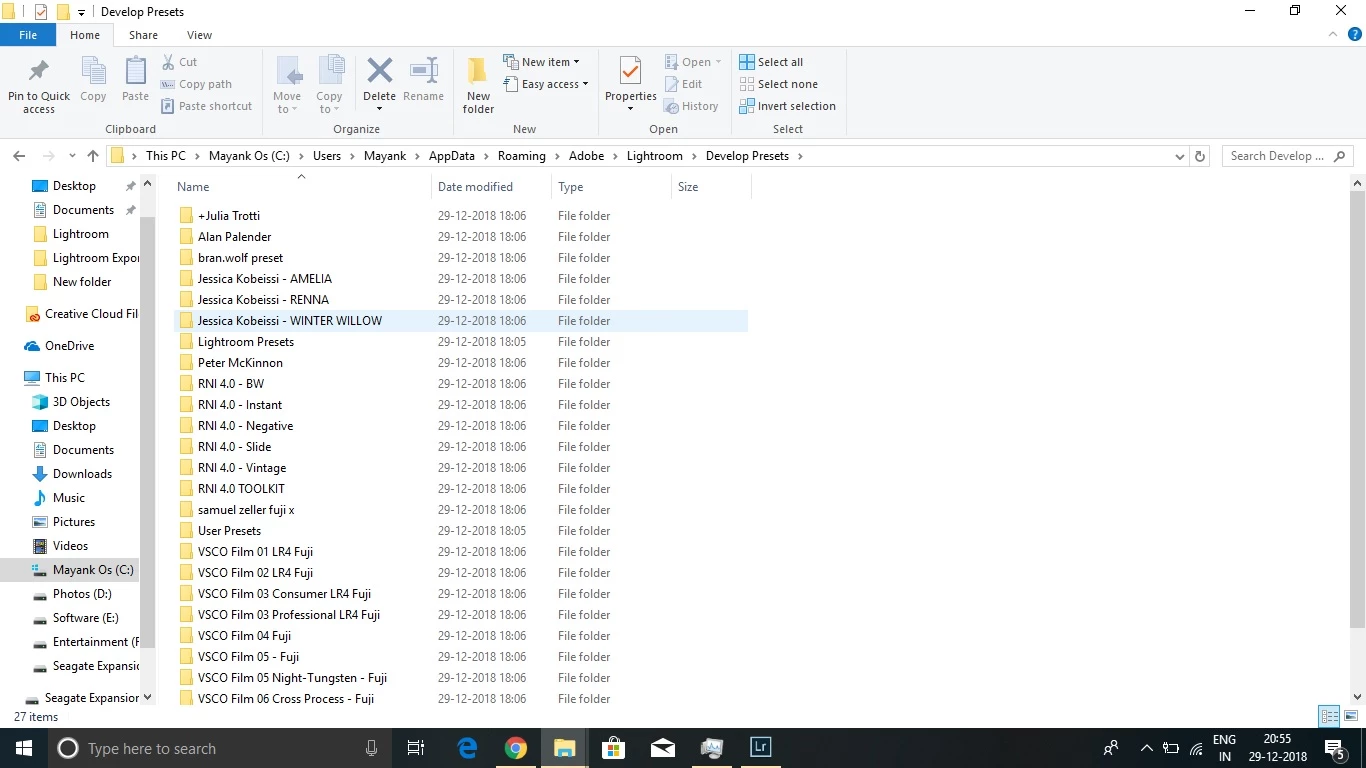
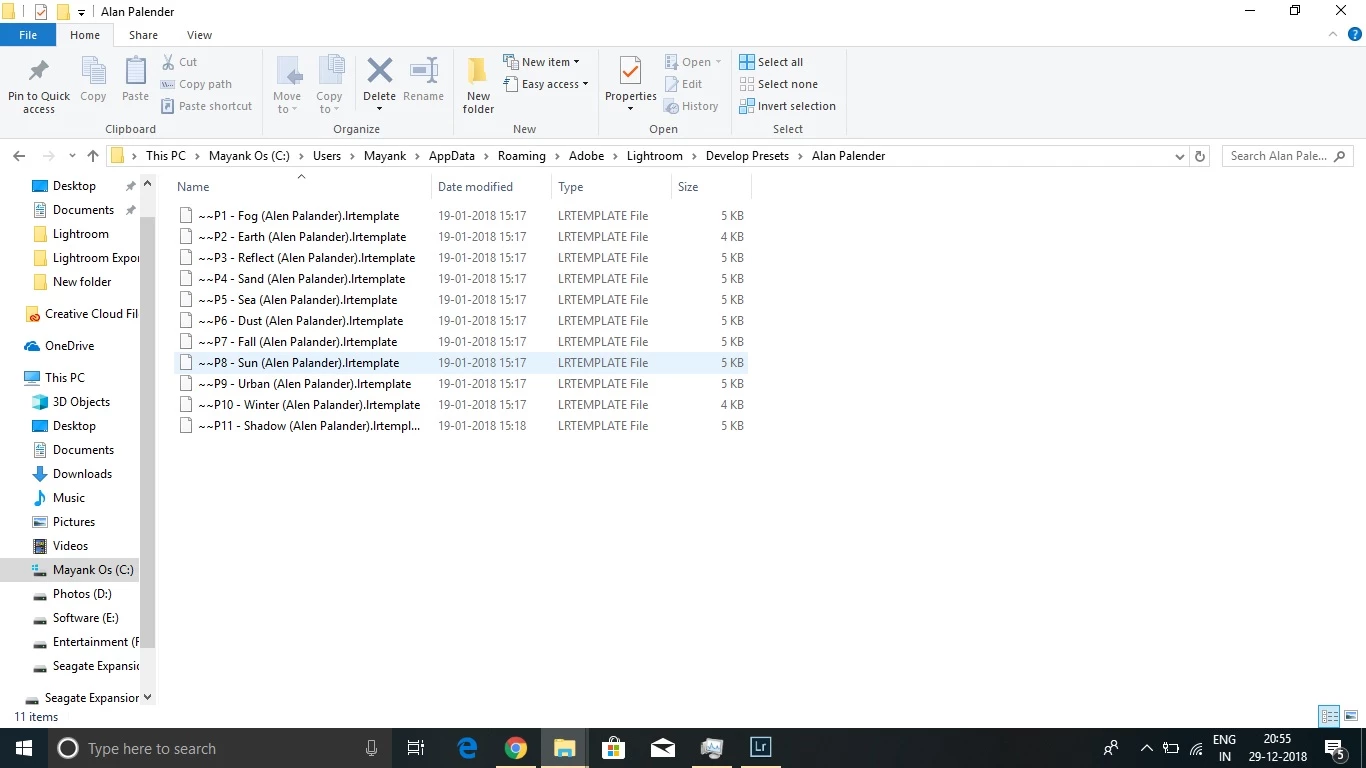

These preset worked on 7.2 version but now its not showing up. If i import them it converts them and shows in "user Preset" but automatically it is not showing up. What should i Do.
yes every preset now have ~~ symbol... "Why does that symbol mean??"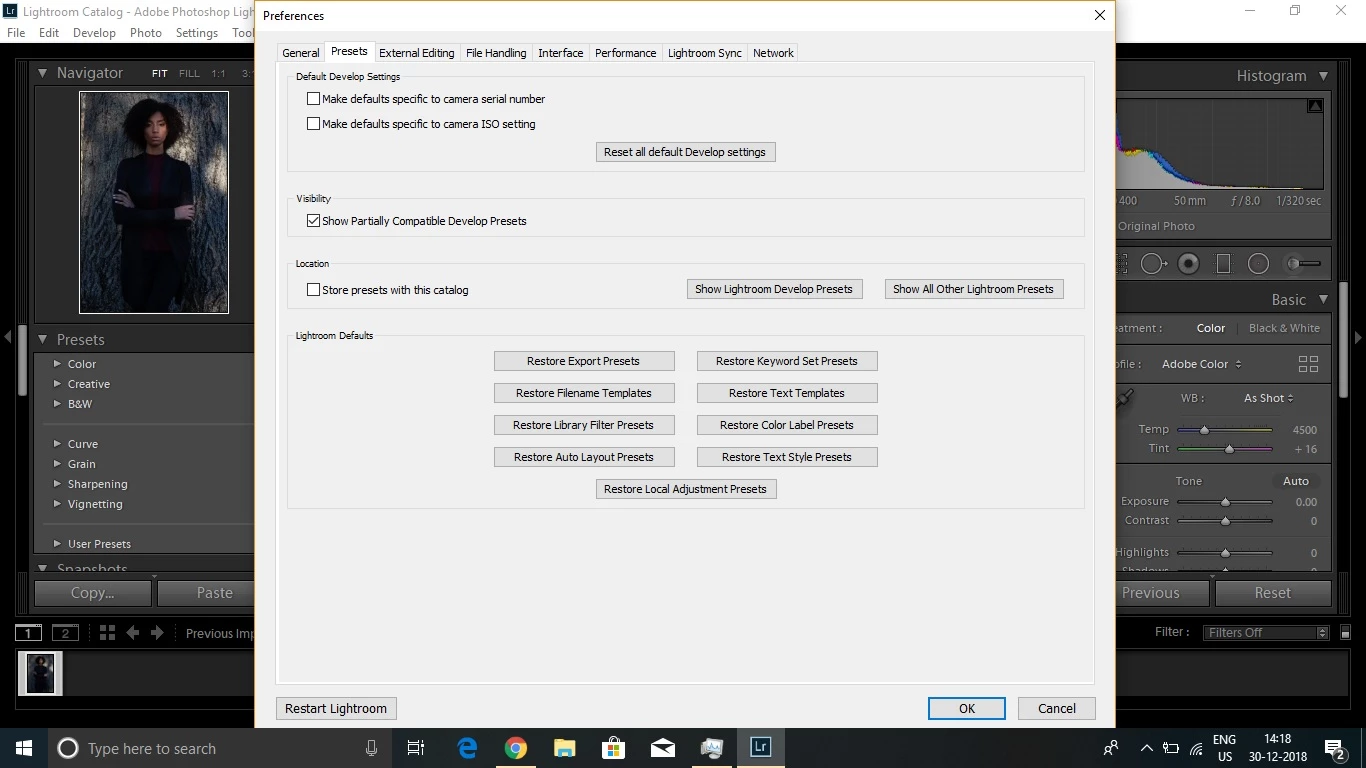
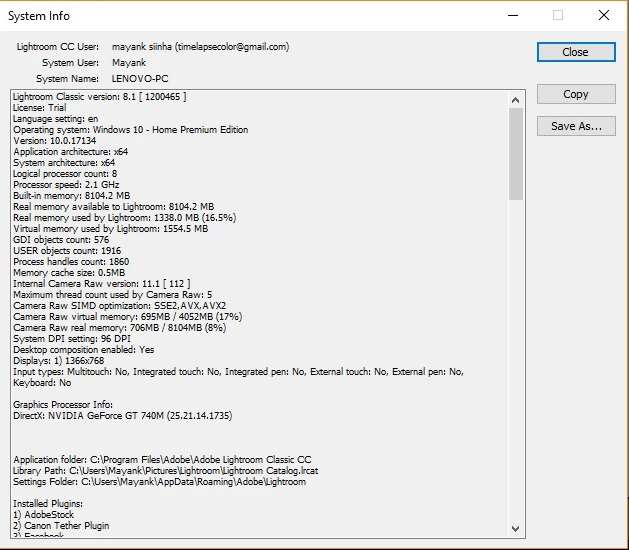
System Info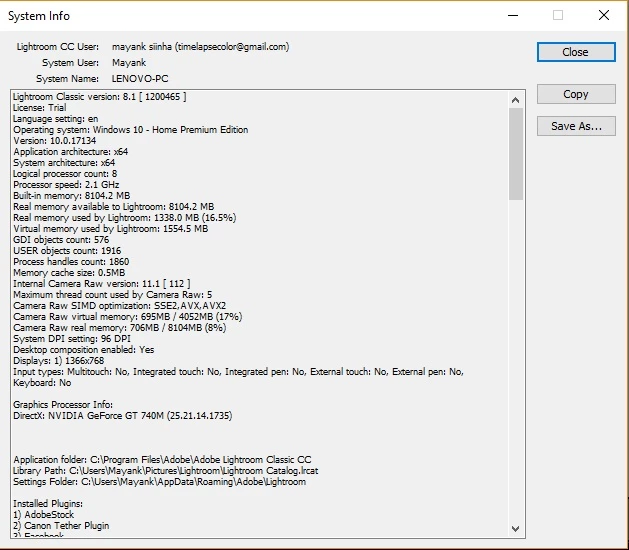
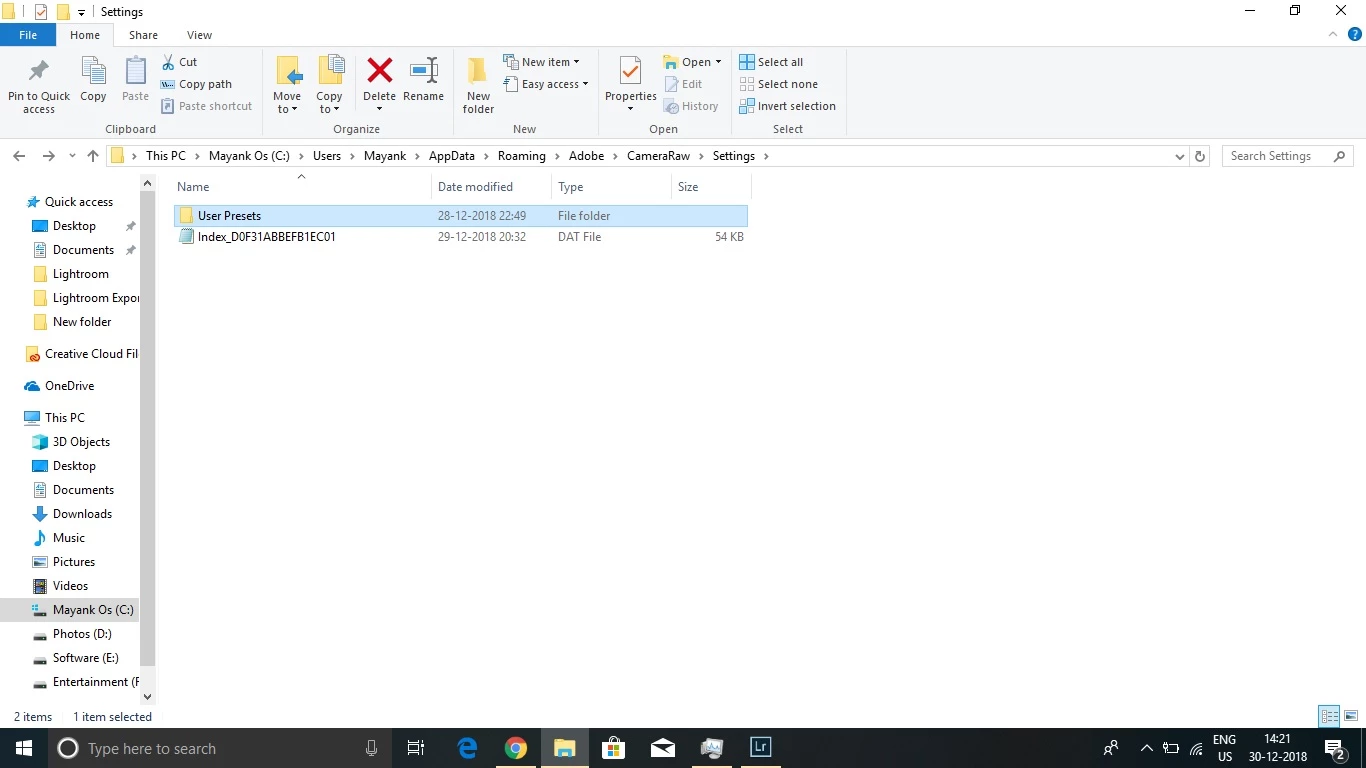
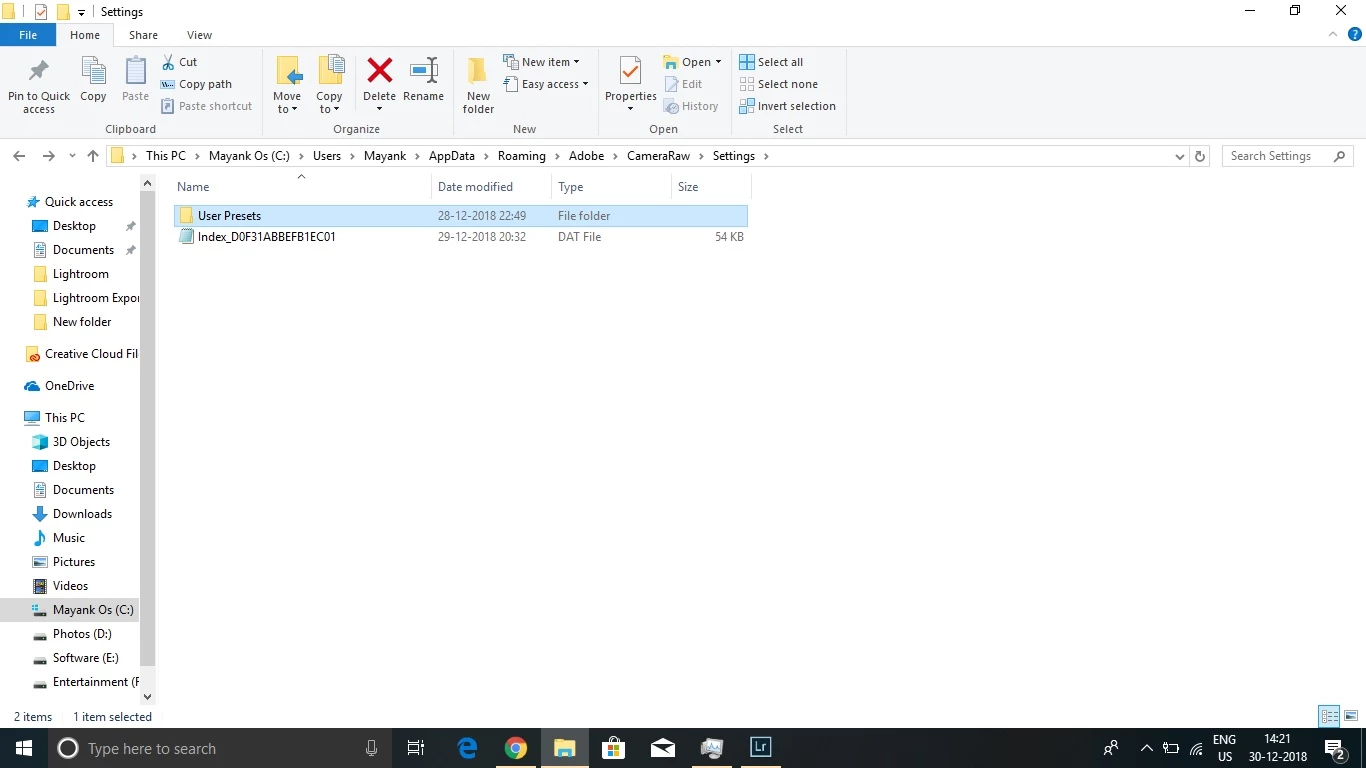
User Preset is empty.
https://forums.adobe.com/people/mayank+Sinha wrote
yes every preset now have ~~ symbol... "Why does that symbol mean??"
System Info
User Preset is empty.
In the System Info, your license says 'Trial'. That probably means you are not logged in with the CC App (unless you are really using a trial version). That may be the reason of your problems.
The ~~ in front of the names of your presets means you are looking at the old (pre 7.3) presets. Lightroom places two tildes in front of the name so it knows that these presets have been converted to XMP already.
Already have an account? Login
Enter your E-mail address. We'll send you an e-mail with instructions to reset your password.
 AdChoices