Participant
May 28, 2020
Question

Presets not showing up on the presets panel when in Develop on Lightroom Classic 9.2.1

  • May 28, 2020
  • 1 reply
  • 602 views

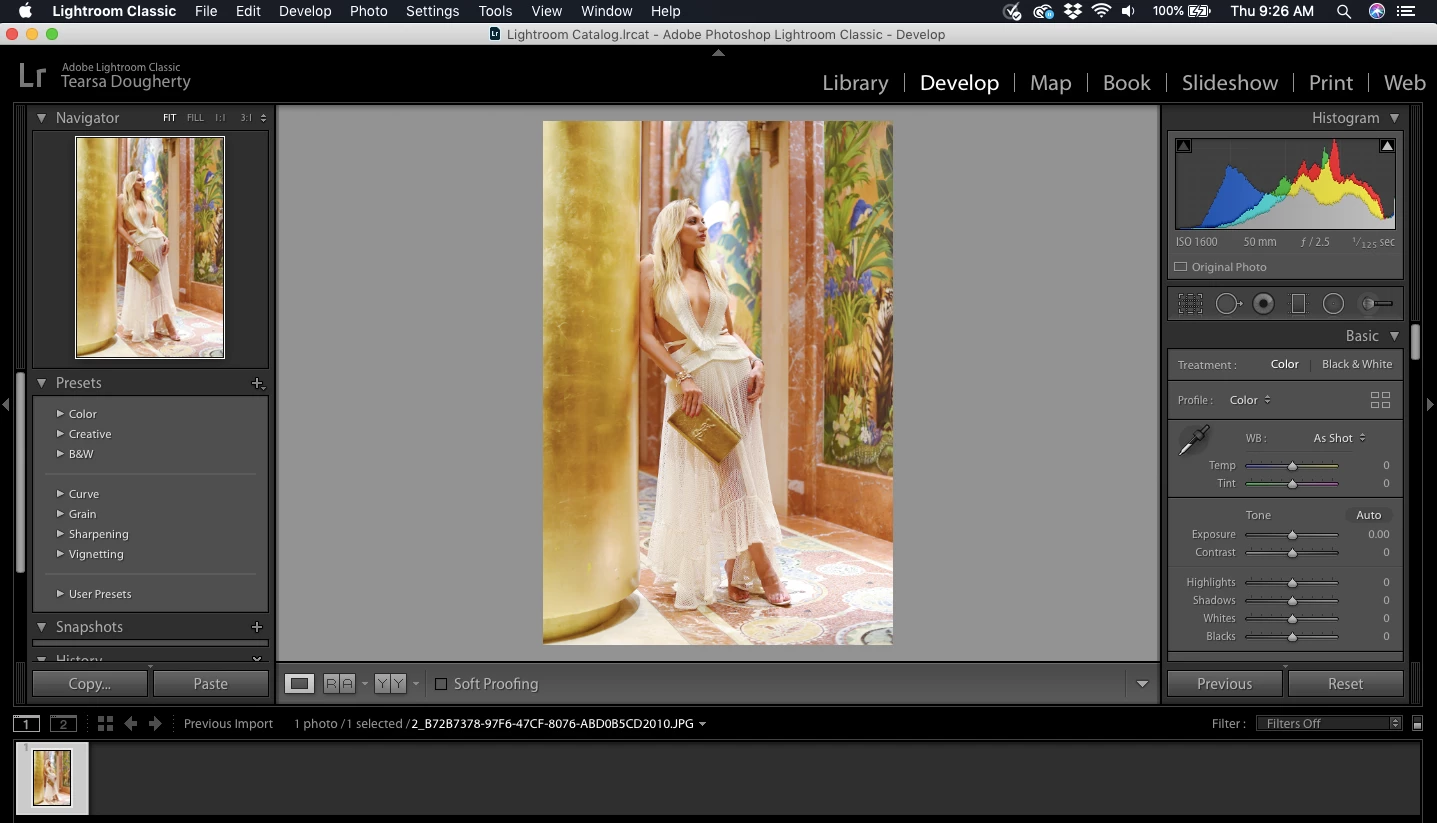
I am working on a MAC 10.14.6. I have the Lightroom classic 9.2.1 installed. I purchased devleoped presets. The purchased developed presets were gievn to me in both xmp and irtemplate forms. I believe they installed but they are not showing up on the side panel under presets when I'm in the develop tab. 
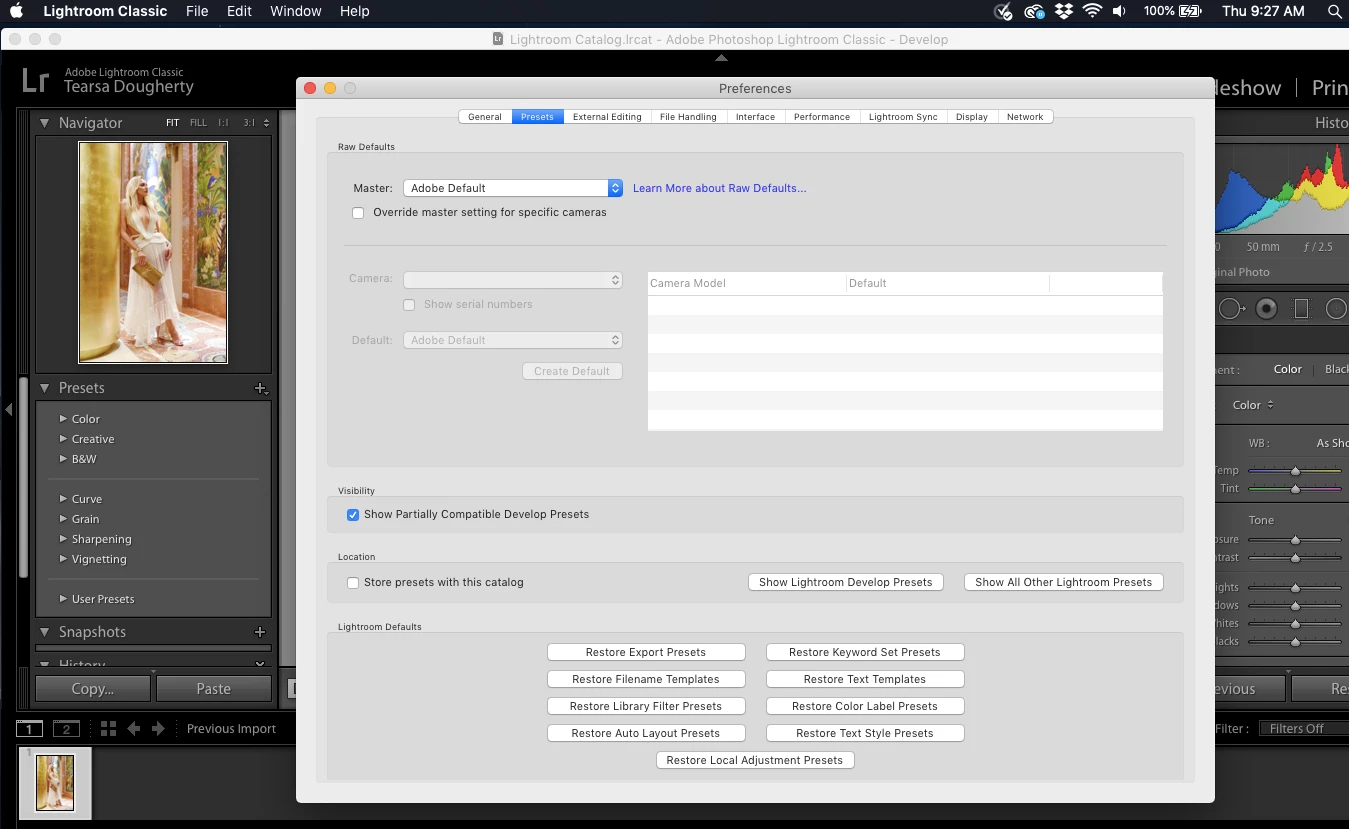
I have already gone to preferences and checked show partially compatible develop presets, quit the program and opened it- This did not work
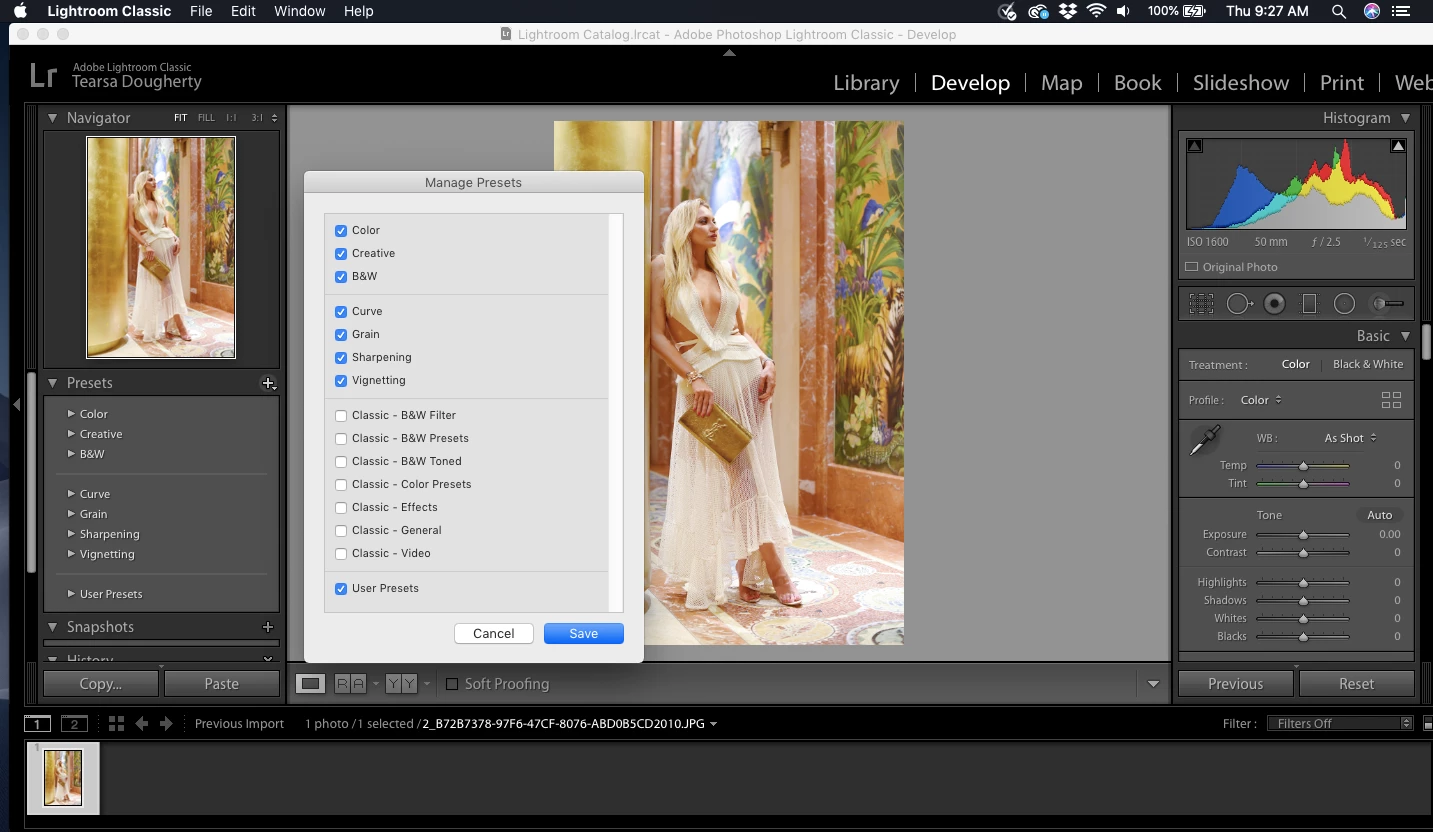
I have gone to the + next to the presets and hit manage to see if i could check them to show up and they are not in there to check
 

Can someone please help I have watche 1,000+ videos and nothing is working 😞 

This topic has been closed for replies.

1 reply

Rob_Cullen
Community Expert
Community Expert
May 28, 2020

Have you looked through all the Presets in the User Group?

Click the spinner triangle to open the Group-

Also be aware that the name of a Preset in the Lr panel may not be the same as the Preset Filename of the .XMP/.Lrtemplate file.

Have you contacted the supplier for install information?

Regards. My System: Windows-11, Lightroom-Classic 15.3, Photoshop 27.5, ACR 18.3, Lightroom 9.3, Lr-iOS 10.4.0, Bridge 16.0.3 .
Participant
May 28, 2020
I just opened Lightroom up and they are all there now! I don't know what I
did but thank you for responding!
GoldingD
Legend
May 29, 2020

After an import, or for that matter a copy to the correct locaation, a relaunch is required