


Previews disappeared
Hi everyone!
To start, I'm a wedding photographer and my hard drive crashed. There is no backup. Please spare me the replies of how stupid this is... I've already beat myself about this for days.
My saving grace was I had uploaded all of my galleries to Lightroom Classic already and I was seeing the previews there. I found an article on Adobe that says I'm able to export the previews, but they may not be full res as they're just previews. Totally fine. I wanted a back up as I'm trying to repair my hard drive.
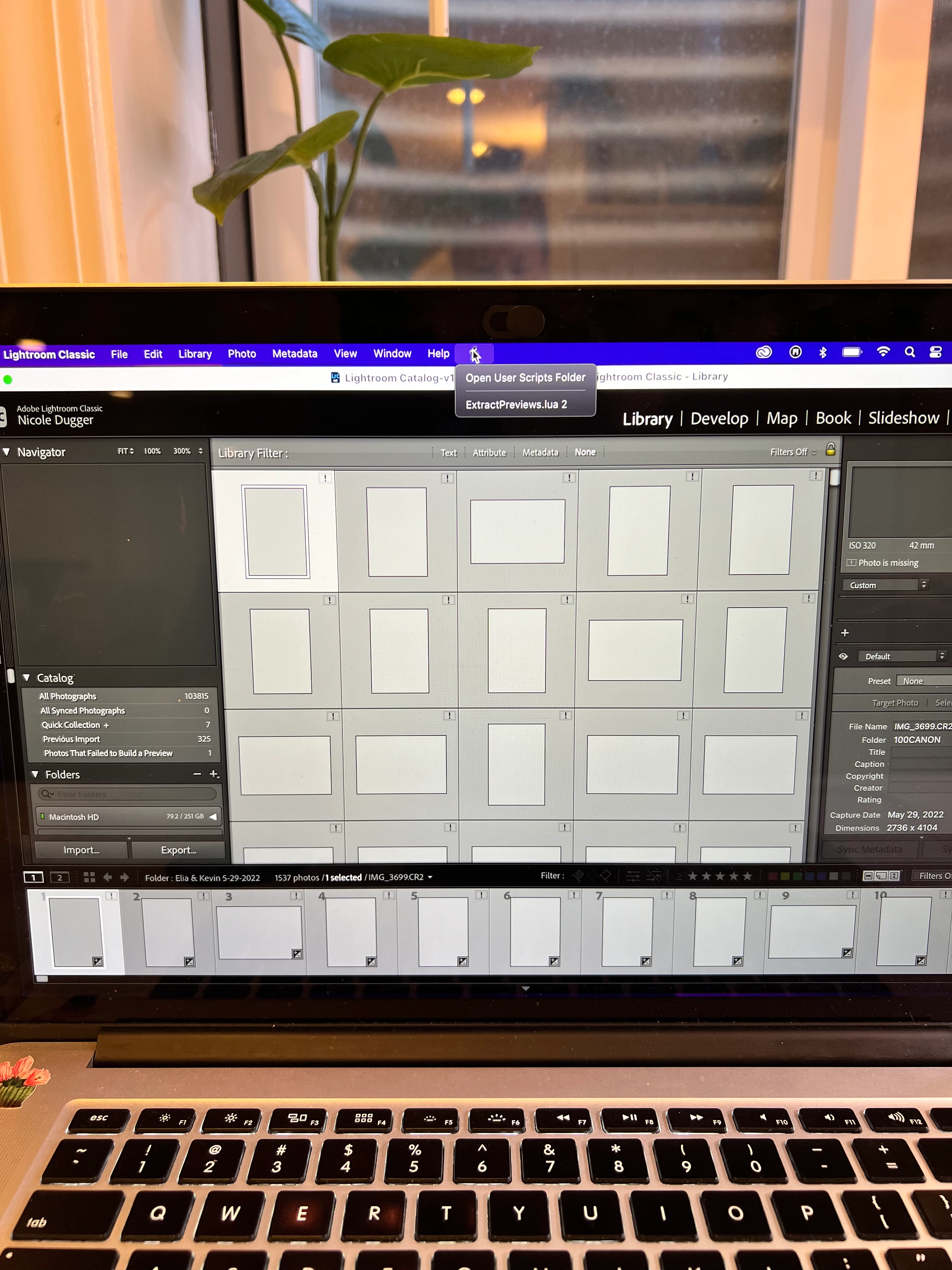
When I went into Lightroom to extract the previews (Lightroom, preferences, presets, show all other Lightroom presets... go to folder SCRIPTS, ensure that is present at the top of your screen (see pic attached... it's the scroll next to HELP)
then I click on the scroll/scrips icon, click extract previews and it should bounce the photo out.
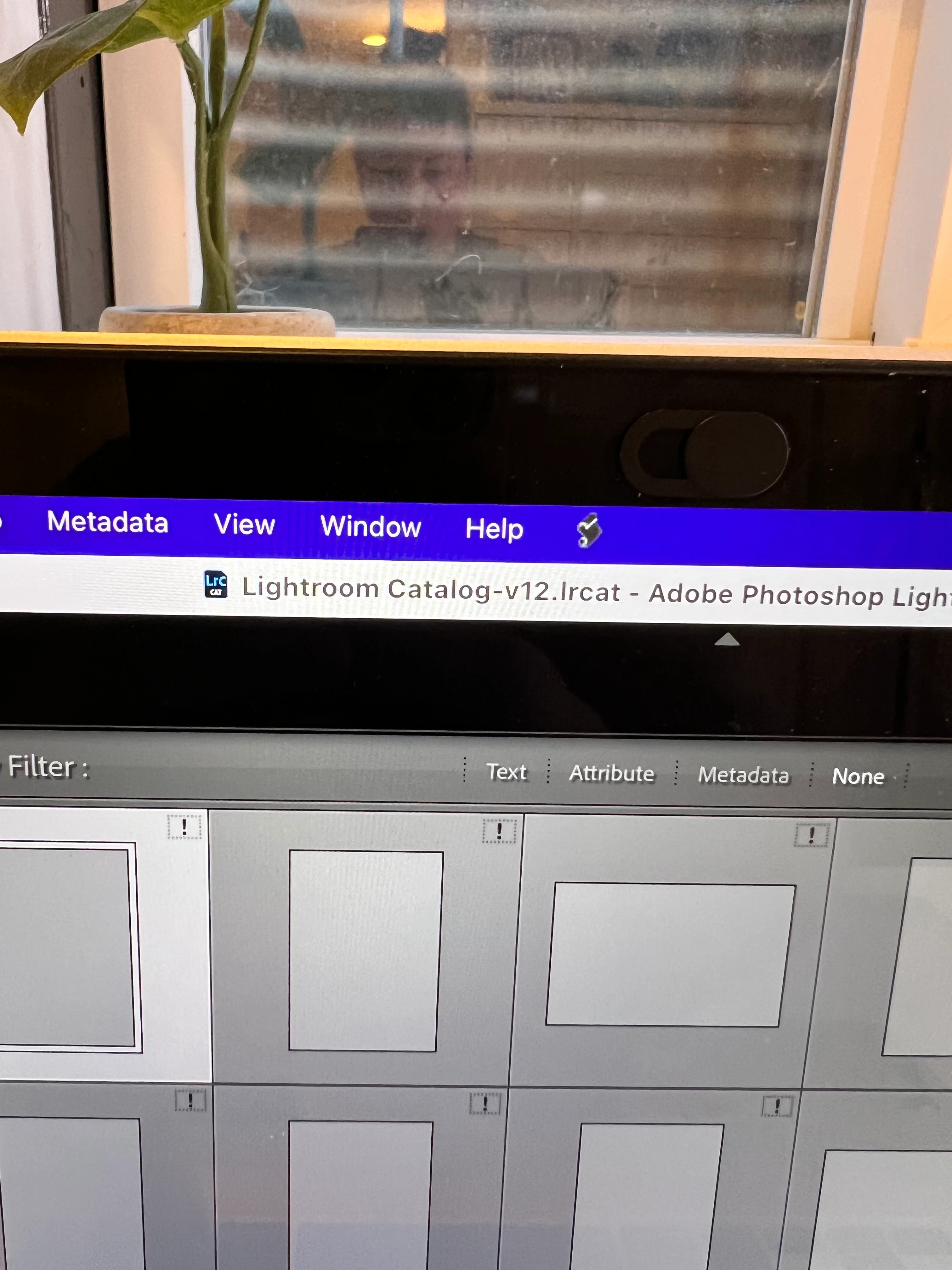
It worked! However, I went to upload another catalog and then I went back to the one I was extracting from (I regret this with all of my soul) they were all greyed out. (See pic attached)
im hoping someone in the world has dealt with this before and has an option for me to retrieve these again.
keeping in mind I do NOT have the originals.
many help would be MUCH appreciated! Thank you!!
 AdChoices