
Previews & Photos Greyed Out After Updates/No Rebuild
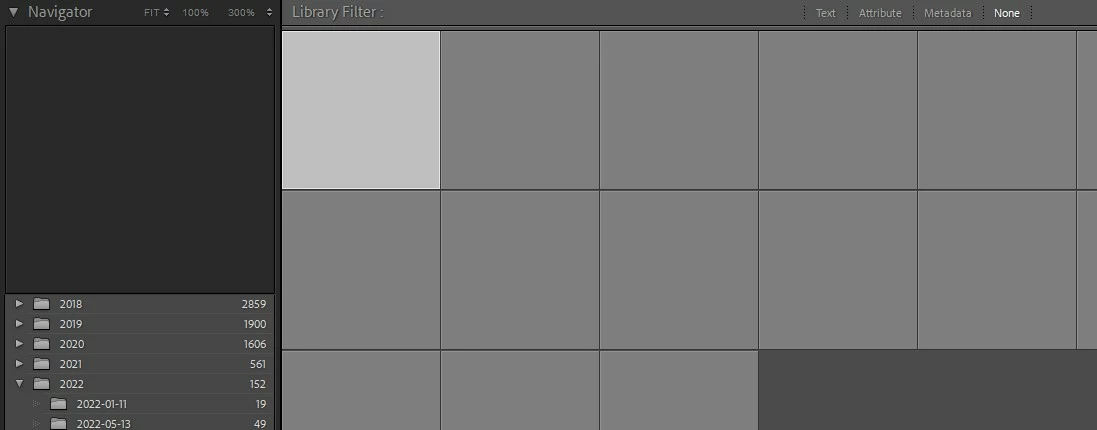
It has been a while since I opened LRC, and since I last opened LRC my Windows has updated to Win11 and LRC has updated to v12.1. When I opened LRC today, all of my previews and photos are just grayed out. If I select a photo, its EXIF data shows, no histogram data, however, when I open a photo in either Library or Develop, it just remains grayed out. I did some googling and found this Adobe help article and followed its instructions, first deleting previews.db and root-pixels.db files and when that didn't work deleting the entire Previews.lrdata folder, again without success.
Looking around LRC, I also noticed that none of my photos are showing in the Map tab. I have attempted to rebuilding my previews (Library>Previews>Rebuild Standard Sized Previews) and after several hours of nothing happening, I checked the Previews.lrdata folder and noticed no new files had been created.
Any ideas what to try from here?
 AdChoices