
Answered
Previous masking settings not saved
- December 2, 2021
- 2 replies
- 568 views
Issue:
- Lightroom Classic Version Number: 11.0 Release
- OS Version Number: 12.0.1 mac OS Monterey
Steps to reproduce:
- Select a picture and Open Develop mode
- Select to add a new mask
- Add a mask, for example Linear Gradient
- Select the effect (for example Exposure)
- Modify the exposure (Burn (darken) for example from -0.30 to -1.26) and add the mask to the photo
- Add a New Mask (for example brush),
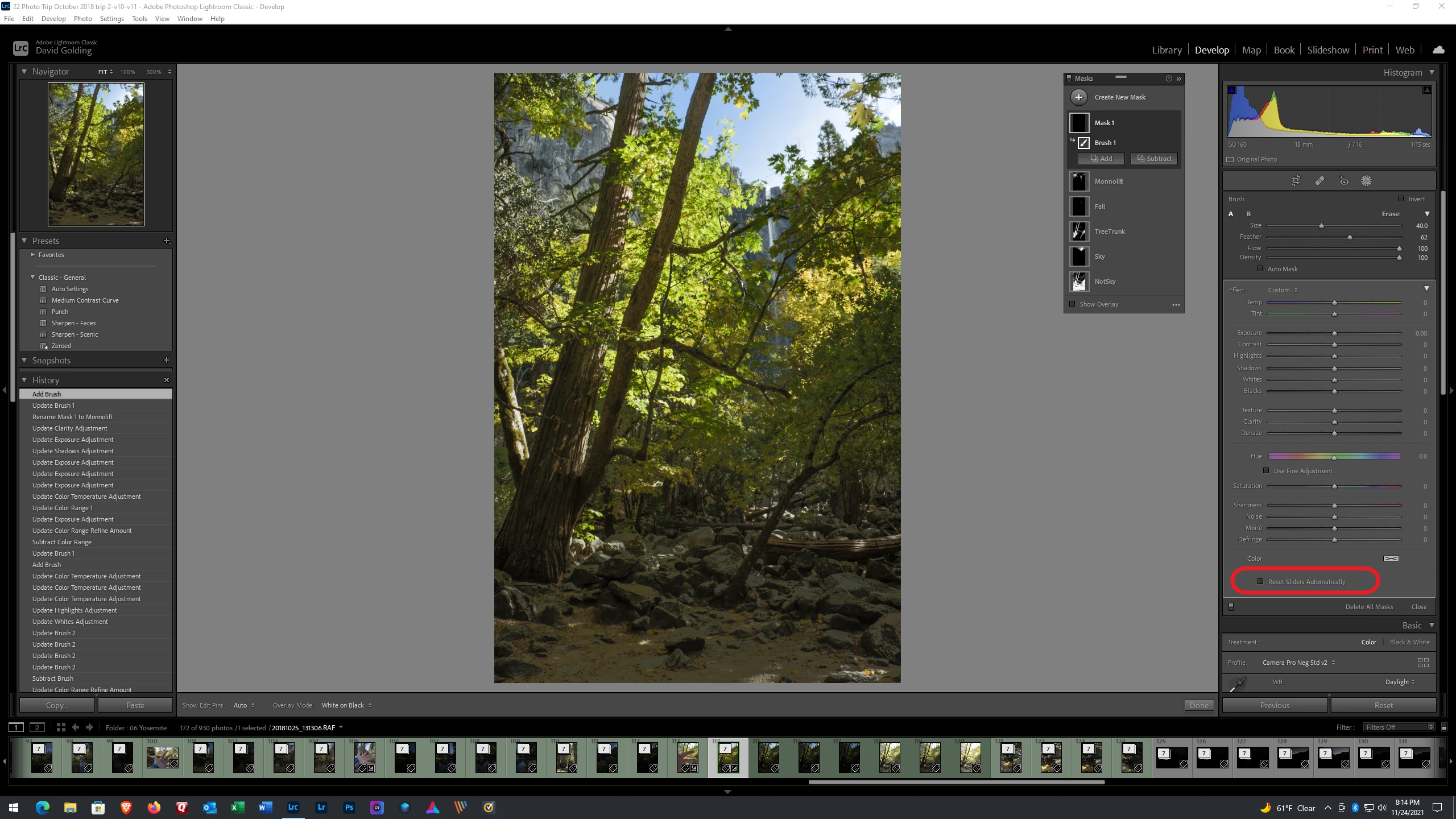
- The preselected 'effect' will be 'Burn (darken)(edited)' but all the values will be 0
Expected result: The values of the preselected effect should not be 0 but -1.26 as previously selected or be auto -0.30.
Actual result: The value of the preselected effect is 0
 AdChoices