


Answered
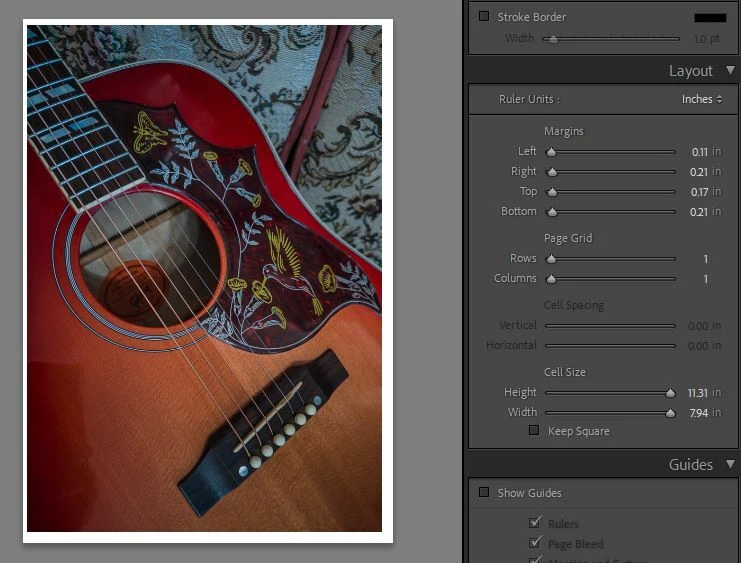
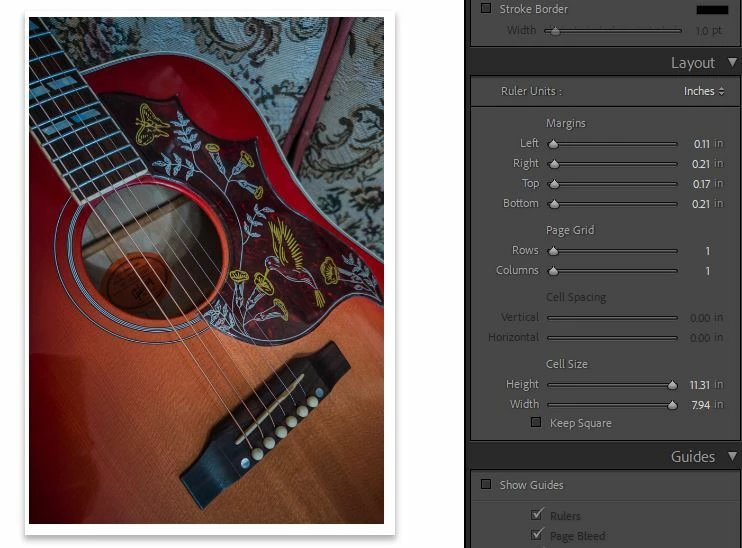
Print module: the image canvas is now much smaller than the full print window size
I’m on a mac powerbook, Sequoia 15.8, and LRC 15.6, and using Epson Surecolor P800 printer
All was working fine. Then, suddenly I find that there is a smaller canvas in the print module where my image is displayed, rather than the full canvas screen it should be. I have tried multiple things to fix: removing the custom printer plist, re-installing the print driver, removing and re-adding the printer. Nothing is fixing the problem.

 AdChoices