Question
Printing a pattern insted of smooth color in Identity Plate module
I recently upgraded to Lr Classic v. 11 and have trouble printing an identity plate. The plate displays all the usual behavior on screen (sizing, opacity, color override, etc.) but when I go to print, I get a pattern inside the text, not the smooth color I have previously gotten. I've tried changing the print quality setting (Epson 3880) and varied the underlying file. Still the problem of the printed pattern persists. Attached is a photo of the pattern. I'm on a Windows 10 machine and have not had this problem with previous version of Classic. Any thoughts would be appreciated. Thank you. Tom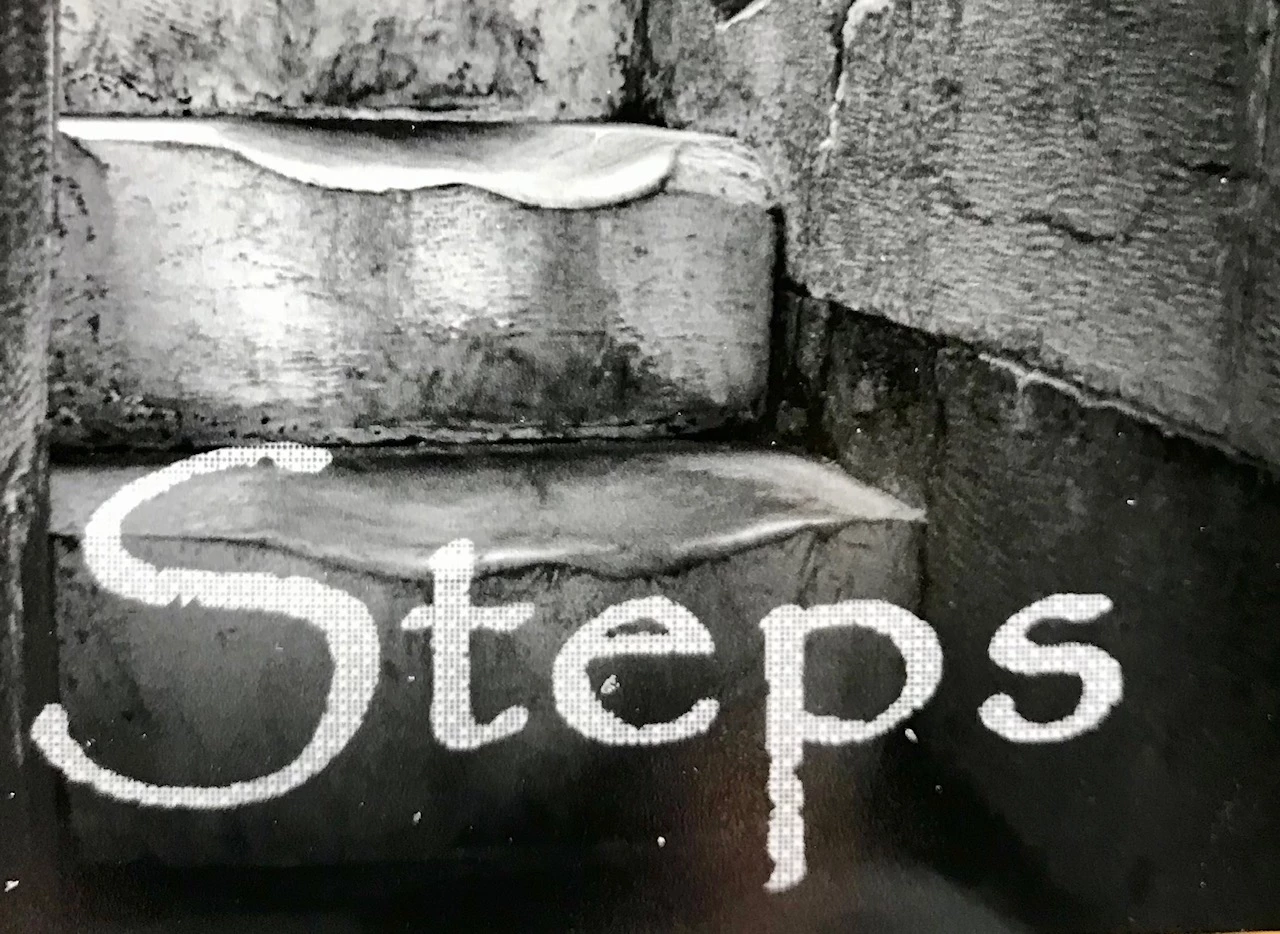
 AdChoices