
davidb96577416
Participant
March 8, 2024
Answered

Problem with Display in Lightroom Classic version 13.2

  • March 8, 2024
  • 1 reply
  • 370 views

Lightroom Classic version 13.2

Operating system: Windows 10 Home, version 22H2,  Intel Core i7-7700  3.60 GHz, 16 GB Ram


LR Classis is not displaying the develop panel and/or the Edit preferences panels correctly. It seems that when there is a change from one module to another, the prior module does not erase, but seems to show through. See the two attached screen captures.
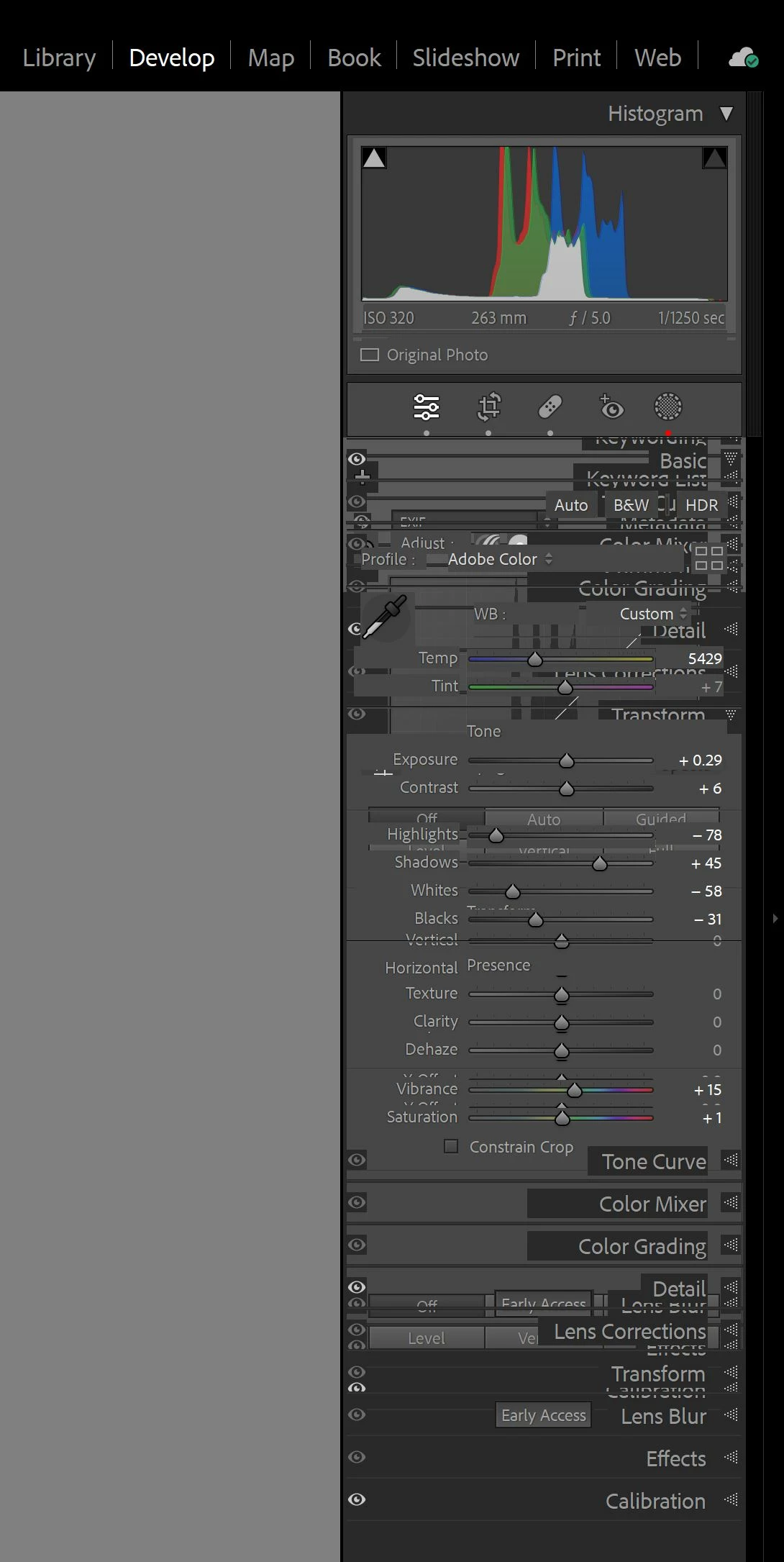
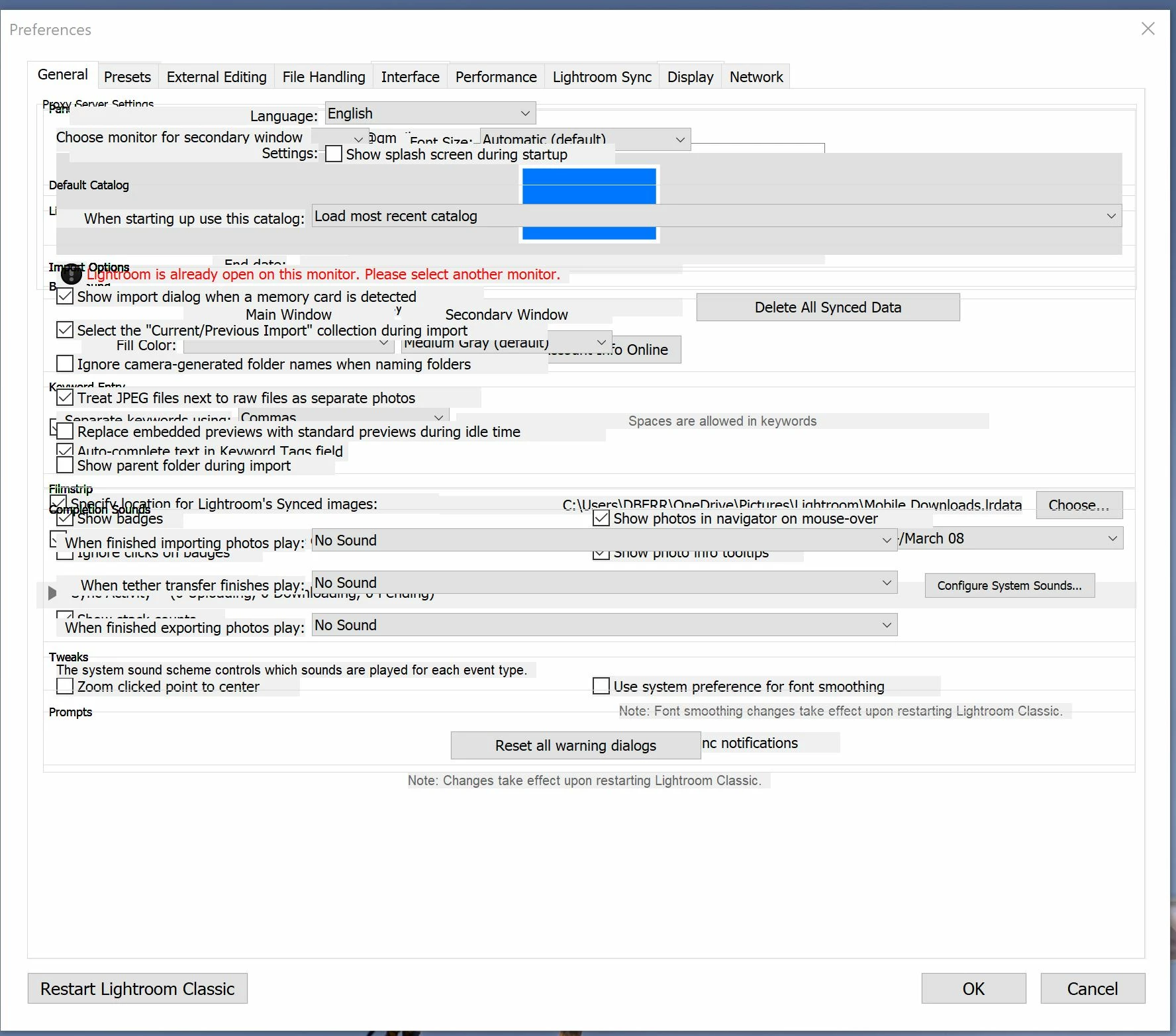
 

[moved from bugs to discussions according to the community rules - Mod.]

This topic has been closed for replies.
Correct answer davidb96577416

I reset the preferences. At first, this did not seem to resolve the problem. However, I then took my most recent catalogue back up and ran it. This seemed to resolve the problem. I have not had any problems since then.  Thanks for your suggestion.

1 reply

F. McLion
Community Expert
Community Expert
March 9, 2024

Please try if it helps to reset the preferences: https://www.lightroomqueen.com/how-do-i-reset-lightrooms-preferences/

If it does not help, please share the system information found in the help menu - copy and paste here.

--- Got your issue resolved? Please label the response as 'Correct Answer' to help your fellow community members find a solution to similar problems. ---
JohanElzenga
Community Expert
Community Expert
March 9, 2024

Check if your GPU drivers need updating.


-- Johan W. Elzenga
johnrellis
Legend
March 10, 2024

If those suggestions don't help, do the LR menu command Help > System Info and copy/paste the entire contents here so we can see exactly which versions of hardware and software LR thinks you're running and important LR options that are set.