
Problem with new folder, not at the right place in library
Hi, I've got a question about Lightroom Classic 23.5.1 (Windows).
When I import new photo's/pictures, I make in 'Destination' a new folder with a name, and select 'organise in one folder'. Below I see my new folder in italic and grey text like a preview where it is going to. I always do it this way but the last months it isn't working that way anymore.
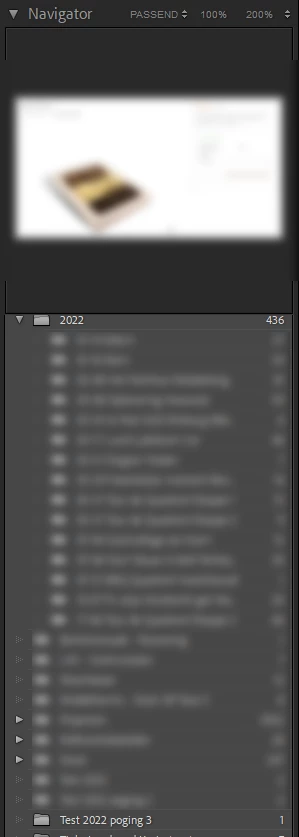
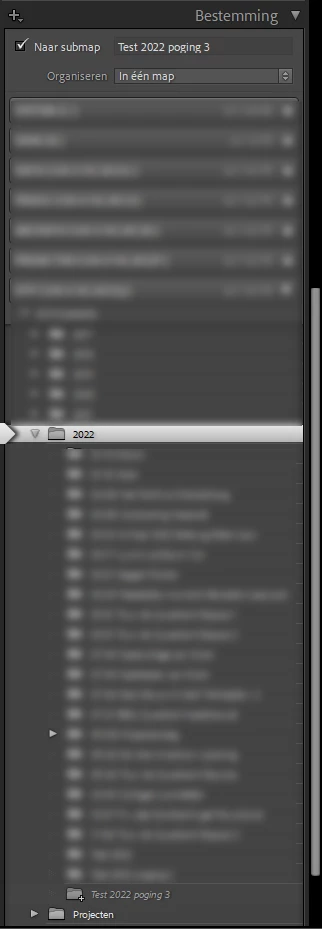
The problem is my folder is not everywhere putted in the folder above that I have choosen. It is ok on my Windows folder but it is not ok in Lightroom on the left side. I have now a differece between the folders on my Windows computer and in Lightroom. So I can't replace it in Lightroom because they say 'there already is a folder with that name' and that is correct but my folders in Lightroom are going to be a mess like this. As you can see my list of folders is different in the folder 2022 in Lightroom import and the labrary.
What am I doing wrong? Can anybody help me?
{Moved from Lightroom Cloud to Lightroom Classic Forum by Moderator}


 AdChoices