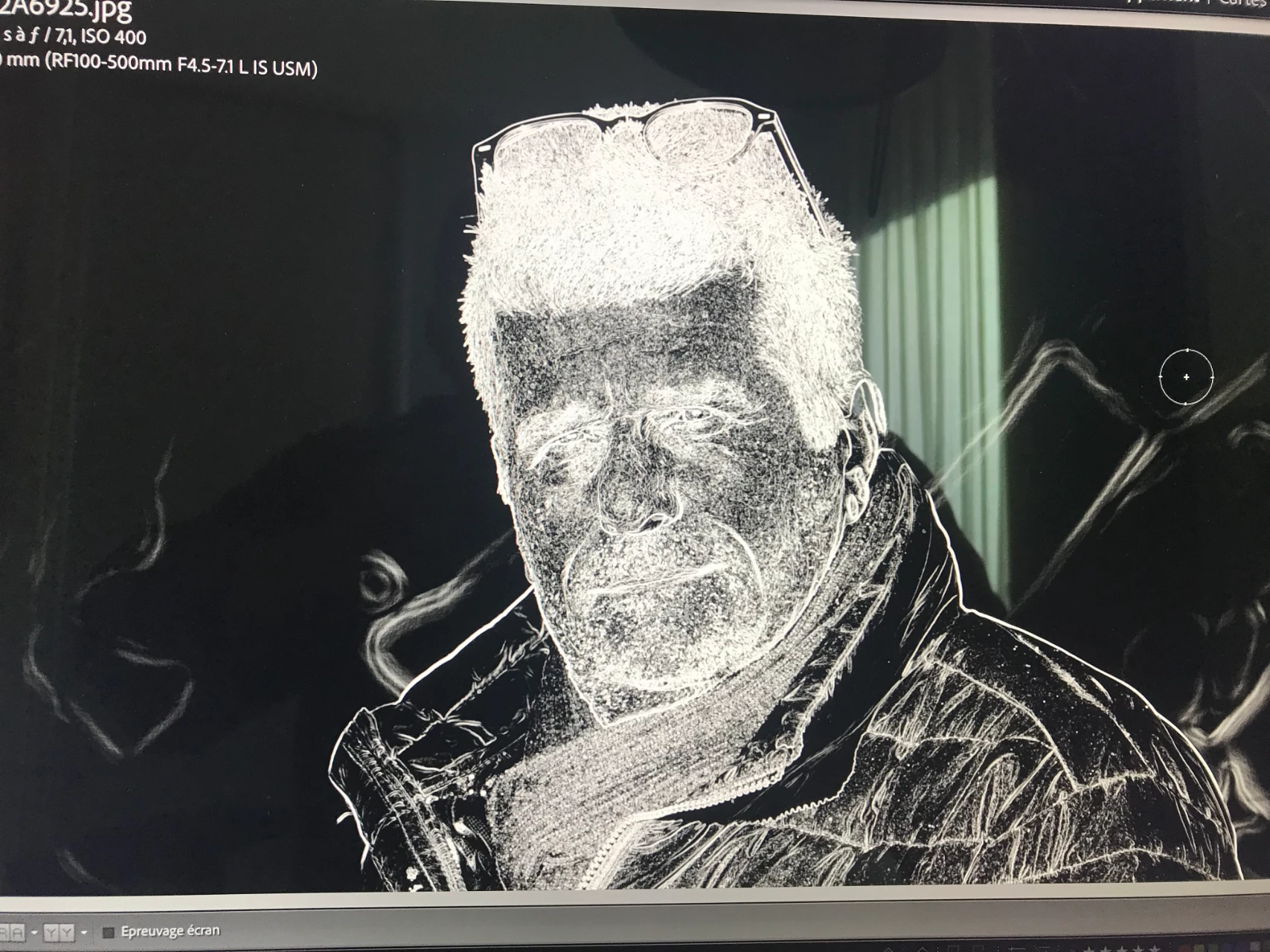
Problem since this morning with the Defect Removal tool, the image goes black and white like when you use the masking tool in the detail area so no way to be able to use one of the three modes.
By @GIRARD73
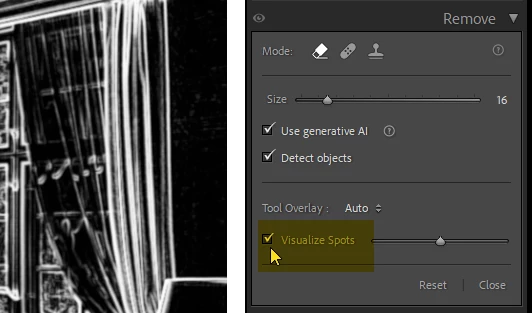
It seems that you have checked Visualize Spots, which shows the image in black and white to make it easier to see spots. You may inadvertently have pressed A, which is the shortcut for this function.
Press A again to turn it off.





 AdChoices