

Proper method to add a drive
I have an external drive that I have copied 309 folders of images onto. I want Lightroom to recognize this drive and show the images.I am unsure of the process from this point.
Here's the process as I am attempting.
Click on the + in folders and and select Add Folder
Navigate to the external drive, in my case M:
I have a folder within M called Overflow from BBB and this contains 309 folders of images.
I select the Overflow from BBB and choose Select Folder.
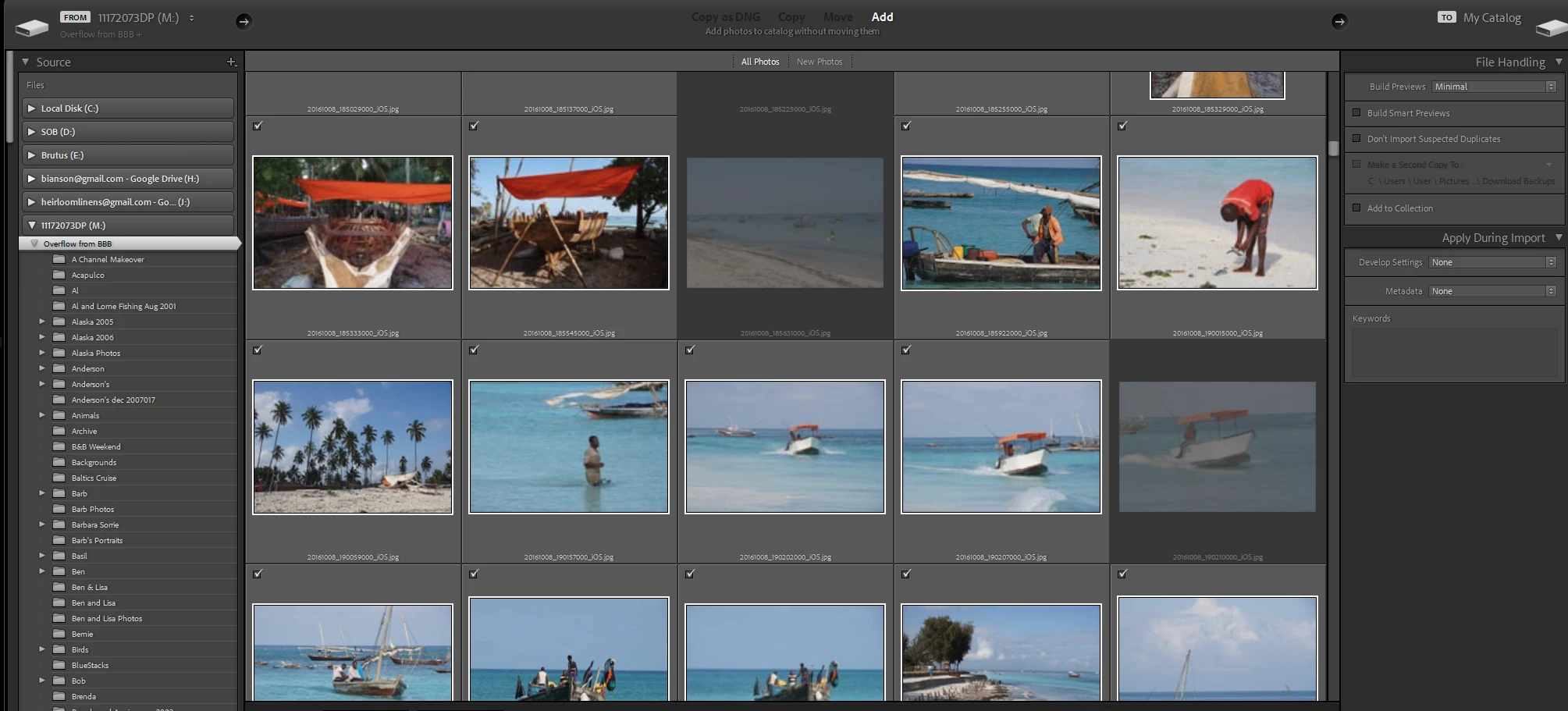
Lightroom says "The destination folder "" is not available . Using "Pictures" folder instead". When I select OK, I am taken to an import screen.
The 309 folders of images shows as the Source. The target shows no drives.
I have seen repeated warnings here "DO NOT IMPORT".
I have tried this same import previously and instead of importing by folder name and keeping that structure, it imported in date folders. I want the same folder hierarchy as they are on M currently.
What should I do next or what should I do differently?
Screen shot:


 AdChoices