Quality greatly reduced outside of Develop Module
I recently switched to a new computer and have been having problems with banding and artifacts after exporting. Recently I noticed that the difference is also present in the library module but looks perfect in the develop module. I am aware that the develop module uses a different color space than the library module, but since the display is capable of rendering the image perfectly when in the display module surely there is some way to get it to export with equal quality?
Here is an example below at 1:1 to show the blockiness\roughness in the sky (focus sky above the second building on the left). The first is library module, the second is develop module:

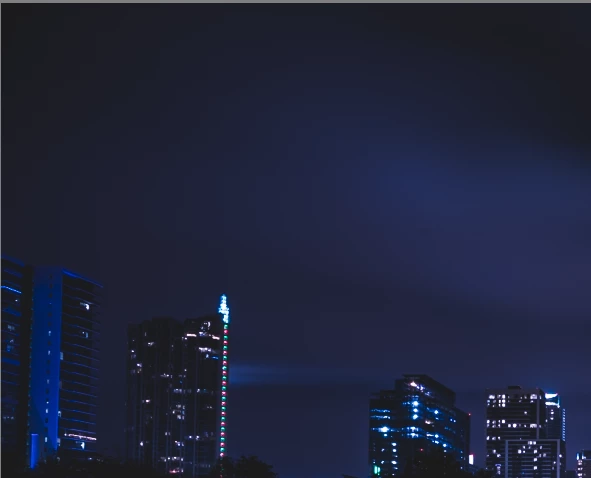
I realize this may seem a minor issue to some, but paying all this money for an a7 camera and adobe cc it would be nice to get results I am pleased with!
 AdChoices