
Answered
Radial Filter reddish color cast
All of a sudden, the Radial Filters I create have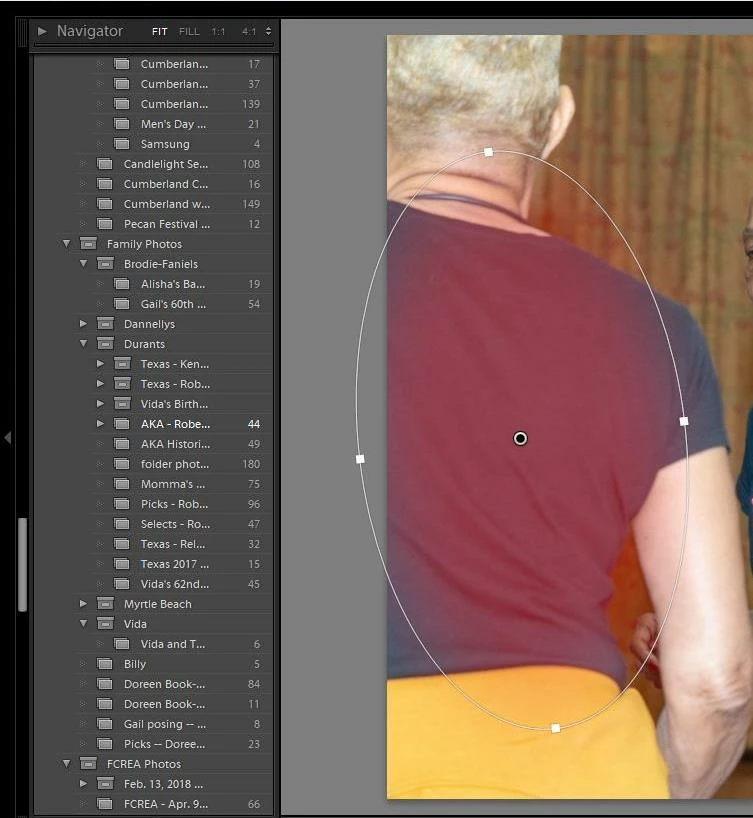 a reddish color that obscures the effects of my adjustments. The color cast began appearing after Lightroom Classic CC crashed about an hour ago. I've restarted it and adjusted the Temp, Tint and Saturation controls, but the red remains. Maybe I clicked something inadvertently, but I can't figure out what.
 AdChoices