Wisechap
Participant
January 3, 2021
Question

Raw Files getting Black in Macbook Pro.

  • January 3, 2021
  • 4 replies
  • 534 views

Hi

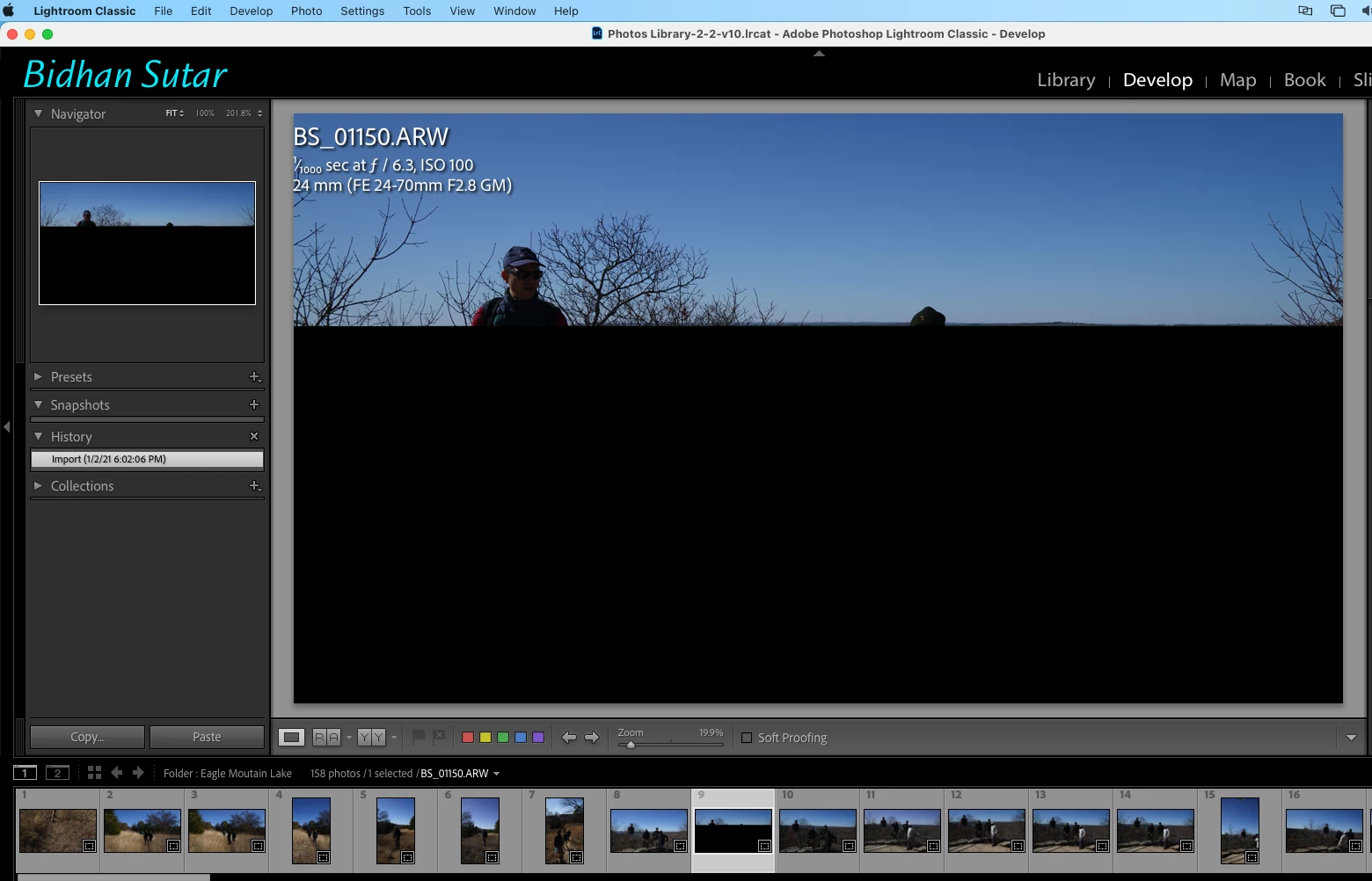
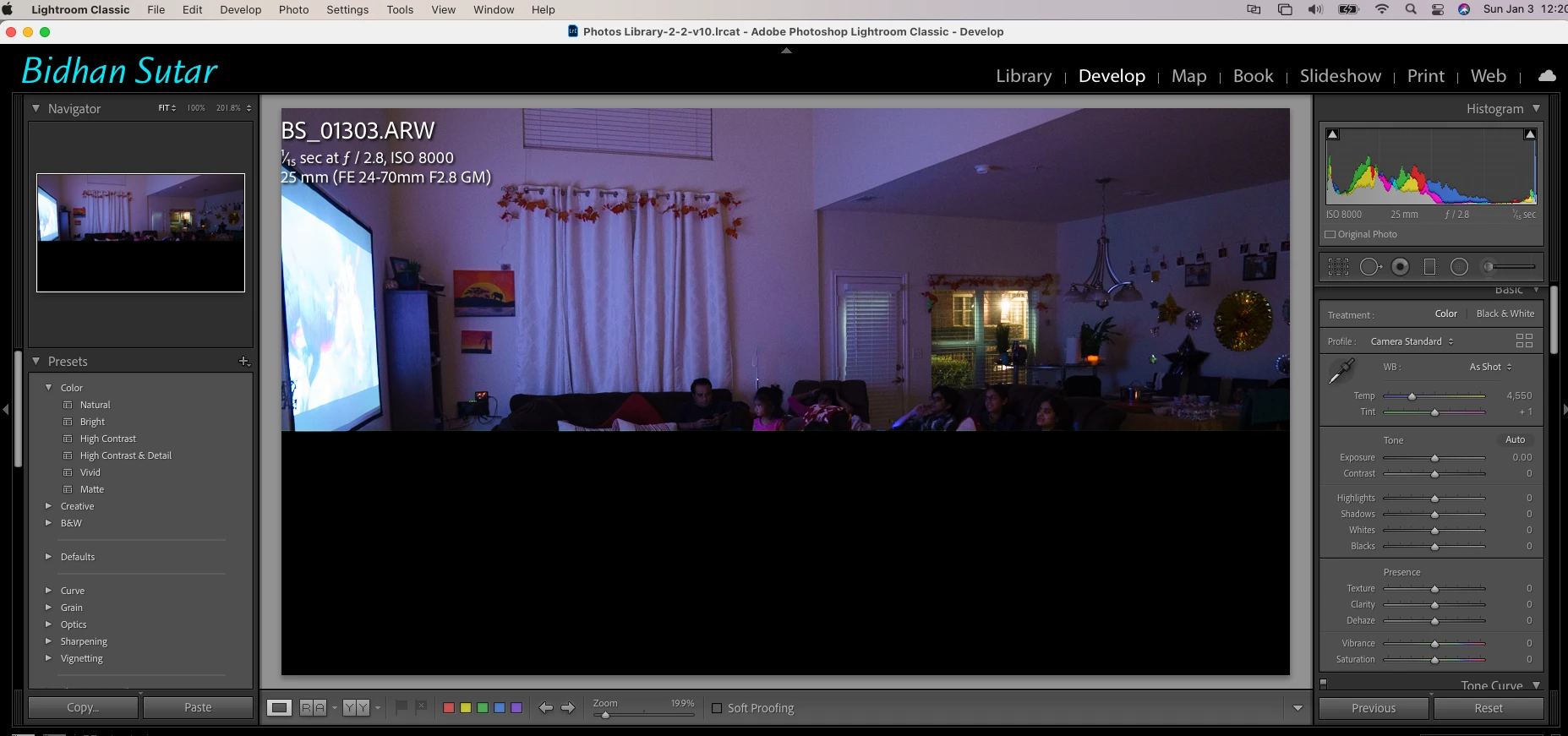
I am getting some photos turning half black or full black when I am in Develop mode, making it uneditable. 


My photos are in the Sony Raw format and stored in a Network drive.

Attaching some of the screenshots.
 

This topic has been closed for replies.

4 replies

Wisechap
WisechapAuthor
Participant
January 4, 2021

Had a screen sharing session with an Adobe engineer, seems like the issue when photos are edited from the Network drive (NAS) causing this issue.

According to Adobe engineer - Adobe doesn't support network drives.

Maybe it might not be an issue with a good GPU system.

Which in my case not happening in my Windows Laptop.

if anyone else resolves this issue do let me know.


GoldingD
Legend
January 4, 2021

Is your catalog on the NAS? That is not supported. But photos on the NAS should work.


GoldingD
Legend
January 3, 2021

Can you share an example on drop box ?


Just Shoot Me
Legend
January 3, 2021

Turn of the optiopn to use the PGU in the LrC Preferences on the Performance tab.

Inspiring
January 3, 2021

Not seen this on my images.  How do they appear in Library view?