
RAW Files Sharper From Camera Than In Lightroom
I've noticed this issue before, but it wasn't as bad as it is now. I'm shooting on a Canon 5D Mark iii, and edit my photos on a Macbook Pro with the old screen (not retina - Mac is approximately 6 years old) and I am in the process of culling images from a recent wedding. I've noticed that images I thought were crisp or had better focus are being inaccurately displayed in Lightroom Classic CC.
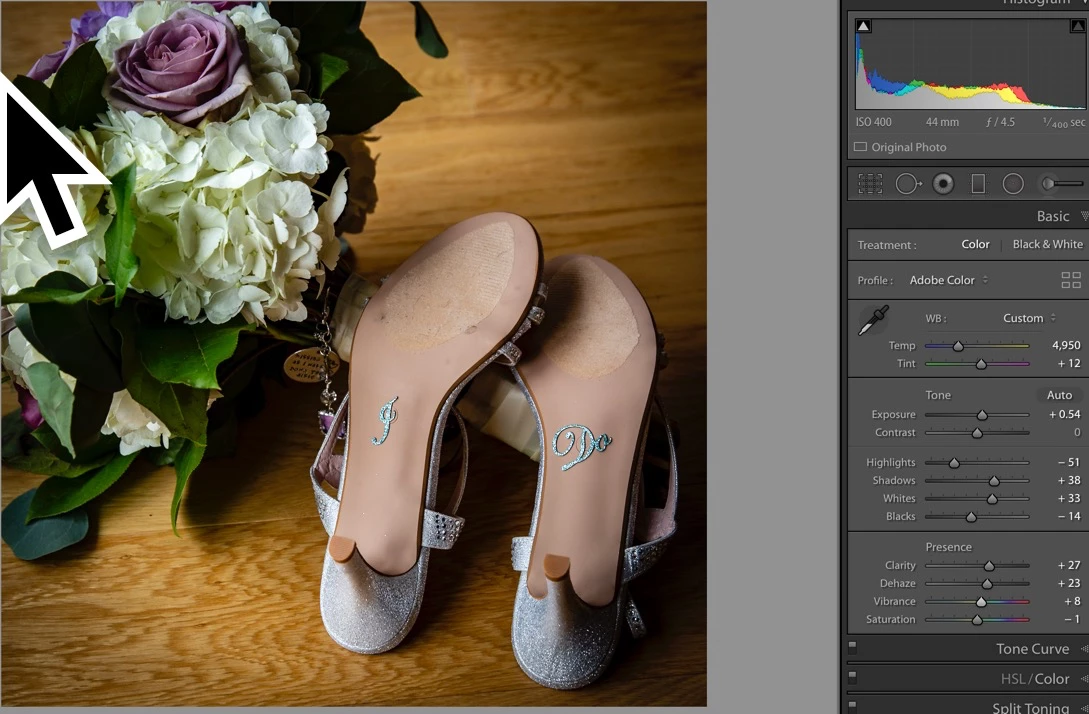
When I import new files into Lightroom I always select all and apply "Remove Chromatic Aberration" and "Enable Profile Corrections". Below are 3 photos showing the differences that I see on my screen. How do I get Lightroom to display my images clearer?
Any help/settings/tips suggestions would be greatly appreciated!
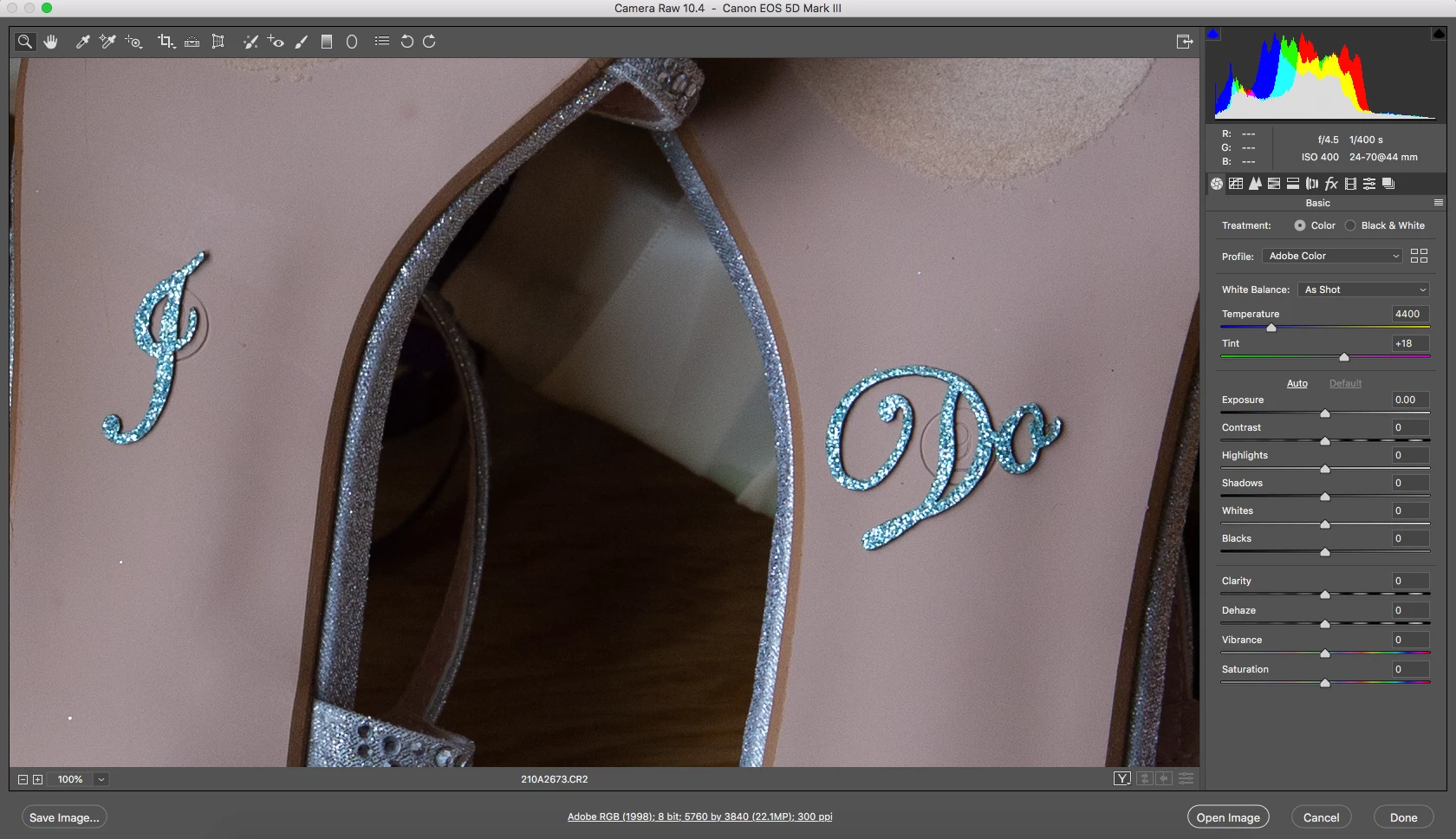
1) The RAW file straight-out-of-camera and opened in camera raw
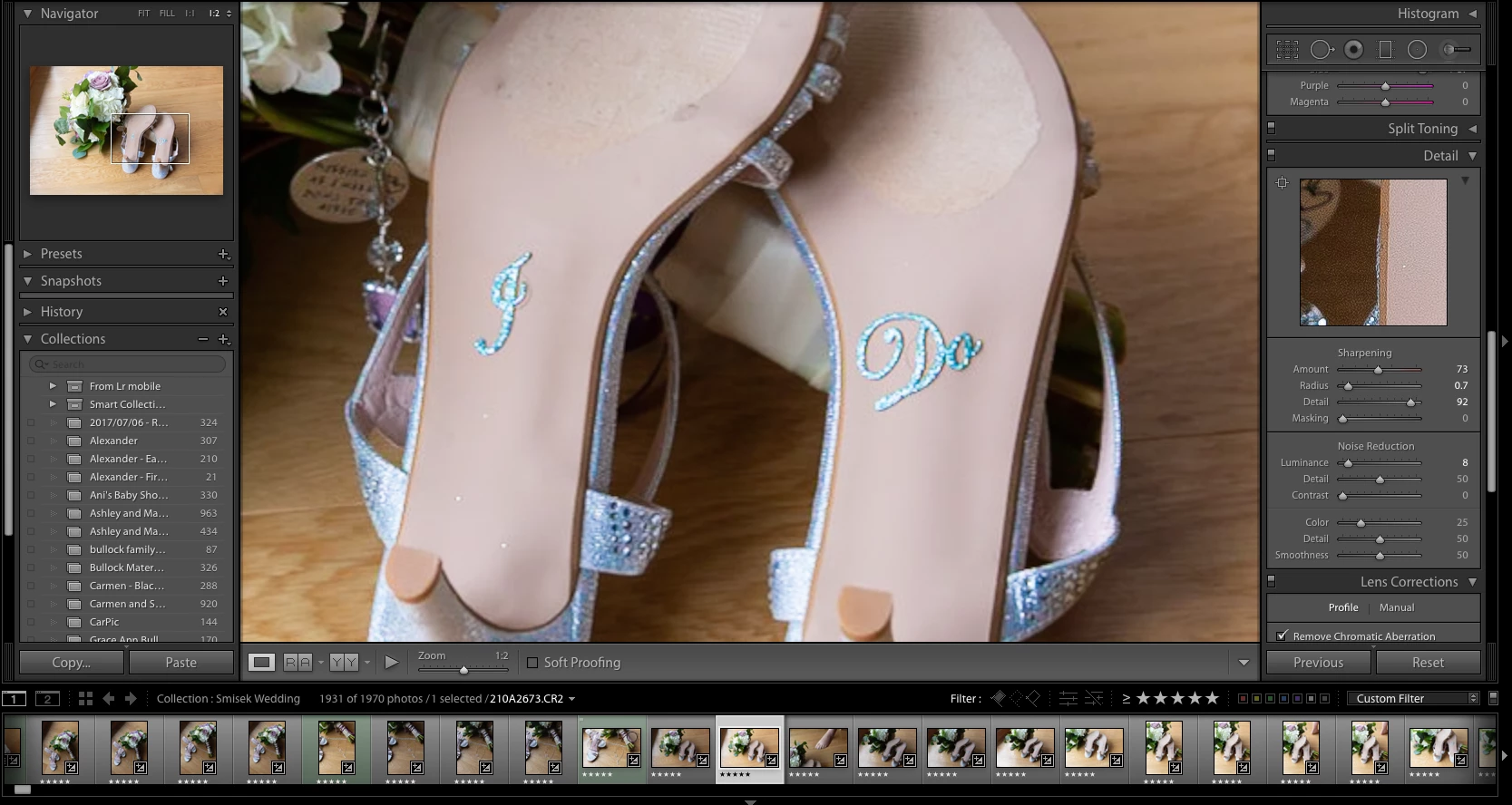
2) The same file opened in Lightroom with adjustments to it (zoomed at 2:1)
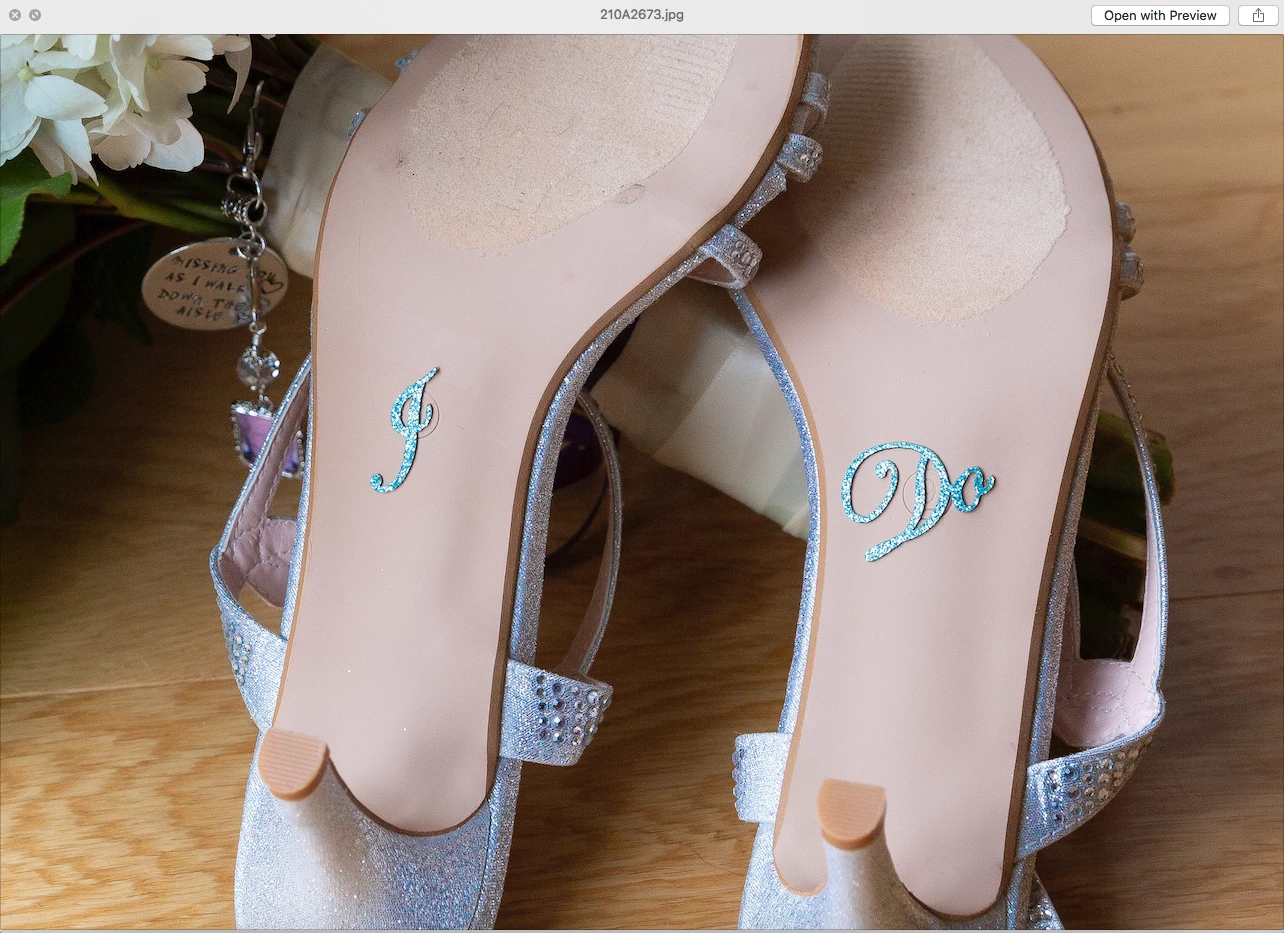
3) The same image exported from Lightroom with edits applied
 AdChoices