Known Participant
June 22, 2026
Question

Raw images distorted in Lightroom

  • June 22, 2026
  • 2 replies
  • 44 views

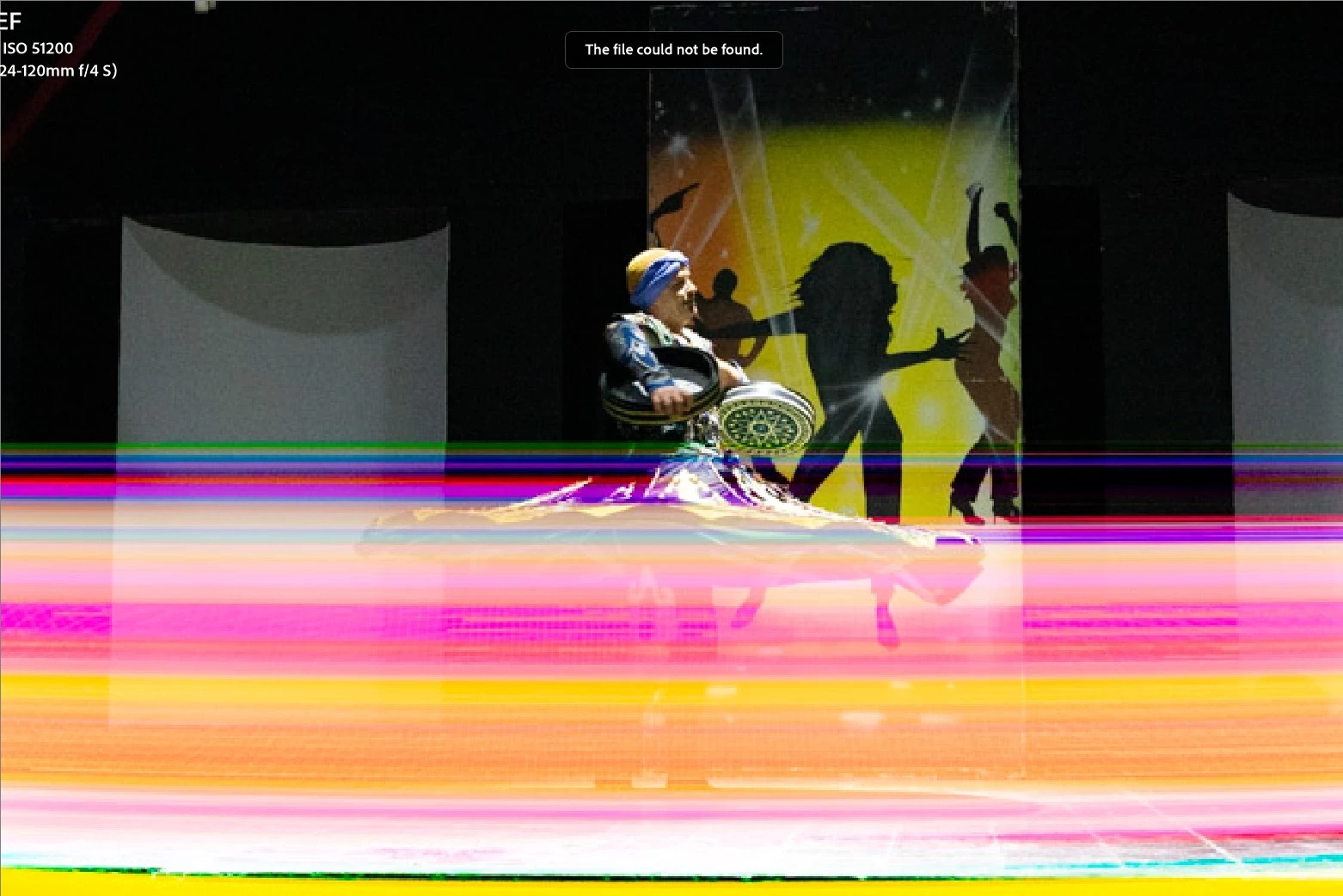
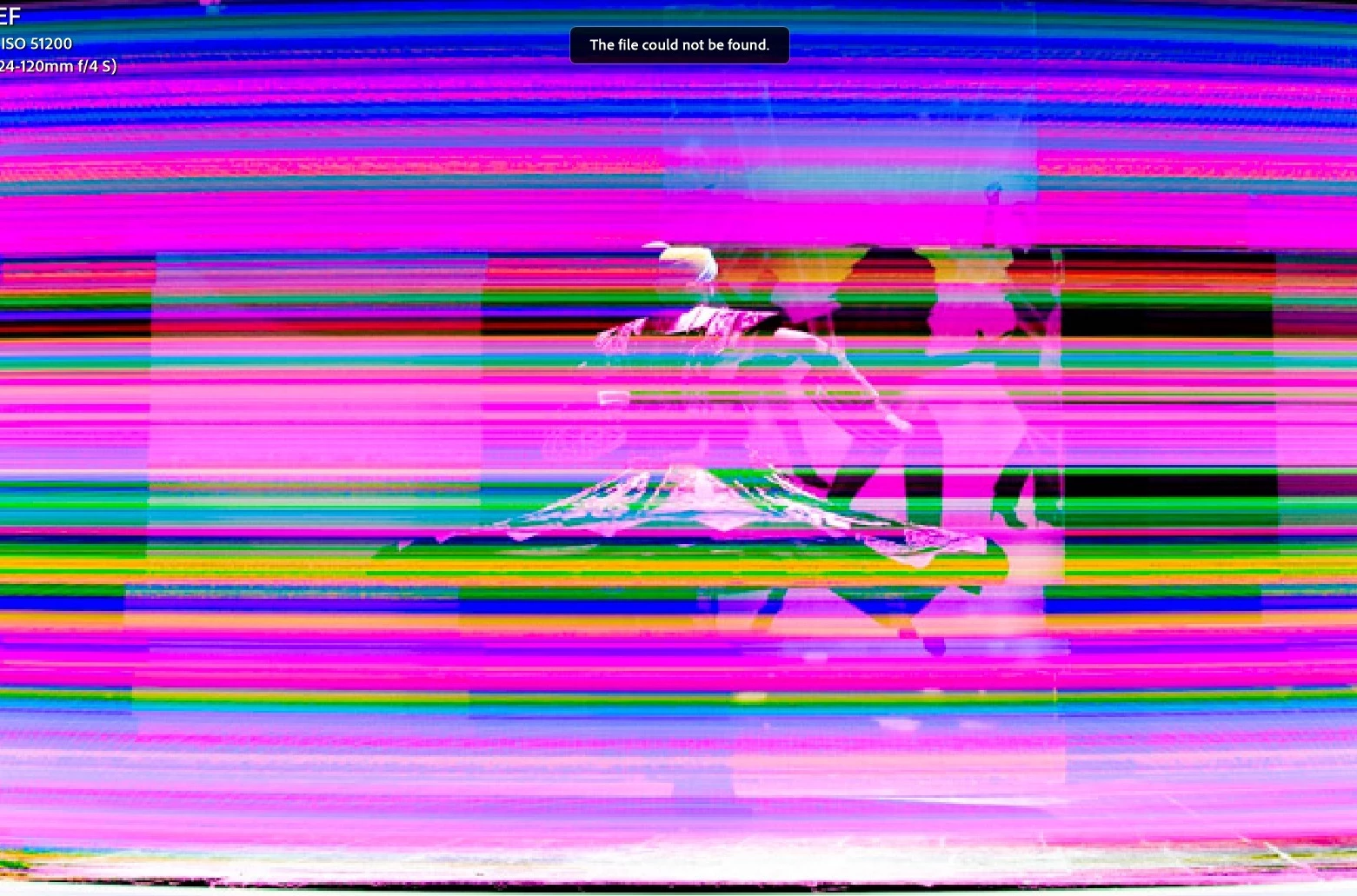
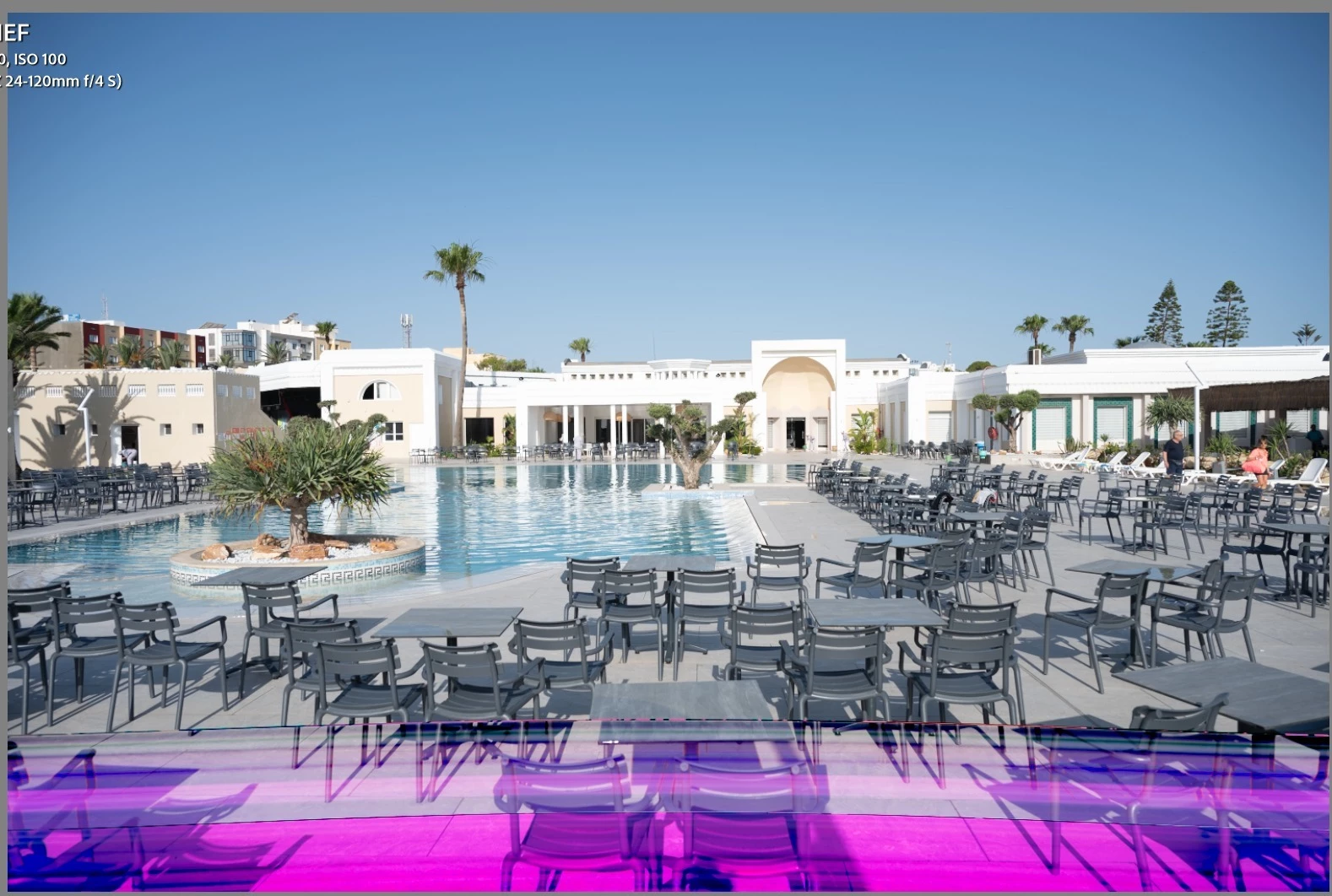
Hello, my raw files are getting color distorted in Lightroom.

I tested different card reader, different apps and different PCs.

This issue is showing on exactly one PC, not any other in the household.

I will try updating graphics drivers tomorrow, Lightroom was up-to-date in the time of the incident.

Image shows distorted even when exported.

Attaching examples of affected images.

Thank you for your tips.
 

    2 replies

    kind_Hero1587
    Participating Frequently
    June 22, 2026

    I noticed the same type of weird behavior when I used a faulty card reader (Cf express) or usb cable… worth to try a complete new card reader - cable setup and, eventually, another card ? In my case, it was a random issue and the suggested first step corrected the problem .

    Best regards. 

    Known Participant
    June 23, 2026

    Hello, this was my first thought too, but it got denied when I downloaded the image with years used and 100% reader from work, on both testing PCs, where it still broke it on the only one.

    JohanElzenga
    Community Expert
    Community Expert
    June 22, 2026

    This looks like file corruption. When you say they don’t look like this on the other computer, do you mean the exact same copies (images are on an external drive you use on both computers) or different copies of the same images?

    -- Johan W. Elzenga
    Known Participant
    June 22, 2026

    Hello, it’s different copies of the same images.

    I am also using different card readers to download the image from the same card.

    JohanElzenga
    Community Expert
    Community Expert
    June 23, 2026

    Then this is probably indeed file corruption. The cause can be a number of things. Hard disk problems, a faulty USB port that you use to connect the card reader, anything else that can disrupt reading the image into Lightroom.

    -- Johan W. Elzenga