
Peter-John Botha
Participant
April 7, 2025
Question

Re: Catalog save and update extremely slow since december mask update

  • April 7, 2025
  • 2 replies
  • 222 views

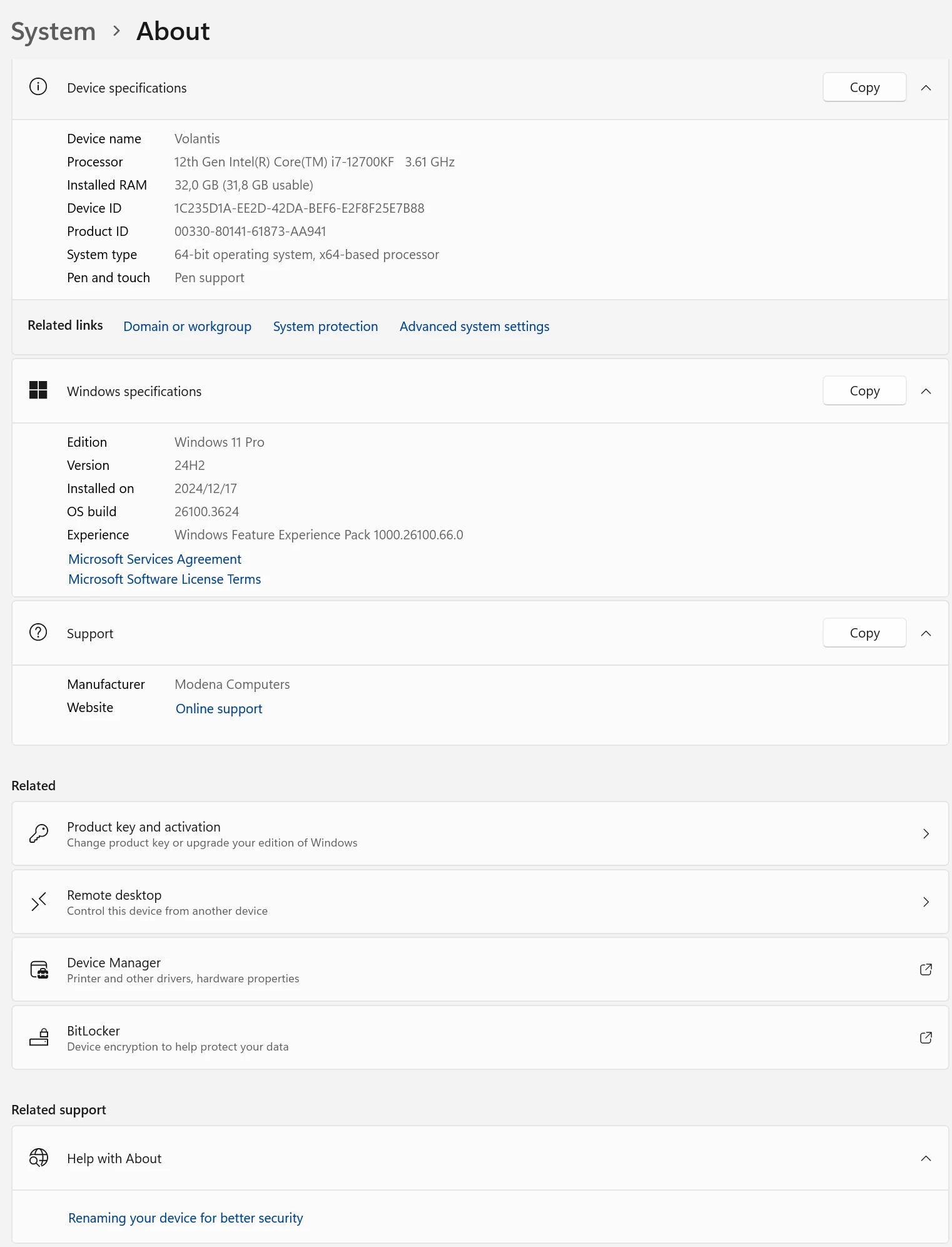
Good afternoon. I have the same issue and I have discussed with other Lightroom Classic users who have all noticed the same issue. This is a 'recent' issue and switching between images takes several seconds. Masking has also become unusably slow.  I have a fairly fast PC (specs below) and editing has always been a breeze until recently. I re-checked all my Lightroom settings and everything is okay. I cannot work at this slow pace. Does anyone have any sugestions. One of the users in my group has sugested reverting to the previous version of Lightroom but I'm concerned I may negatively impact my edits etc? 
    2 replies

    GoldingD
    Legend
    April 8, 2025

    Please post your System Information as Lightroom Classic (LrC) reports it. In LrC click on Help, then System Info, then Copy. Paste that information into a reply. Please present all information from first line down to and including Plug-in Info. Info after Plug-in info can be cut out as that is just so much dead space to us non-Techs and it takes up vast amounts of scroll space making the reply less readable and less likely that others will bother with your post. Also large amounts of text in a post also render the Translate function inoperable.

    dj_paige
    Legend
    April 7, 2025

    This is not the same issue, the OP's issue was " that the catalog saving has become incredibely [sic] slow"; and that is not your problem.


    Please start a new thread with your issue. Do not continue to discuss this here.


    In your new thread, please include the exact make and model of your GPU, and current driver version, along with the information that you have already provided.

    MassC
    Legend
    April 7, 2025

    @dj_paige, create a new thread for you guys. 


    ^CM