All the previous images were imported through Lightroom Classic (same version as listed above), not a mobile device.
Either way, how would you suggest getting my most recently imported pictures to sync?
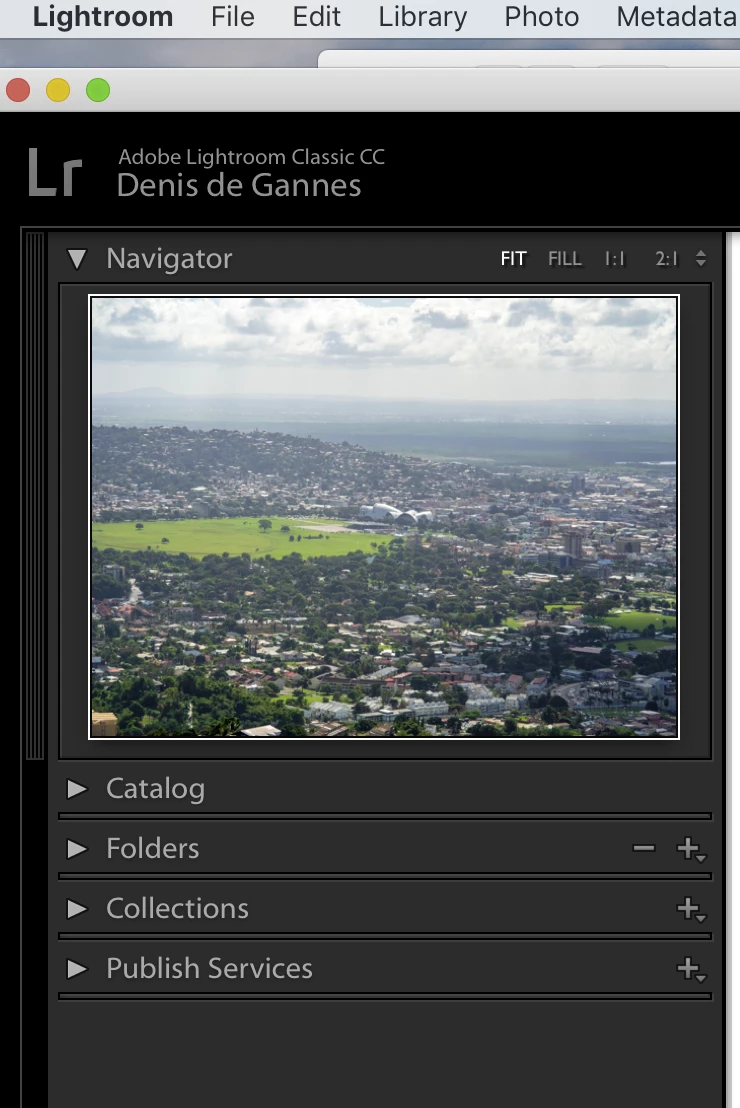
The screen capture below shows the left panel of the Library module with the different sections, Navigator, Catalog, Folders, Collections, Publish Services,
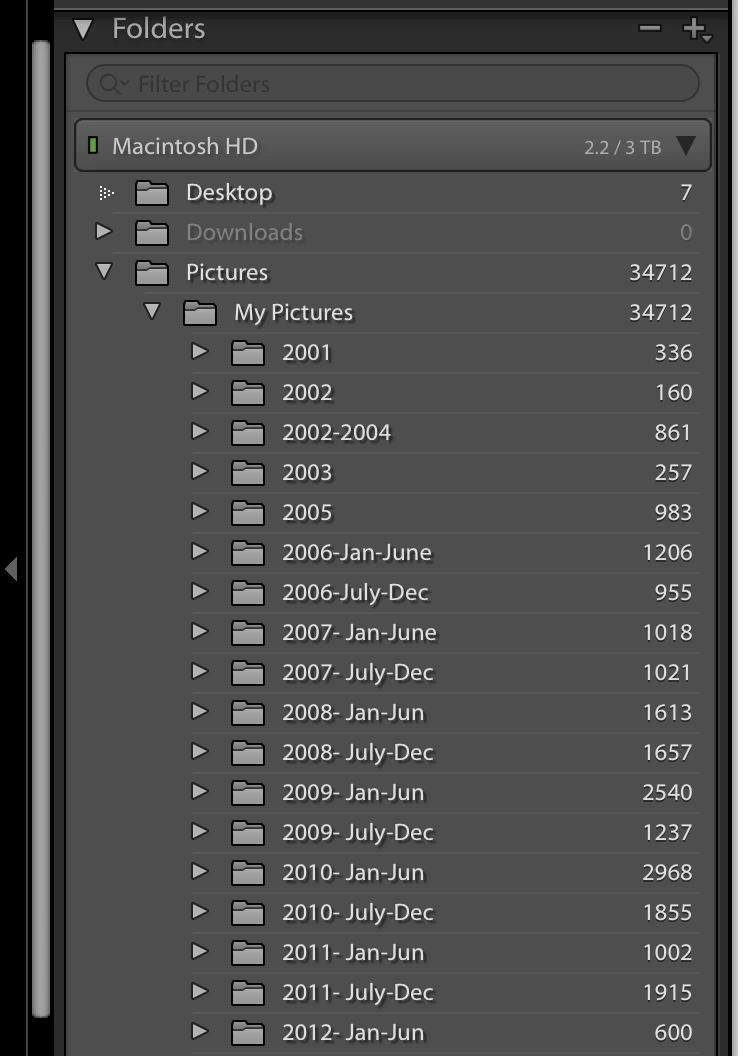
The screen capture below shows the Folders section expanded that shows details of the folders and sub folders on my HDD which contain image files that have been imported into the Catalog file. The image files and folders are not stored in the Catalog only the info about the location and the work done on the image files.
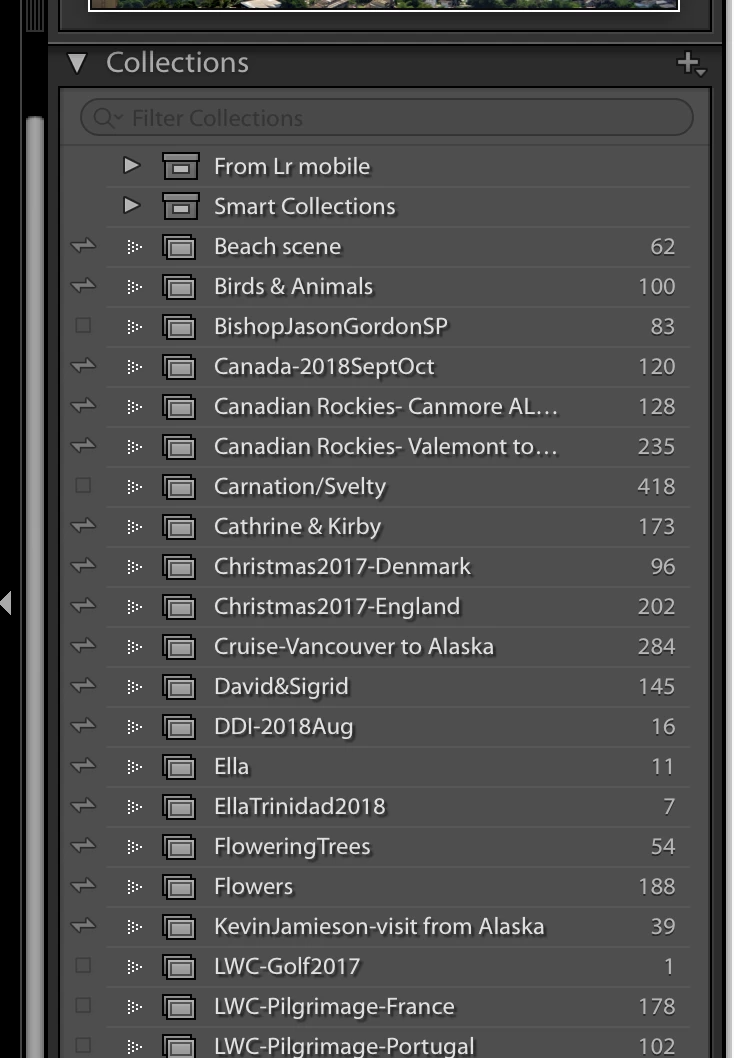
The next screen capture shows the details of the various collections that I have created. Notice how the folders displayed are different than the ones in the Folders section. At the far left you will see a number of them have a small double headed "arrow" that symbol indicates that the named collection has been synced to the Creative Cloud and will be displayed on your mobile devices with the same name. The collections without the symbol have not been synced.
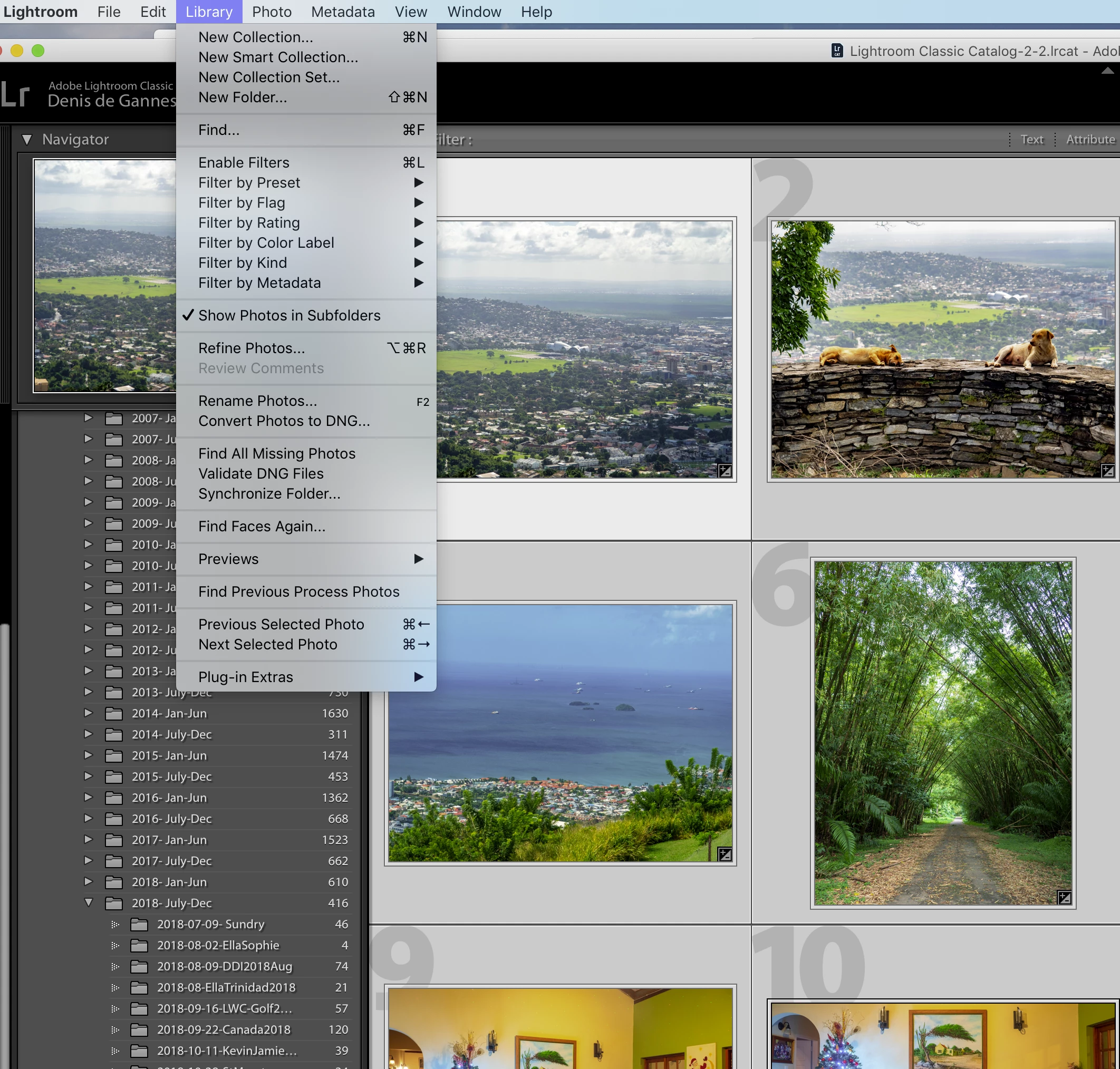
Next screen capture.
When you are in the Library you can select a folder from within the Folders section and select the image files to create a new collection or add to an existing collection. If its a new collection you will have to click within the faded small box to start the sync of the collection.


 AdChoices