



Reflection Removal does not work in LRC but it works in Camera Raw
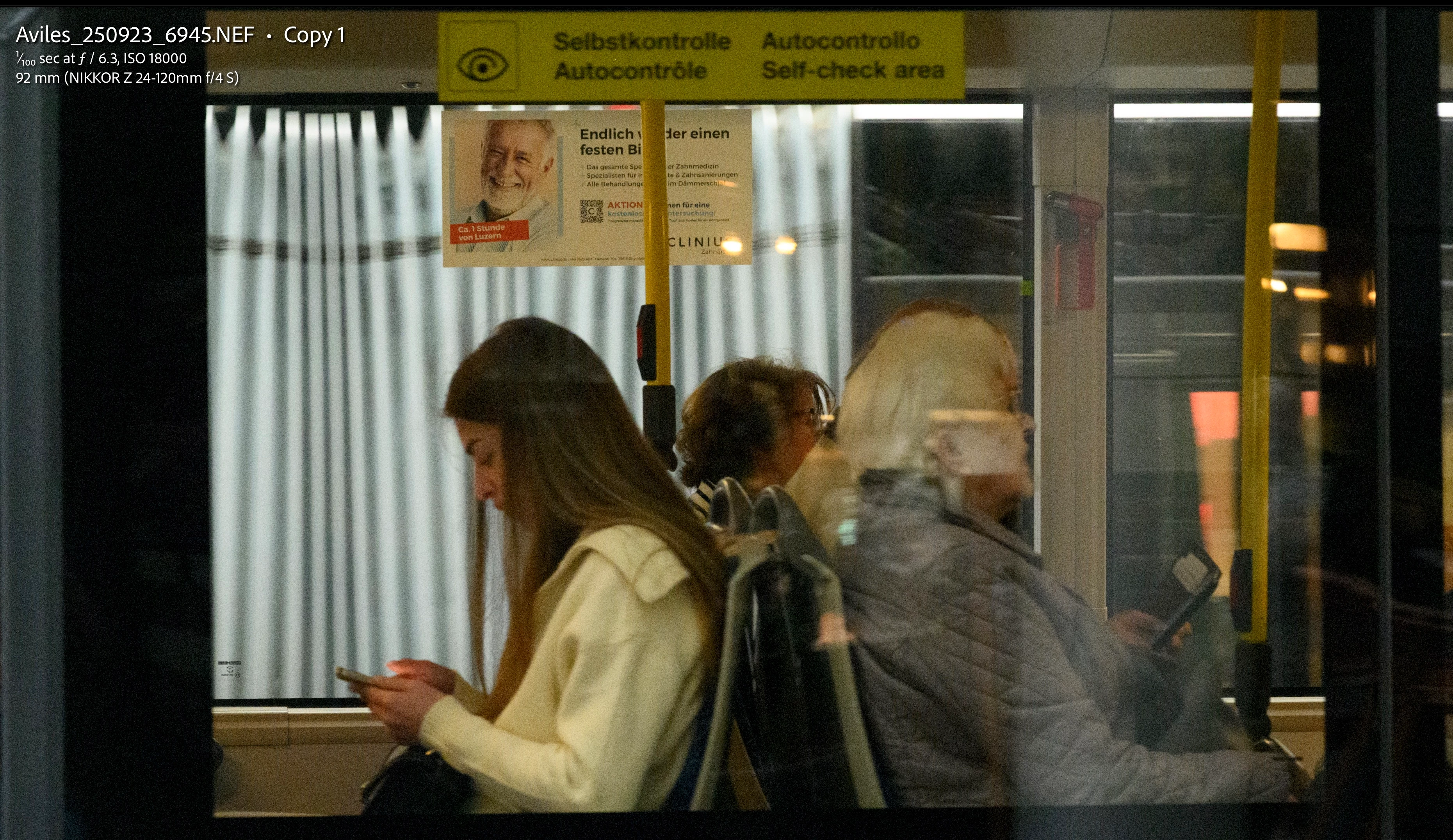
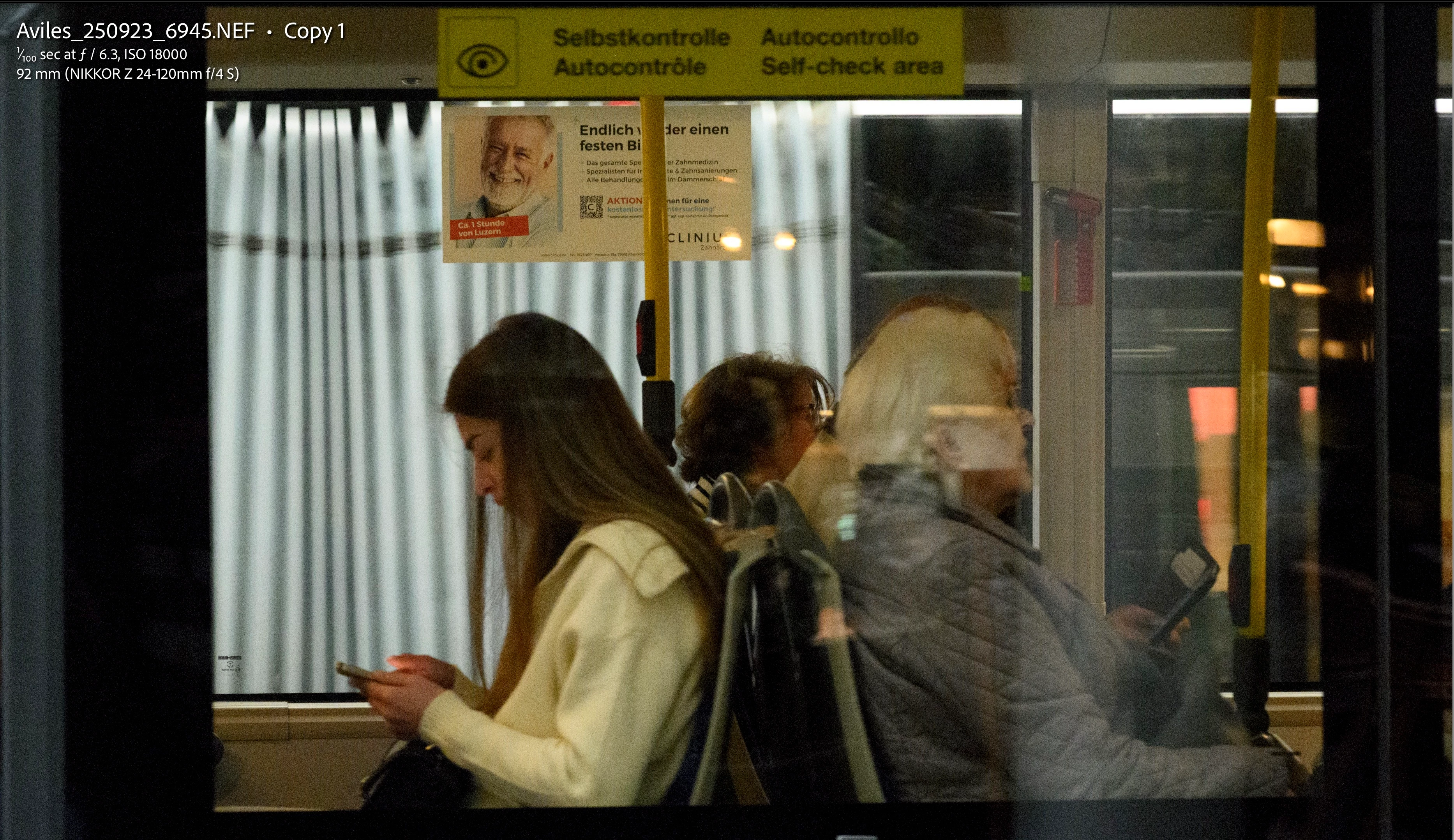
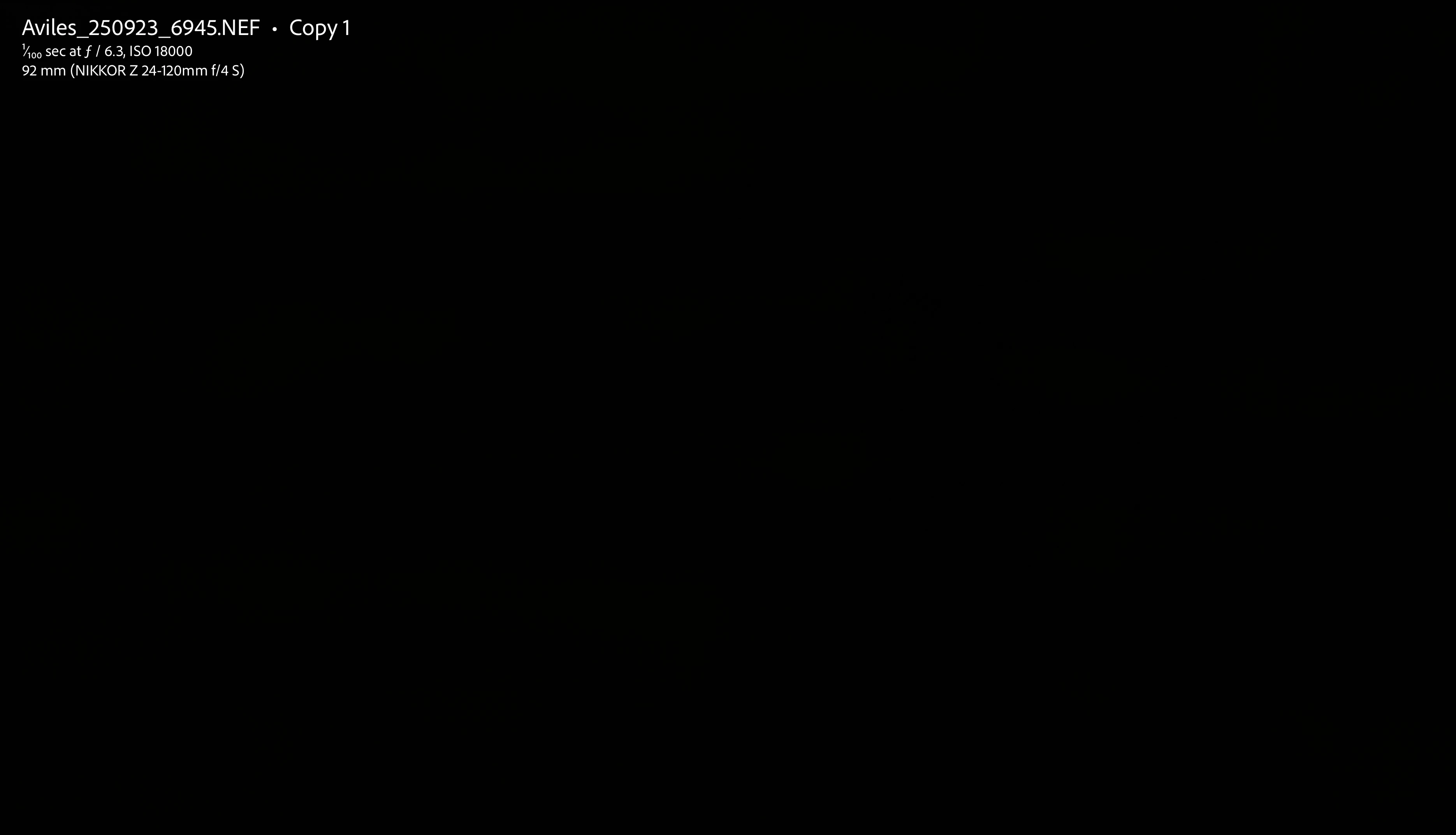
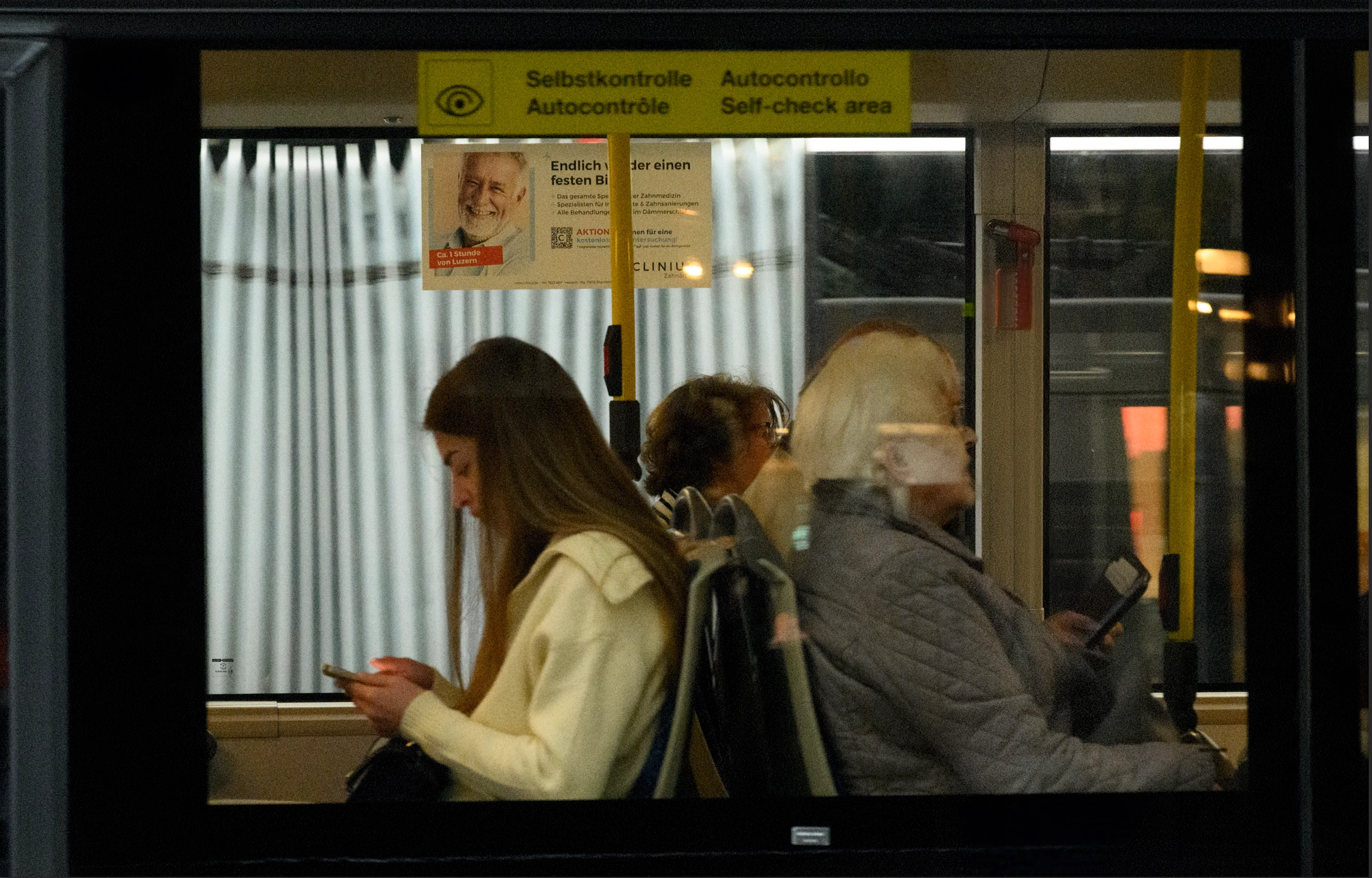
I took a photograph of people riding on a bus, from the outside of the bus. As expected, there are window reflections on it. I tried to remove the reflections in LRC but it did not remove any of them. Moving the slider to -100 shows a black image, indicating LRC did not find reflections. I opened the same image in Camera Raw, and there the reflections were mostly removed. Moving the slider to -100 shows what Camera Raw detected as reflections. I don’t understand what is going on. Can you help?
I am including relevant screen shots: Original Image, LRC 100 Removal, LRC -100 Removal, CR 100 Removal, CR -100 Removal
My system info:
Lightroom Classic version: 15.1 [ 202512101606-1bb801a8 ]
License: Creative Cloud
Language setting: en-US
Operating system: Mac OS 26
Version: 26.2.0 [25C56]
Application architecture: arm64
Logical processor count: 10
Processor speed: NA
SqLite Version: 3.36.0
Adobe GSDK Version: 1.4.0.171
Built-in memory: 65,536.0 MB
Dedicated GPU memory used by Lightroom: 13,999.0MB / 53,084.1MB (26%)
Real memory available to Lightroom: 65,536.0 MB
Real memory used by Lightroom: 9,058.9 MB (13.8%)
Virtual memory used by Lightroom: 445,872.9 MB
Memory cache size: 2,418.9MB
Internal Camera Raw version: 18.1 [ 2420 ]
Maximum thread count used by Camera Raw: 5
Camera Raw SIMD optimization: SSE2
Camera Raw virtual memory: 5574MB / 32767MB (17%)
Camera Raw real memory: 5837MB / 65536MB (8%)
Cache1:
Final1- RAM:391.0MB, VRAM:7,759.0MB, Aviles_250923_6945.NEF
NT- RAM:391.0MB, VRAM:7,759.0MB, Combined:8,150.0MB
Cache2:
m:2,418.9MB, n:352.1MB
U-main: 206.0MB
Standard Preview Size: 5120 pixels
Displays: 1) 5120x2880
Graphics Processor Info:
Metal: Apple M1 Max
Init State: GPU for Export supported by default
User Preference: GPU for Export enabled
Enable HDR in Library: OFF
GPU for Preview Generation: On (S5_51)
Application folder: /Applications/Adobe Lightroom Classic
Library Path: /Users/Rafael/Pictures/Lightroom Catalog/Catalog-v13-3_2025-11-17 1146/MyCatalog.lrcat
Settings Folder: /Users/Rafael/Library/Application Support/Adobe/Lightroom
Installed Plugins:
1) AdobeStock
2) Helicon Focus Export
3) Merge to 32-bit HDR
4) Nik 8 HDR Efex
5) Plugin Parameters
6) Topaz Photo (Studio)
Config.lua flags:
Here is a link to the raw file:https://drive.google.com/file/d/1bl7bp7AIU1DnJ2KGciWfiQUJjTR6ZZDq/view?usp=drive_link
 AdChoices