Renaming and relocating images with duplicate names
I'm organizing old files.
I have pictures in two separate folders
Each folder has the same series of files names (e.g. 001.jpg, 002.jpg), however, the images are actually unique (two unique versions of 001.jpg).
I would like to combine these duplicate images into one folder, but can't becuase the the two unique versions of each photo were taken on the same day.
I attempted to rename the pictures using Library > Rename photo
It worked but caused an error on some photos. So now my naming to preserve the original sequence was off. Fortunately, "original filename" token worked to put back the original names.
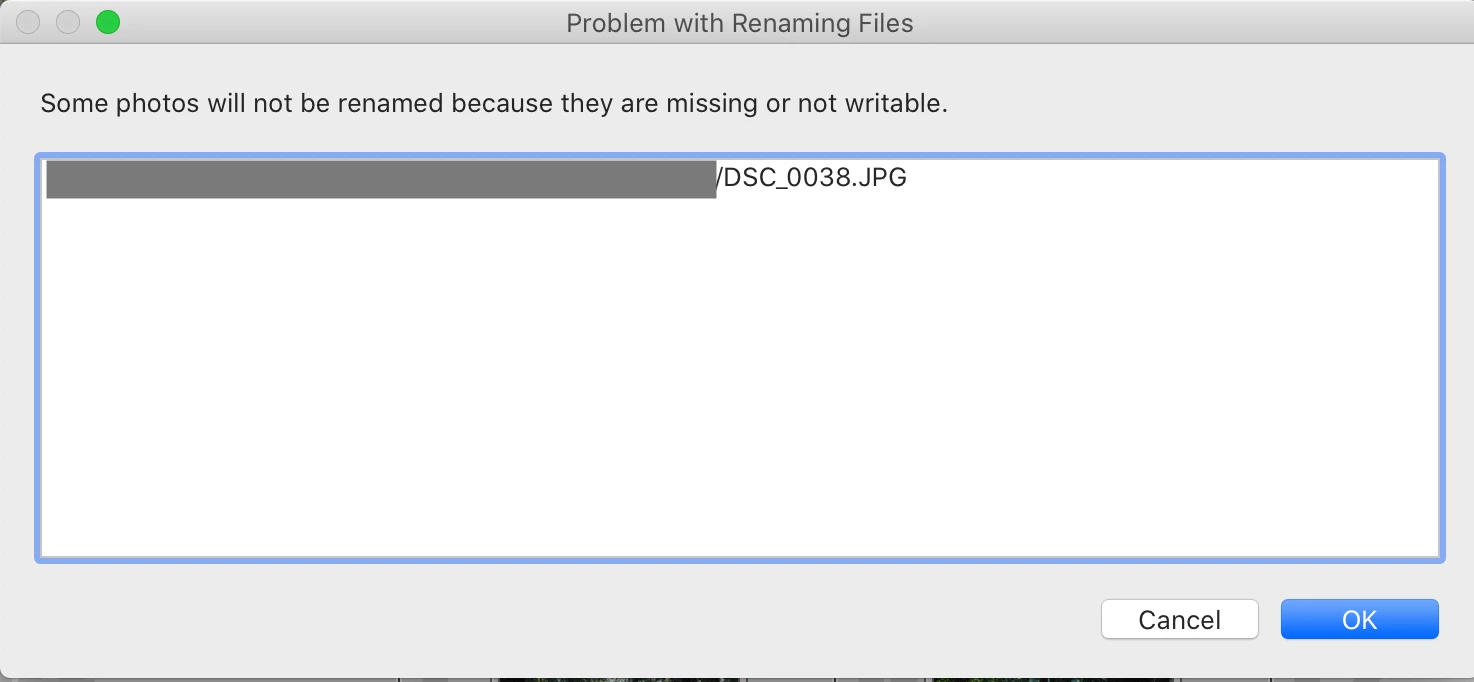
I did some digging and this file was somehow locked in Finder, so I'm sure that was the cause of that particular error. But now I'm nervous about doing this going forward. These particular photos didn't have edits associated with them, so I was able to delete and re-import. But I feel like this could have required a cumbersome restore from backup if there had been edits.
Questions:
- Is there an option to re-name the photos in Finder, which will be more stable, and relink the photos in Lightoom without losing Lightroom edits?
- In general, how stable is Lightroom for re-locating and re-naming files in Finder? I heard one Lightroom expert say they preferred to move files in Finder/Explorer rather than Lightroom to ensure all files move properly.
Thanks!
 AdChoices